Left AirPods stopped working?

Hi

I rarely use my AirPods. Maybe 10 times in the past 2 years, and I have in a protective drop case. The warranty has just finished and and I put them in today to do some work on my iMac and they connected, and the battery says 100% on my iPhone, but the left AirPod does transit any sound.

How can I find out if it is something that can be fix by me checking on the computer?

Can the life of the battery be gone already?

What else could be wrong?

They have the same issue if I use my iMac or my iPhone. Not sure if it's latest iOS and OS?

Any help? I really look after my stuff, so it's not from damage.


Rob

AirPods Pro (2nd generation)

Posted on Oct 5, 2023 7:48 AM

Reply
Question marked as Top-ranking reply

Posted on Oct 7, 2023 6:14 AM

Hi Rob Snow,


The following steps address what you're describing specifically, and should provide a solution:


"If there's no sound in one AirPod

  1. Make sure that your charging case is fully charged.
  2. Place both AirPods in your charging case and let them charge for 30 seconds.
  3. Open the charging case near your iPhone or iPad.

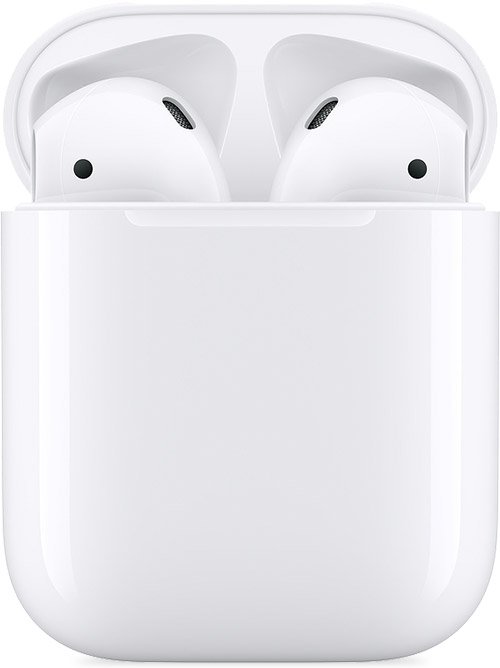
AirPods and charging case


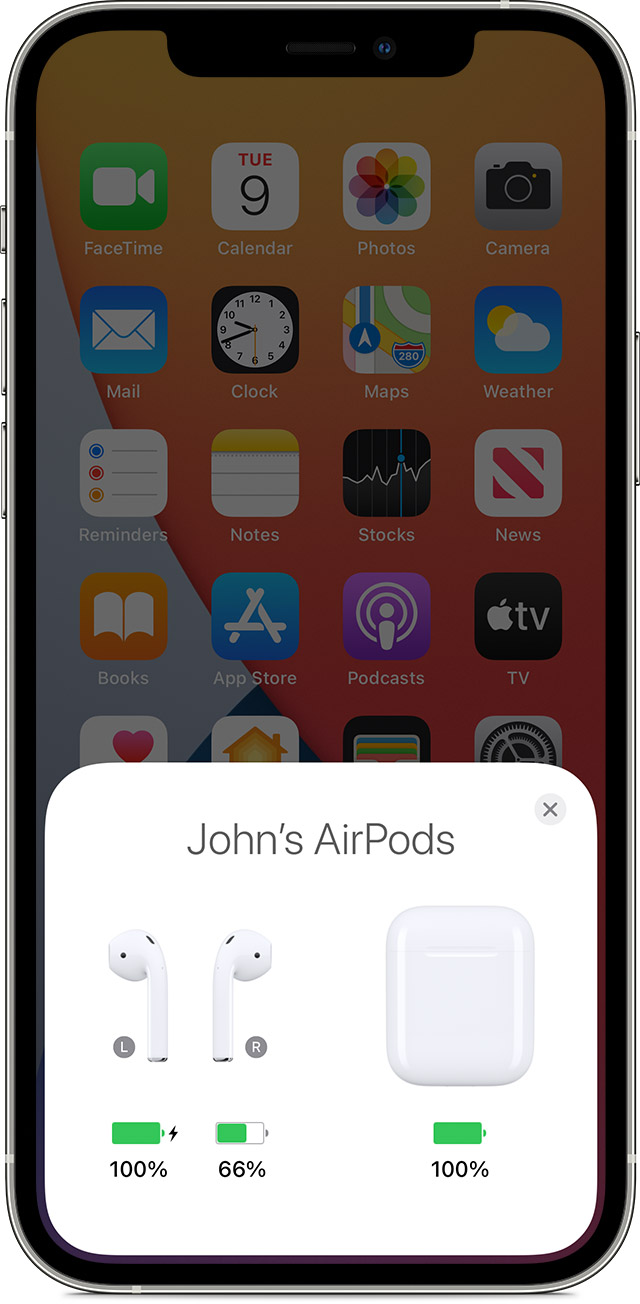
4. Check the charge status on your iPhone or iPad to make sure that each AirPod is charging 

AirPods charging status on your iPhone screen


5. Put both AirPods in your ears.

6. Play audio to test both AirPods.

7. If an AirPod still isn't working, reset your AirPods or contact Apple Support."


You can find these steps along with other information that may be helpful, here: If your left or right AirPod isn't working - Apple Support


If you have followed the steps correctly and you still have the issue, let us know if you get any specific alerts or error messages when trying, as those may help us determine what might be causing the issue.


We also recommend restarting your iPhone and keeping it updated as those steps assure you have cleared out any minor software issues and are running the most current version.


Restart your iPhone - Apple Support

Update your iPhone or iPad - Apple Support


If you still have questions, reach out to Apple Support directly, as this may require closer guidance: Get Support


Cheers!


1 reply
Question marked as Top-ranking reply

Oct 7, 2023 6:14 AM in response to Rob Snow

Hi Rob Snow,


The following steps address what you're describing specifically, and should provide a solution:


"If there's no sound in one AirPod

  1. Make sure that your charging case is fully charged.
  2. Place both AirPods in your charging case and let them charge for 30 seconds.
  3. Open the charging case near your iPhone or iPad.

AirPods and charging case


4. Check the charge status on your iPhone or iPad to make sure that each AirPod is charging 

AirPods charging status on your iPhone screen


5. Put both AirPods in your ears.

6. Play audio to test both AirPods.

7. If an AirPod still isn't working, reset your AirPods or contact Apple Support."


You can find these steps along with other information that may be helpful, here: If your left or right AirPod isn't working - Apple Support


If you have followed the steps correctly and you still have the issue, let us know if you get any specific alerts or error messages when trying, as those may help us determine what might be causing the issue.


We also recommend restarting your iPhone and keeping it updated as those steps assure you have cleared out any minor software issues and are running the most current version.


Restart your iPhone - Apple Support

Update your iPhone or iPad - Apple Support


If you still have questions, reach out to Apple Support directly, as this may require closer guidance: Get Support


Cheers!


This thread has been closed by the system or the community team. You may vote for any posts you find helpful, or search the Community for additional answers.

Left AirPods stopped working?

Welcome to Apple Support Community
A forum where Apple customers help each other with their products. Get started with your Apple Account.