JJGraphics wrote:
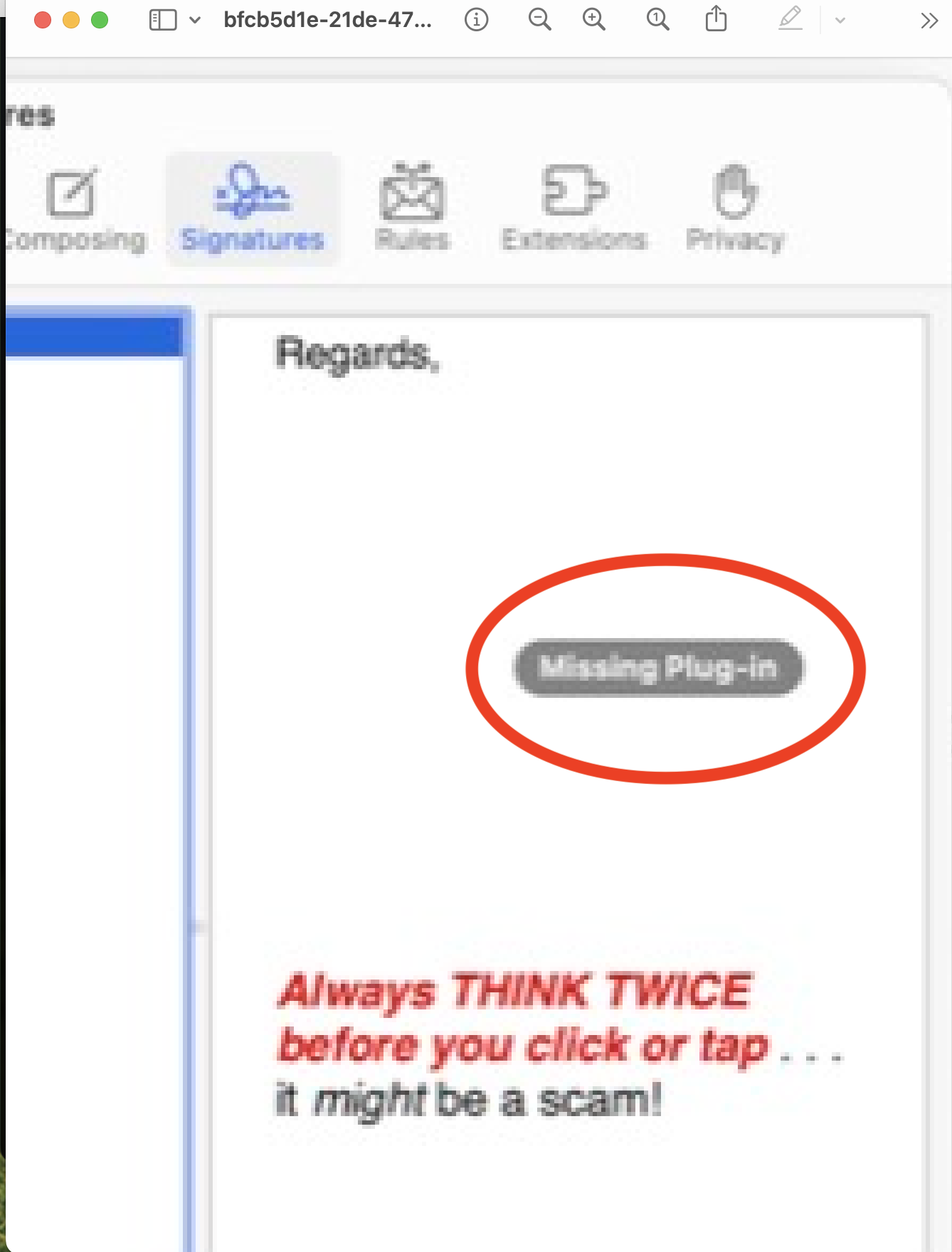
I have just had to have my Mac reformatted by the Genius Bar to resolve issues. Now hen I try to insert an image into a Signature in Mail it shows the text
but the image is replaced by a grey block with the "Missing Plug-in" message.
I have previously used this signature with the image on this machine when it had previously been updated to Sonoma from Ventura.
Anyone any ideas on this?
Mac Mini/Sonoma 14.0
https://discussions.apple.com/content/attachment/bfcb5d1e-21de-4780-a2d0-a28c4230c0d7
You do not say why you had to have your Drive reformatted(?) is there a bigger issue...
Not sure the relevance of the screenshot...
where is the message?
I see now your SS was so tiny I could not read it
Note—None of my 5 signature w/ images have been affected by the Sonoma upgrade...
What I can say— Plug-ins are no longer supported in macOS Sonoma.
The new way is "Extensions" see: Mail>Settings>Extensions
—Delete/ Remove/uninstall any old Plug-ins
—If there is a third party involved look for an update there.
Delete the old signatures and build them back new and compare your results.
ref: Create and use email signatures in Mail on Mac - Apple Support







