
How do I turn off “your face is too close to the screen”
I installed iOS 17 and now it’s there.
iPhone 14, iOS 17
I installed iOS 17 and now it’s there.
iPhone 14, iOS 17
Good Afternoon!
Here is what you should do:
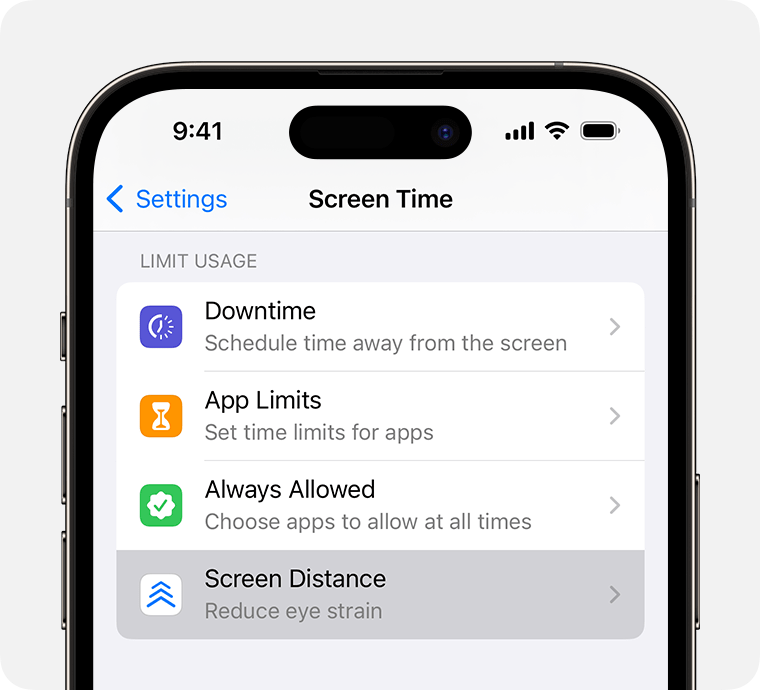
Note: you may be required to enter a screentime password.
Regards,
Bryce
Good Afternoon!
Here is what you should do:
Note: you may be required to enter a screentime password.
Regards,
Bryce
To go to settings
Thank you
It’s annoying
It’s onoiing
That is also the case when people do not read the simple and accurate instructions that have already been posted in a discussion thread.
How do I turn off “your face is too close to the screen”

