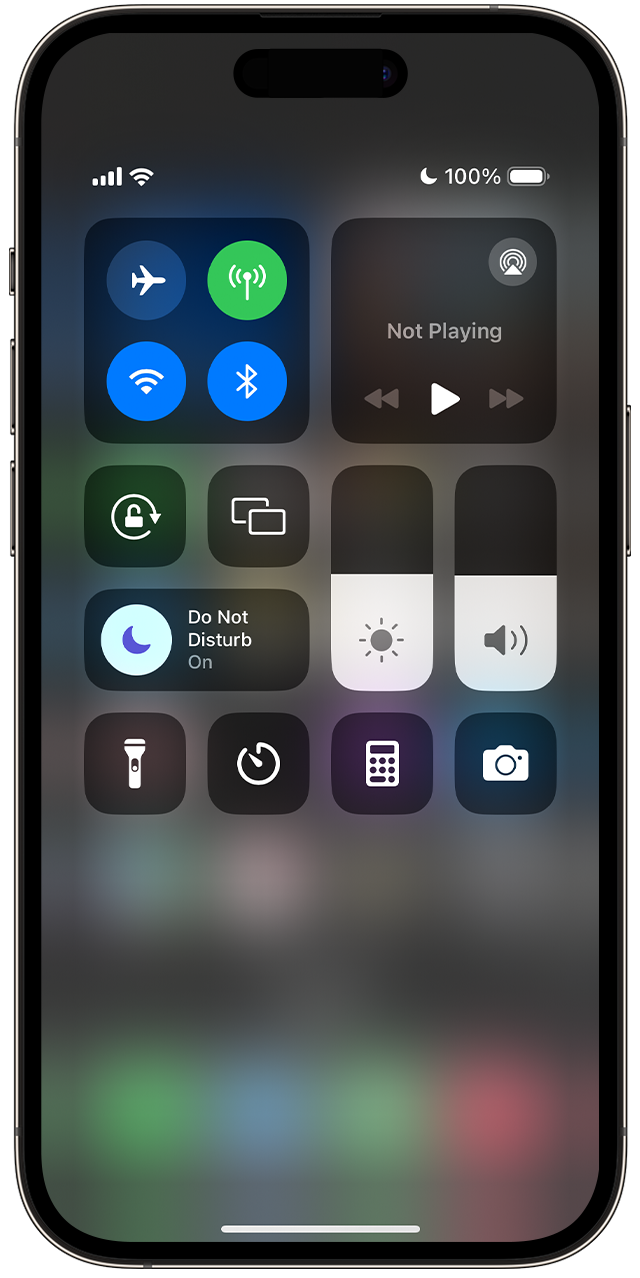
iPhone SE 2022 turned Do Not Disturb(DND)on. It won’t turn off.
I’ve read at least 3 dozen solutions on Apple Discussions, YouTube, etc. NONE of the solutions works on my phone. If I go to Settings>Focus, the first item in the list is Do Not Disturb, but there is no toggle button. I tried all suggestions. Nothing works. If I tap DND, the next screen says “ALLOW NOTIFICATIONS Notifications from selected people and apps will be allowed; all others will be silenced.” Below that, nothing is activated. My phone I just downloaded iOS version 17, but IOS version 16.7 (20H19) is given as my version.
DND was also turned on on my MacBook Air and MacBook Pro. Someone PLEASE HELP. Thank you.
iPhone SE, iOS 16