Hello deflumeri,
We would like to see how we can help you with Facebook not operating as expected. Which web browser are you using when accessing Facebook? Are you seeing this pop-up with any other websites? Follow the steps in this link for help with unexpected pop-ups: Allow or block pop-ups in Safari on Mac - Apple Support
"Allow or block pop-ups on one website
- In the Safari app
 on your Mac, go to the website.
 - Choose Safari > Settings, then click Websites.
- Click Pop-up Windows on the left.
If you don’t see Pop-up Windows, be sure to scroll to the bottom of the list.
4.In the pop-up menu for the website, choose one of the following:
- Allow: Pop-ups for the website appear.
- Block and Notify: Pop-ups for the website don’t appear, but when you visit a website with blocked pop-ups, you can choose to show them by clicking the Show button
 in the Smart Search field.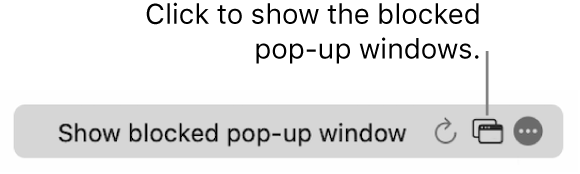
- Block: Pop-ups for the website don’t appear."
Cheers!

