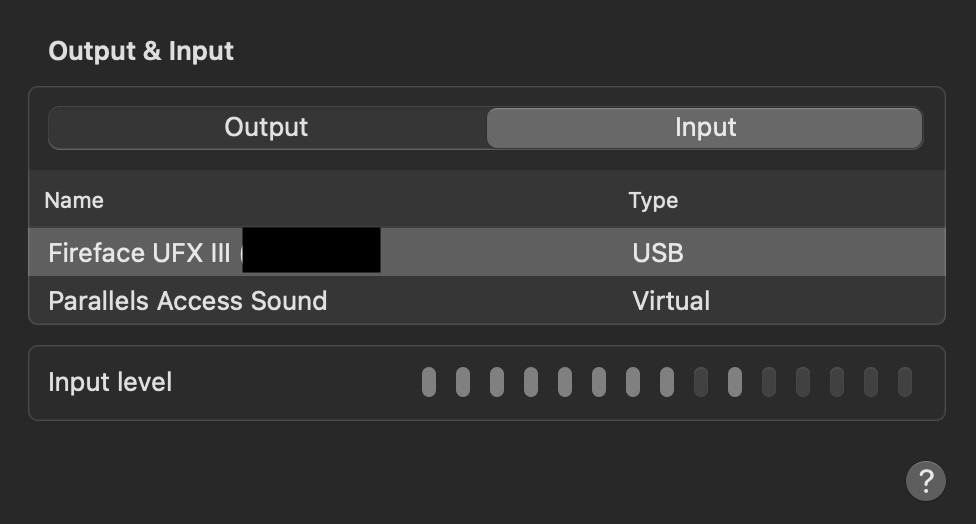
 I'm in the same boat. I'm using an RME audio interface, but still having the same issue. I can see my mic input in the MacOS audio panel. I have no issues recording from the "default mic" using Audacity. I can use a program called Piezo to record audio as well, even the Signal messaging lets me record audio messages without issues. It's just Discord, even after disabling all the possible automatic settings in Discord I still can't get microphone input to work. It's probably worth pointing out that application audio works fine in Discord. If I share my screen with someone I'm in a call with, they can hear the application audio fine. It's very strange indeed.


