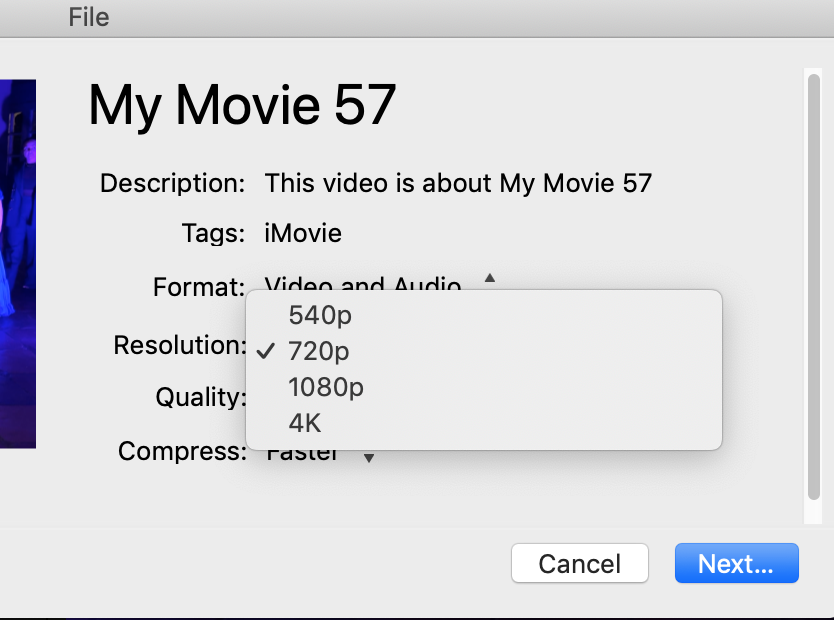
You are getting no 1080 option because the clip or project is not a 1080 project. I get the same thing, as you can see from the below screen shot. 1080 is grayed out because the project is not 1080.

When I export a higher resolution clip or project, I do get the 1080 option:
Click on the settings button above and to the right of the timeline. At the top of the display box that appears you will see the resolution setting of the project.
Regarding the screen shot that you posted, the preview screen display that is shown is displaying a 16:9 video exactly as intended by iMovie. No way to change that, unfortunately. I'm not clear why you believe that that is a problem, as 16:9 is an optimum dimension for viewing on a wide screen.
Lastly, iMovie does not change the resolution of a movie. The resolution that you import is the resolution that you get out, unless you manually change it in the export settings.
-- Rich