
My iPhone has a passcode on it and the screen is broken what can I do
My iPhone named Williams iPhone the screen is broken how can I get my stuff off it to another iPhone
iPhone 6s Plus, iOS 15
My iPhone named Williams iPhone the screen is broken how can I get my stuff off it to another iPhone
iPhone 6s Plus, iOS 15
Hello Wjrydrr,
We would like to see how we can help you with transfering your data to a new iPhone. Is it just a crack on the screen, or is the iPhone unusable? Did you back up your iPhone to iCloud or a computer before the screen broke? If so, just restore from your backup with the steps in this link: Restore your iPhone, iPad, or iPod touch from a backup - Apple Support
"Restore your device from an iCloud backup
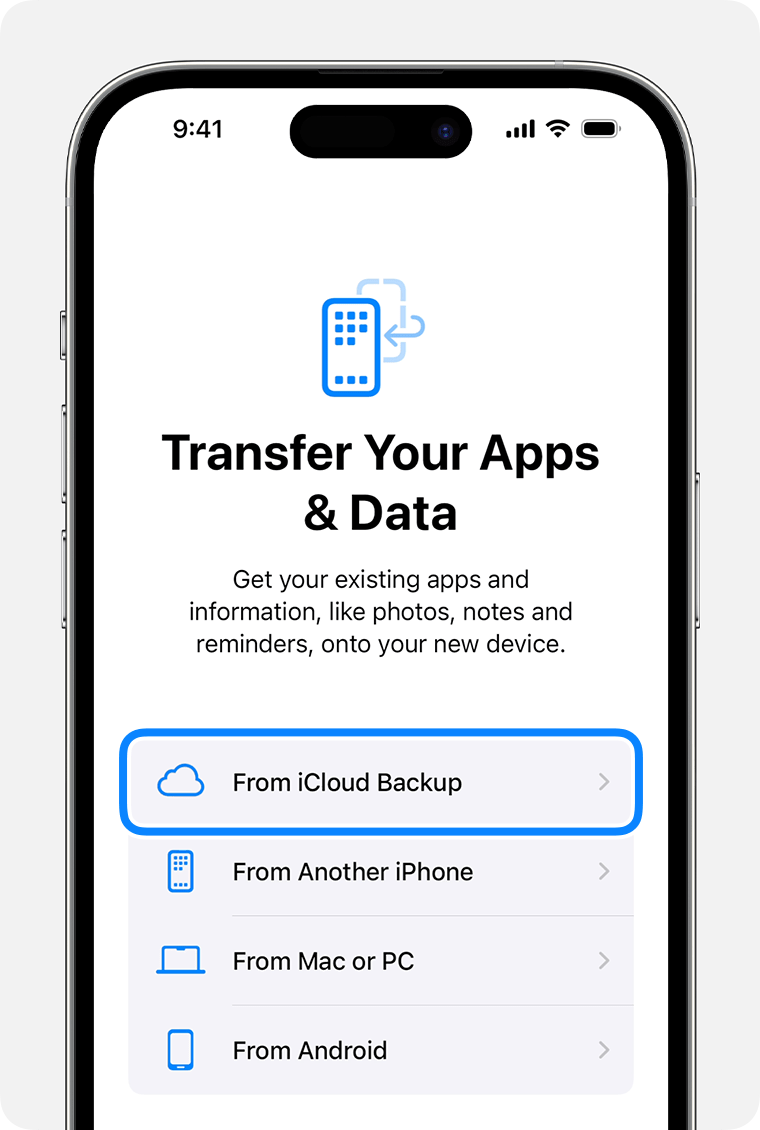
3.Sign in to iCloud with your Apple ID.
4.Choose a backup. Look at the date and size of each and pick the most relevant. After you choose a backup, the transfer starts. If a message says that a newer version of software is required, follow the onscreen steps to update. If you don't see onscreen steps to help you update, learn what to do.
5.When asked, sign in with your Apple ID to restore your apps and purchases. If you've purchased iTunes or App Store content using multiple Apple IDs, you'll be asked to sign in to each. If you can't remember your password, you can tap Skip this Step and sign in later. You won't be able to use the apps until you sign in with your Apple ID.
6.Stay connected to Wi-Fi and wait for a progress bar to appear and complete. Depending on the size of the backup and the network speed, the progress bar might need a few minutes to an hour to complete. If you disconnect from Wi-Fi too soon, the progress will pause until you reconnect.
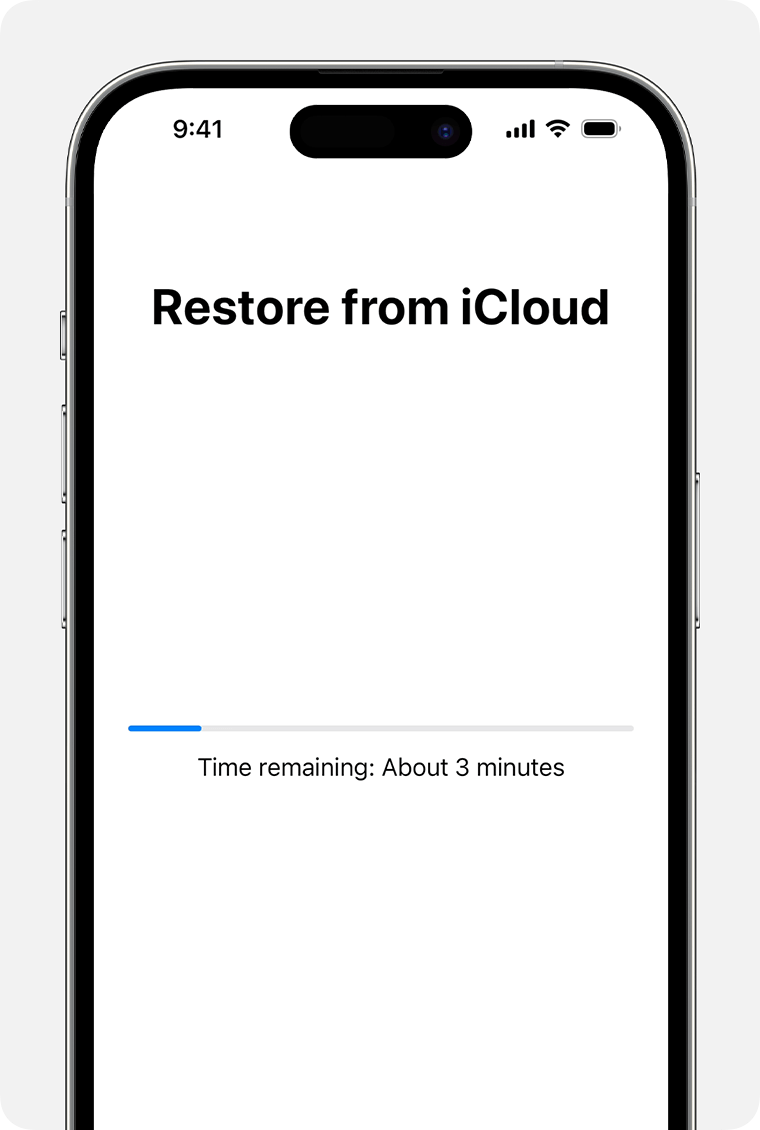
7.Now you can finish setup and enjoy your device. Content like your apps, photos, music, and other information will continue to restore in the background for the next several hours or days, depending on the amount of information there is. Try to connect often to Wi-Fi and power to let the process complete.
Get help with restoring from your iCloud backup.
Restore your device from a backup on your computer
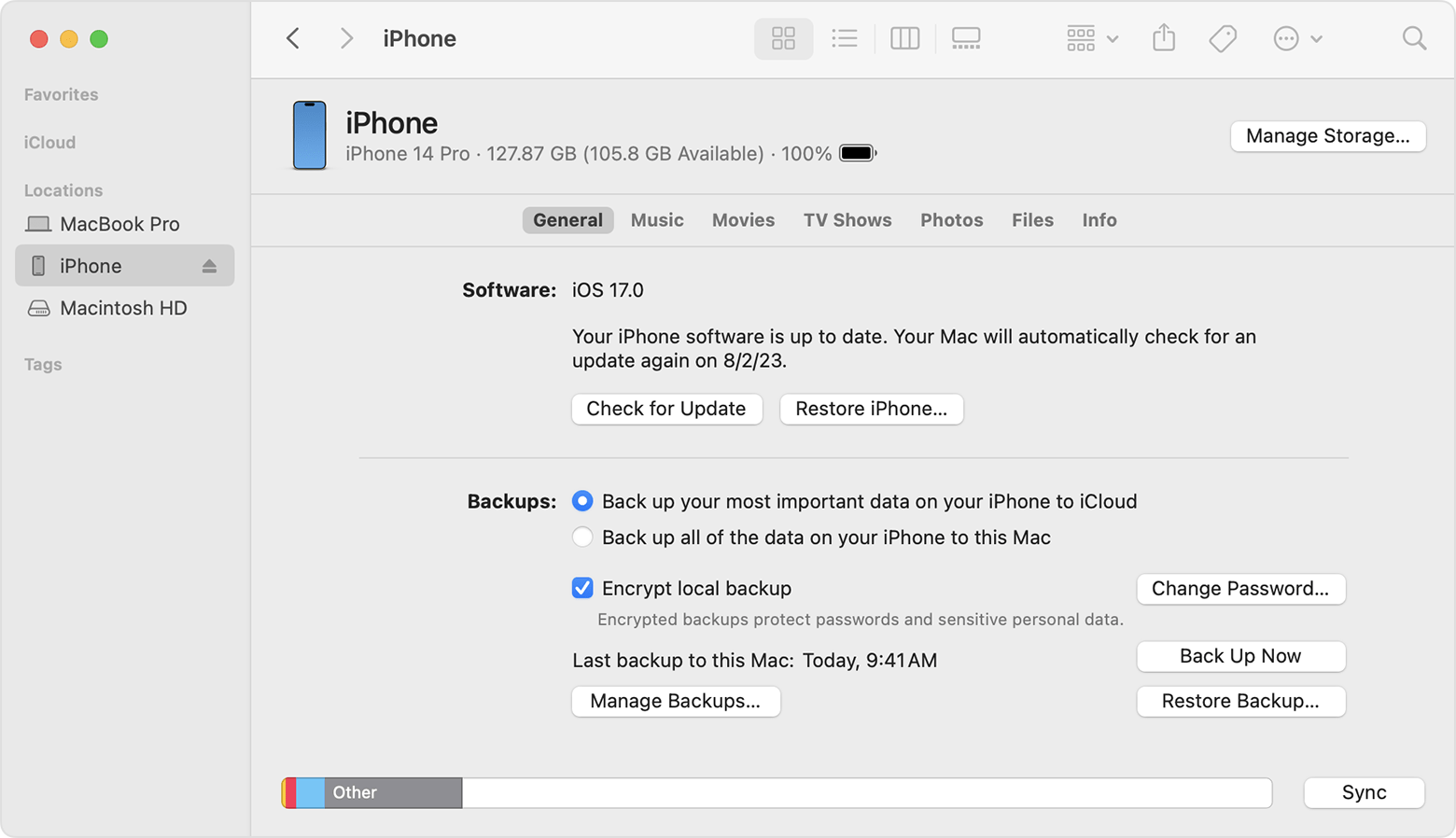
4.Select Restore Backup. Learn what to do if a message says that your device's software is too old.
5.Look at the date of each backup and pick the most relevant.
6.Click Restore and wait for the restore to finish. If asked, enter the password for your encrypted backup.
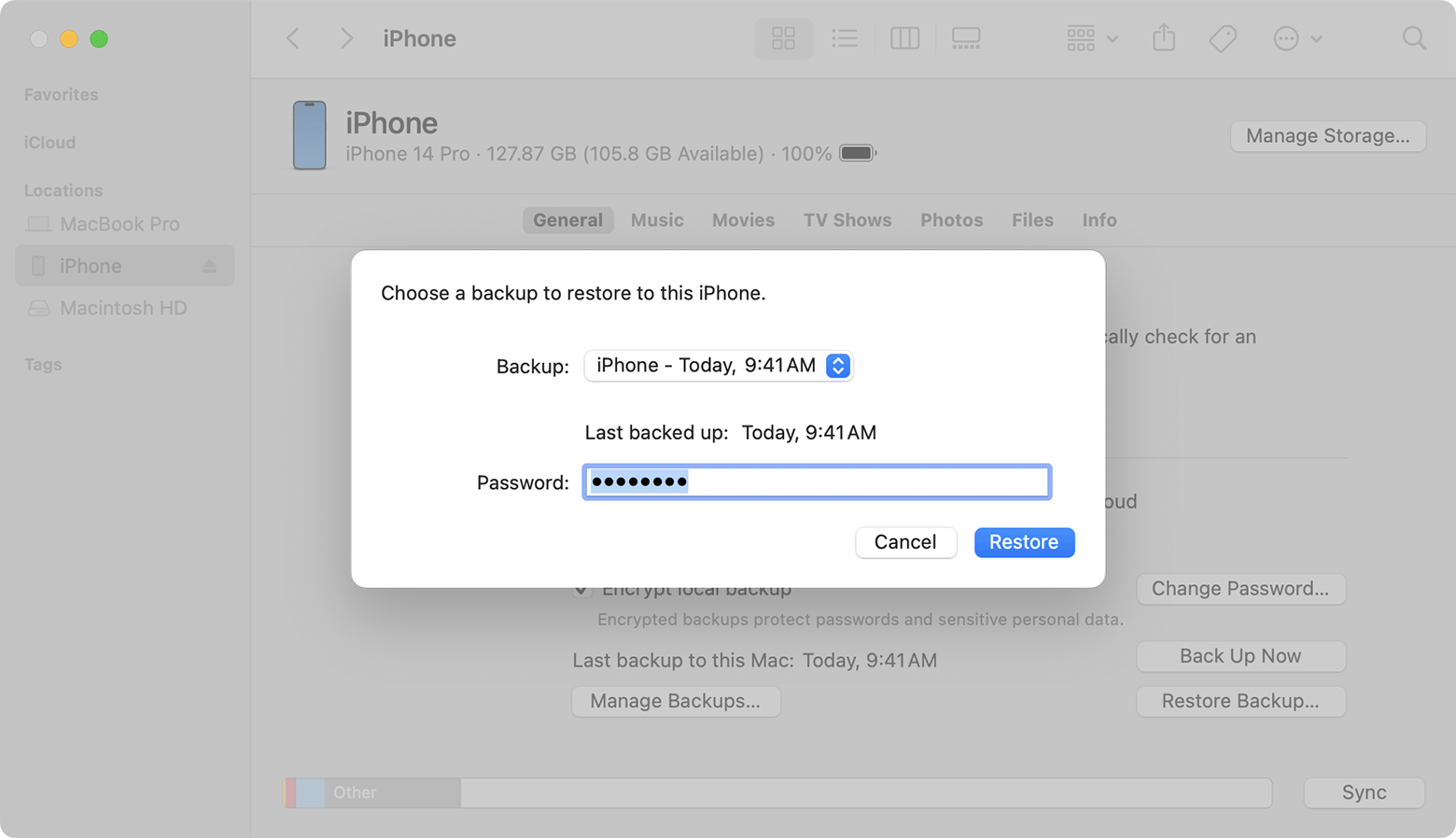
7.Keep your device connected after it restarts and wait for it to sync with your computer. You can disconnect after the sync finishes."
Cheers!
Hello Wjrydrr,
We would like to see how we can help you with transfering your data to a new iPhone. Is it just a crack on the screen, or is the iPhone unusable? Did you back up your iPhone to iCloud or a computer before the screen broke? If so, just restore from your backup with the steps in this link: Restore your iPhone, iPad, or iPod touch from a backup - Apple Support
"Restore your device from an iCloud backup
3.Sign in to iCloud with your Apple ID.
4.Choose a backup. Look at the date and size of each and pick the most relevant. After you choose a backup, the transfer starts. If a message says that a newer version of software is required, follow the onscreen steps to update. If you don't see onscreen steps to help you update, learn what to do.
5.When asked, sign in with your Apple ID to restore your apps and purchases. If you've purchased iTunes or App Store content using multiple Apple IDs, you'll be asked to sign in to each. If you can't remember your password, you can tap Skip this Step and sign in later. You won't be able to use the apps until you sign in with your Apple ID.
6.Stay connected to Wi-Fi and wait for a progress bar to appear and complete. Depending on the size of the backup and the network speed, the progress bar might need a few minutes to an hour to complete. If you disconnect from Wi-Fi too soon, the progress will pause until you reconnect.
7.Now you can finish setup and enjoy your device. Content like your apps, photos, music, and other information will continue to restore in the background for the next several hours or days, depending on the amount of information there is. Try to connect often to Wi-Fi and power to let the process complete.
Get help with restoring from your iCloud backup.
Restore your device from a backup on your computer
4.Select Restore Backup. Learn what to do if a message says that your device's software is too old.
5.Look at the date of each backup and pick the most relevant.
6.Click Restore and wait for the restore to finish. If asked, enter the password for your encrypted backup.
7.Keep your device connected after it restarts and wait for it to sync with your computer. You can disconnect after the sync finishes."
Cheers!
My iPhone has a passcode on it and the screen is broken what can I do

