Hi eneshan53,
It sounds like you're having an issue adjusting the volume on your iPhone. If so, check your change with buttons settings using the steps below found in the article here: Adjust the volume on iPhone - Apple Support
"Adjust the volume on iPhone
When you’re on the phone or listening to songs, movies, or other media on iPhone, you can use the buttons on the side of your device to adjust the audio volume. Otherwise, the buttons control the volume for the ringer, alerts, and other sound effects.
You can also use Siri to turn the volume up or down.
Siri: Say something like: “Turn up the volume” or “Turn down the volume.” Learn how to use Siri.
WARNING: For information about avoiding hearing loss, see Important safety information for iPhone.
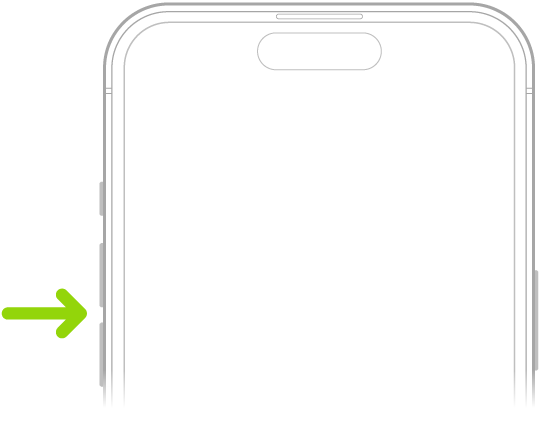
Lock the ringer and alert volumes in Settings
- Go to Settings
 .
. - Tap Sounds & Haptics.
- Turn off Change with Buttons."
If the issue continues after testing with the settings enabled and disabled, disconnect any Bluetooth devices and test. Use Bluetooth and Wi-Fi in Control Center - Apple Support
Should the issue remain, confirm if this occurs in a any app the uses media playback or a specific one.
Cheers.


