I can’t find my AirPods because the link did not connect with Safari

I can’t find my AirPod because the link not Connect With the Safari


[Re-Titled by Moderator]

iPhone 14 Pro Max, iOS 17

Posted on Oct 16, 2023 5:43 PM

Reply
Question marked as Top-ranking reply

Posted on Oct 17, 2023 1:20 PM

Hello Isamaria26,


We would like to see how we can help you with your lost AirPods. Follow the steps in this link and let us know if you have any questions: Find your lost AirPods with Find My - Apple Support

  1. "On your iPhone, open Find My.
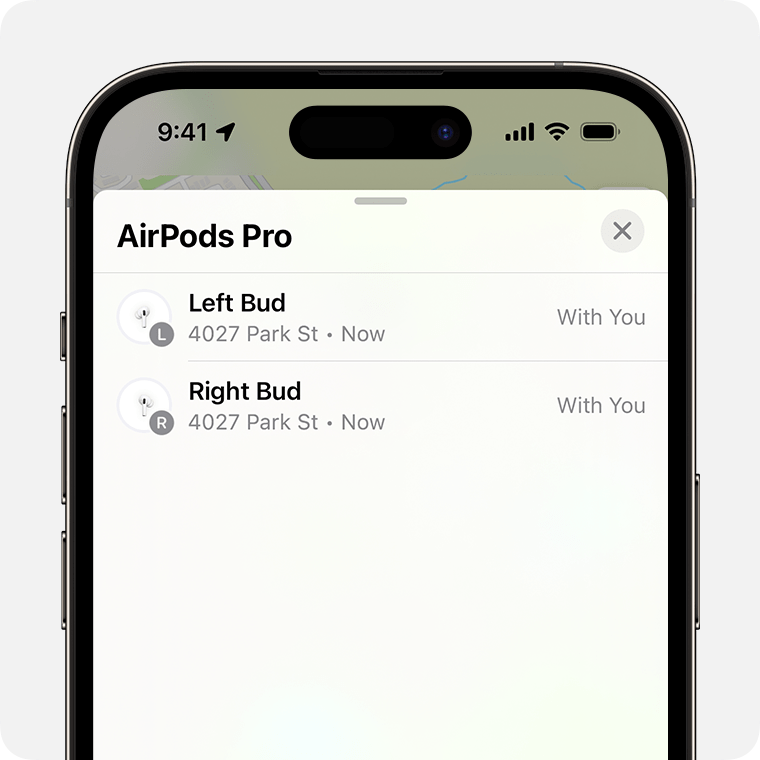
  2. In Devices, choose your AirPods. If your AirPods are out of the case, you might have to pick the left bud or right bud. With AirPods Pro (2nd generation) or later, you can also pick the case.

If your AirPods are separated, choose which bud that you want to find.

3.Find your AirPods on the map.

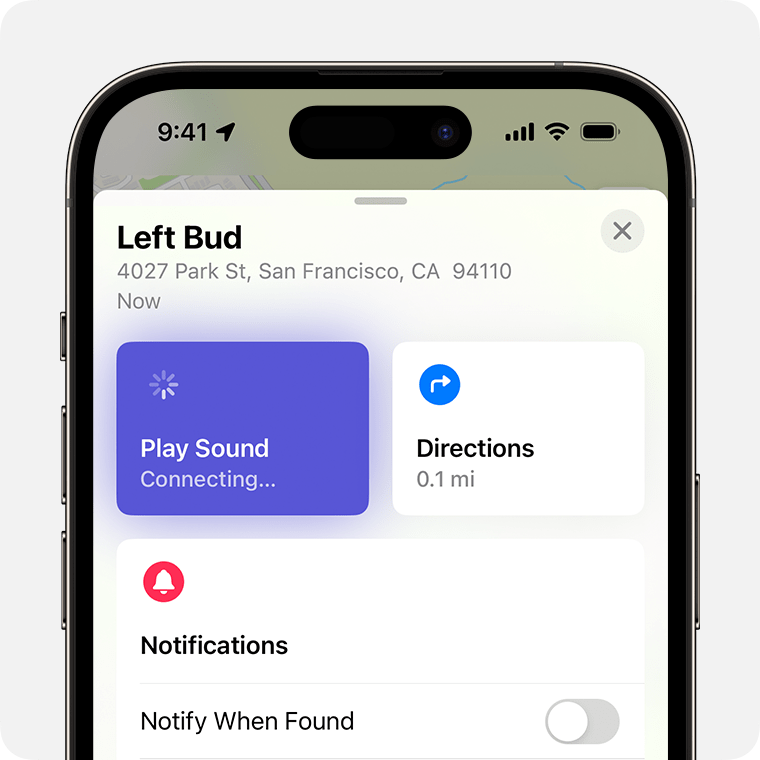
    • When your AirPods are nearby, tap Play Sound and listen for the series of beeps.If they aren't near you, tap Get Directions to open their location in Maps.
    • If you're nearby, tap Play Sound and listen for the series of beeps.
    • Depending on your AirPods and iPhone, you might also see an option to Find Nearby. Tap it, wait for your AirPods to connect to your iPhone, then follow the prompts to find your AirPods.

Your iPhone might take longer than expected to connect to your AirPods to play a sound or find nearby."


Cheers!

1 reply
Question marked as Top-ranking reply

Oct 17, 2023 1:20 PM in response to Isamaria26

Hello Isamaria26,


We would like to see how we can help you with your lost AirPods. Follow the steps in this link and let us know if you have any questions: Find your lost AirPods with Find My - Apple Support


  1. "On your iPhone, open Find My.
  2. In Devices, choose your AirPods. If your AirPods are out of the case, you might have to pick the left bud or right bud. With AirPods Pro (2nd generation) or later, you can also pick the case.

If your AirPods are separated, choose which bud that you want to find.

3.Find your AirPods on the map.

    • When your AirPods are nearby, tap Play Sound and listen for the series of beeps.If they aren't near you, tap Get Directions to open their location in Maps.
    • If you're nearby, tap Play Sound and listen for the series of beeps.
    • Depending on your AirPods and iPhone, you might also see an option to Find Nearby. Tap it, wait for your AirPods to connect to your iPhone, then follow the prompts to find your AirPods.

Your iPhone might take longer than expected to connect to your AirPods to play a sound or find nearby."


Cheers!

This thread has been closed by the system or the community team. You may vote for any posts you find helpful, or search the Community for additional answers.

I can’t find my AirPods because the link did not connect with Safari

Welcome to Apple Support Community
A forum where Apple customers help each other with their products. Get started with your Apple Account.