Was this MacBook Pro a private purchase, or associated with a business or organization?
Or was this Mac a new purchase directly from Apple, or an authorized reseller?
The usual reason for a PIN request is a Mac associated with an organization, or that’s otherwise lost or stolen, or been marked as lost or stolen.
Those cases can display a PIN request.
One of the usual messages for this case: “Enter your system lock PIN code to unlock this Mac." It looks like this:
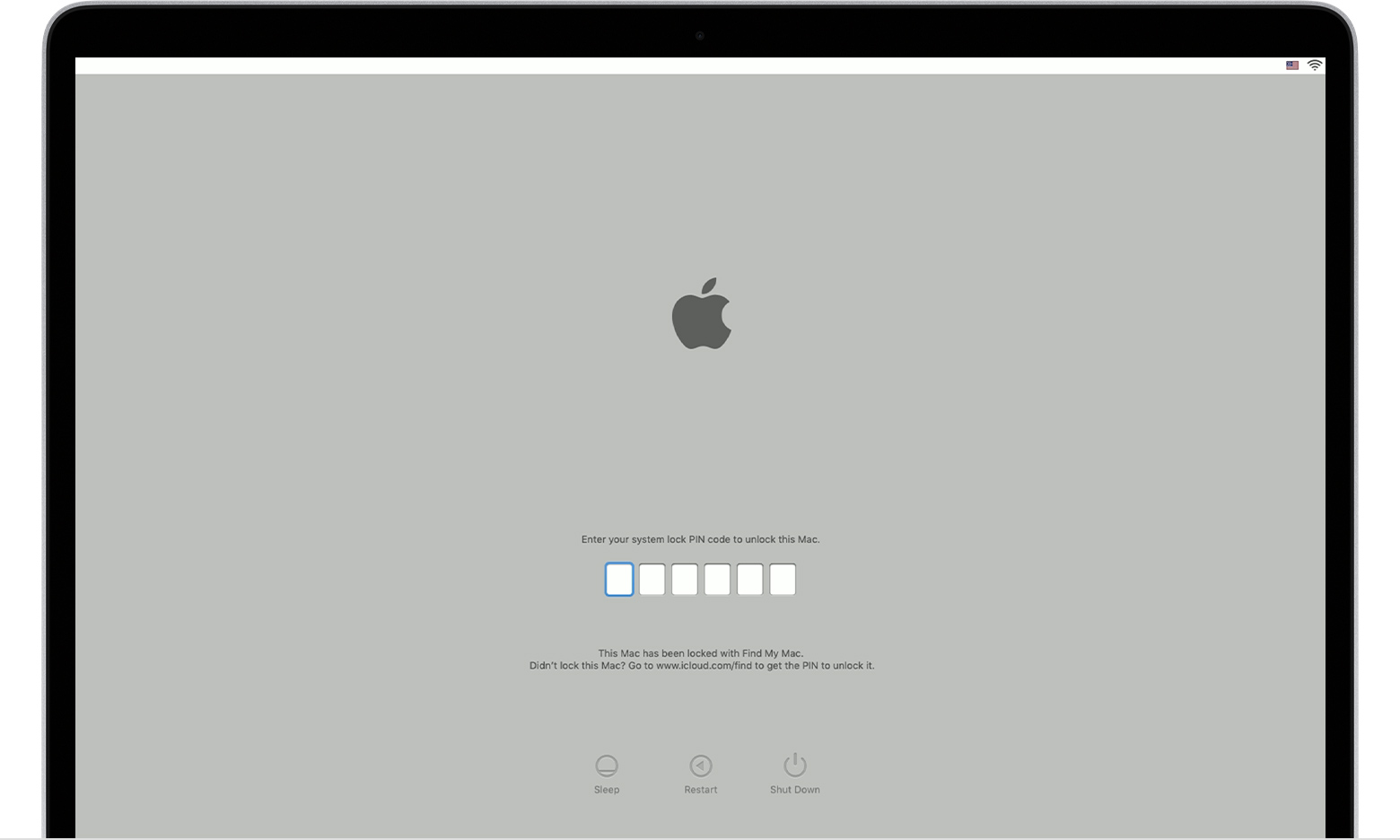
If that is what you are encountering… Per Apple:
If you can't unlock your Mac
After you locate your Mac, you can unlock it by entering the passcode that you created when you locked it with Find My.
If you can't remember that passcode, you have three options:
- Sign in to iCloud.com/find, then select your Mac from the Devices menu. Select Unlock and follow the steps to verify your identity.
- Unlock your Mac from your iPhone, iPad, iPod touch, or Apple Watch using your device passcode.
- Take your Mac to an Apple Authorized Service Provider along with your proof of purchase.


