The weather is not shown in the current location

Series 9 Watch does not show the local weather. All settings are done - ✅ current location , always use the location and so on. In the App on the iPhone 15 everything is set up , too. Really don’t know what else I can do

Apple Watch Series 9, watchOS 10

Posted on Oct 19, 2023 1:35 AM

Reply
Question marked as Top-ranking reply

Posted on Oct 20, 2023 6:48 AM

Hi iuliia164,


It sounds like you're having an issue with the Weather showing correctly on your Apple Watch. If so, on your paired iPhone navigate to Settings > Privacy & Security > Location Services > Weather and test toggling this off or set to 'never' then restart your devices and turn the feature back on to test.


If the issue continues, try retting your location services using the steps below found in the article here: About privacy and Location Services in iOS, iPadOS, and watchOS - Apple Support


"If you would like to reset all of your Location Services settings to the factory default, go to Settings > General > Transfer or Reset [device], tap Reset, then tap Reset Location & Privacy. When your location and privacy settings are reset, apps will stop using your location until you grant them permission.
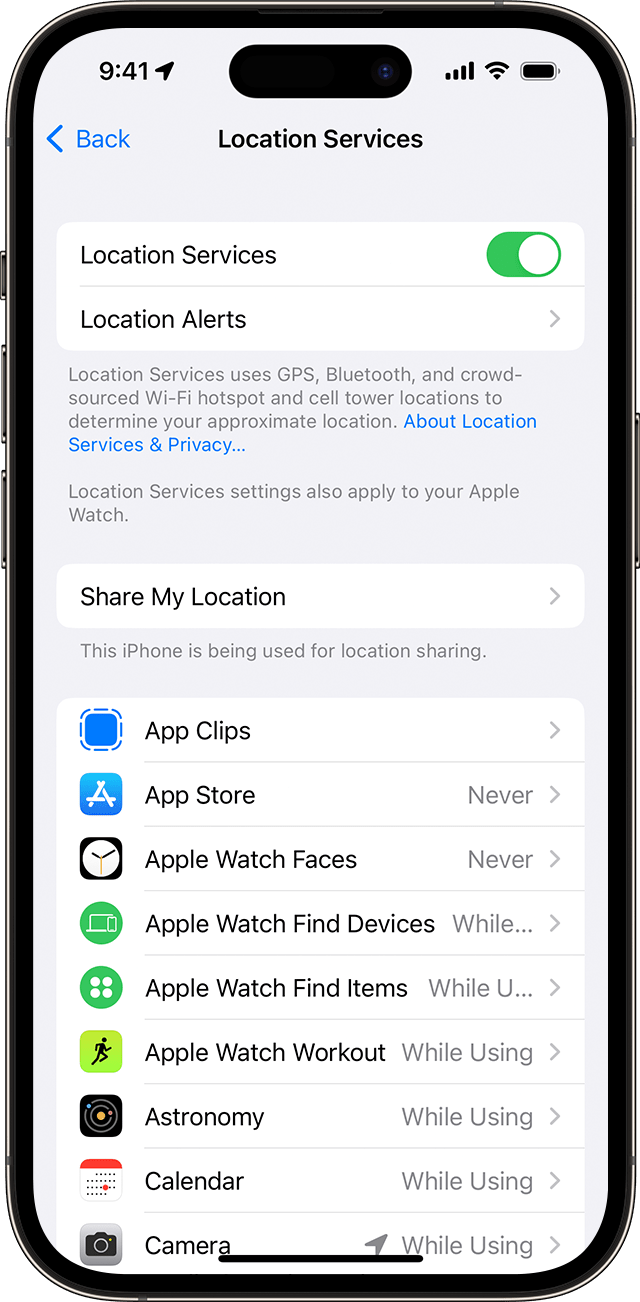
Location Services setting on iPhone 

Settings > Privacy & Security > Location Services.
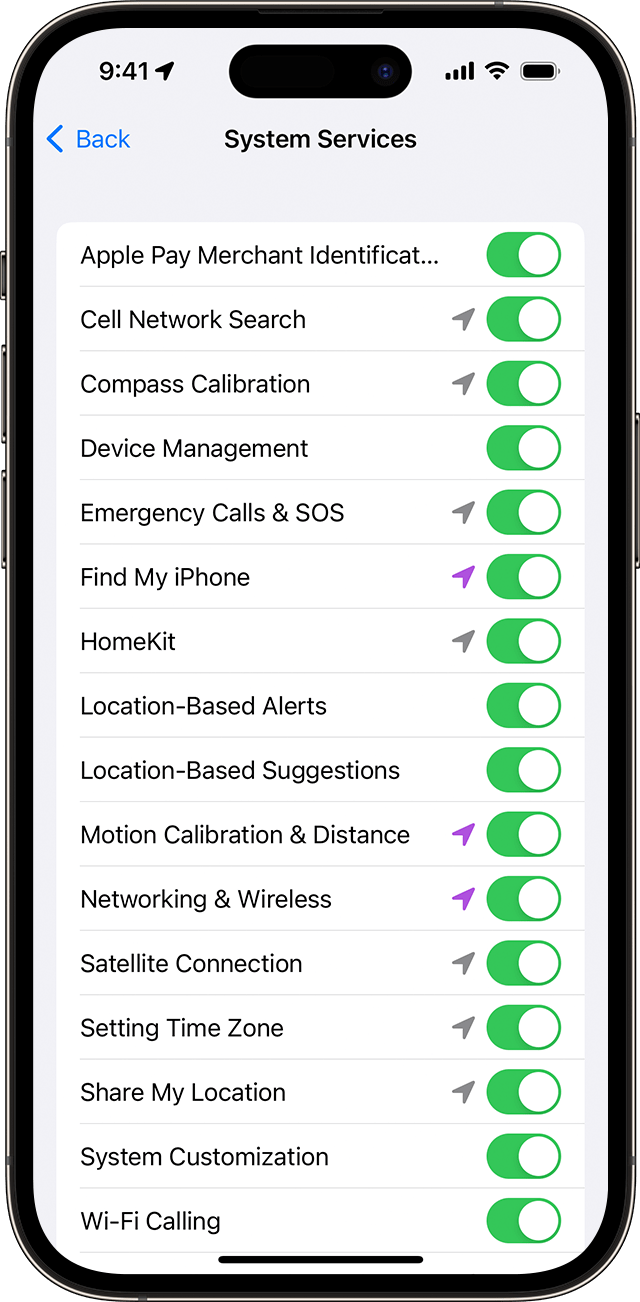

System Services setting on iPhone"


If the issue remains after the reset, reach out to Apple Support directly to report the issue and further assist.

Get Support


Best.

2 replies
Question marked as Top-ranking reply

Oct 20, 2023 6:48 AM in response to iuliia164

Hi iuliia164,


It sounds like you're having an issue with the Weather showing correctly on your Apple Watch. If so, on your paired iPhone navigate to Settings > Privacy & Security > Location Services > Weather and test toggling this off or set to 'never' then restart your devices and turn the feature back on to test.


If the issue continues, try retting your location services using the steps below found in the article here: About privacy and Location Services in iOS, iPadOS, and watchOS - Apple Support


"If you would like to reset all of your Location Services settings to the factory default, go to Settings > General > Transfer or Reset [device], tap Reset, then tap Reset Location & Privacy. When your location and privacy settings are reset, apps will stop using your location until you grant them permission.

Location Services setting on iPhone 

Settings > Privacy & Security > Location Services.


System Services setting on iPhone"


If the issue remains after the reset, reach out to Apple Support directly to report the issue and further assist.

Get Support


Best.

This thread has been closed by the system or the community team. You may vote for any posts you find helpful, or search the Community for additional answers.

The weather is not shown in the current location

Welcome to Apple Support Community
A forum where Apple customers help each other with their products. Get started with your Apple Account.