Greetings Mkychicago,
From your post, you mentioned that your Apple Watch screen turns off unless you tap it again, and you see two cartoonish faces as well. We'd be happy to help out.
It sounds like you may be referring to theater mode, which you can read about here: Use Control Center on Apple Watch - Apple Support
"Use theater mode on Apple Watch
Theater mode prevents the Apple Watch display from turning on when you raise your wrist, so it stays dark. It also turns on silent mode and makes your Walkie-Talkie status unavailable, but you still receive haptic notifications.
Press the side button to open Control Center, tap  , then tap Theater Mode.
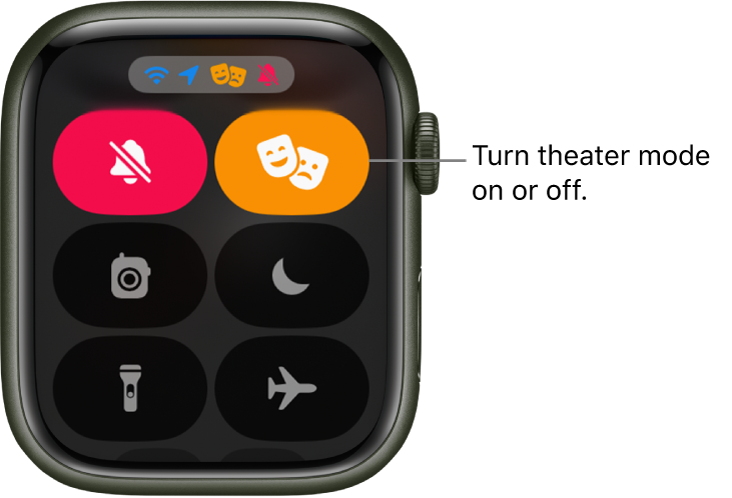
When theater mode is on, you see  at the top of the screen.
To wake Apple Watch when theater mode is on, tap the display, press the Digital Crown or side button, or turn the Digital Crown."
Let us know if that helps.
Thanks for posting in Apple Support Communities.
Take care.


