Apple Tv Music lyrics

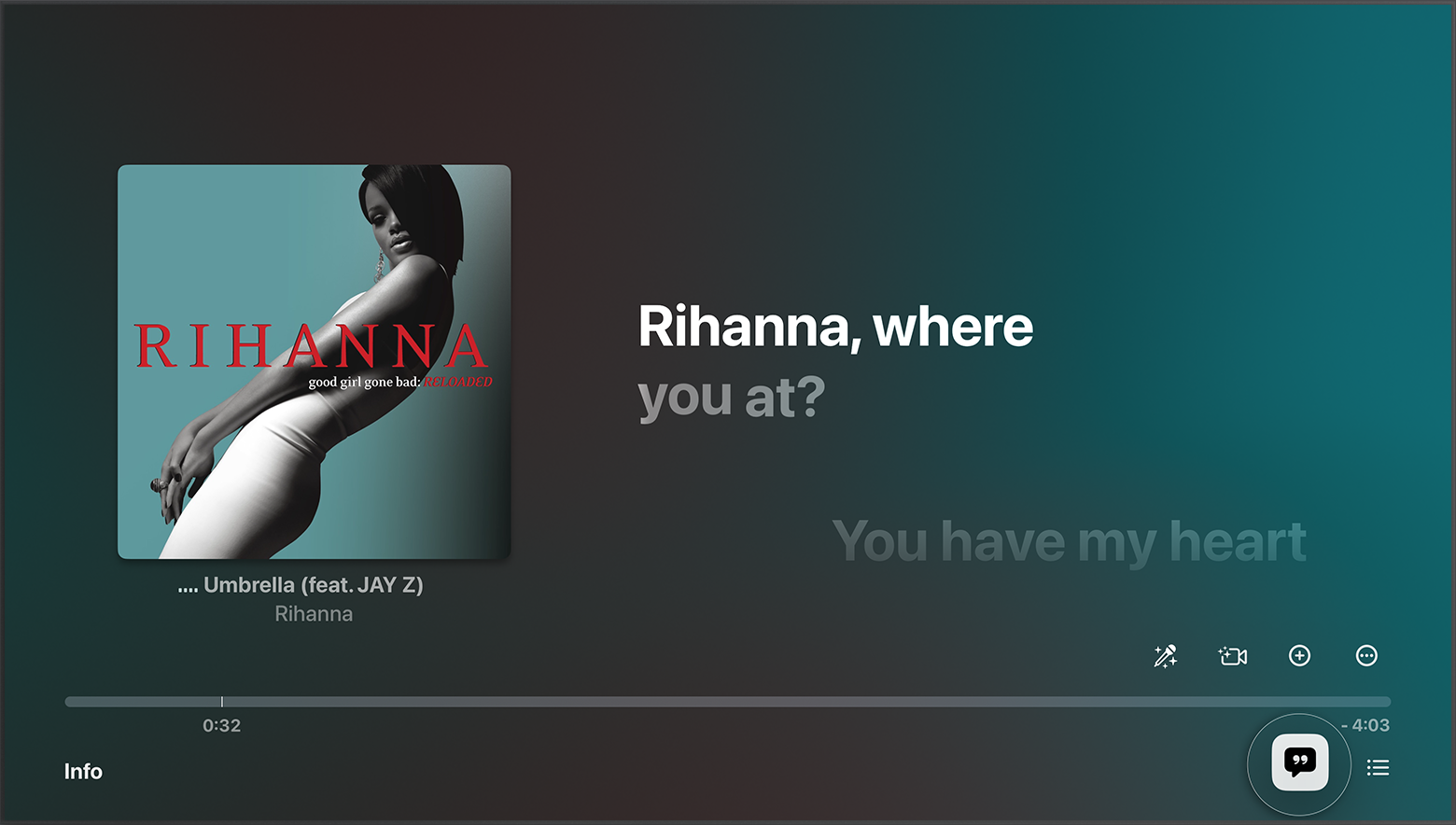
When listening to music with lyrics displayed, after about a minute, the lyrics will disappear; the only way to get the lyrics back is by clicking the back button on the Apple TV remote. Is there a way to constantly view the lyrics? I have an Apple Music subscription, and the songs I listen to have lyrics supported.

Apple TV 4K (3rd generation)

Posted on Oct 19, 2023 6:35 PM

Reply
1 reply

Oct 20, 2023 1:55 PM in response to BaconLies

Hi BaconLies,


We'd recommend taking a look at the Apple Music features in the article below. You have options to show or hide lyrics and also adjust the vocals if desired.


How to see lyrics on your Apple TV
1. Open the Apple Music app.
2. Play a song from the Apple Music catalog.
3. To show or hide time-synced lyrics, select Lyrics the Lyrics button at the bottom of the screen. Don't see the Lyrics button?
4. Apple TV showing lyrics for a song that's playing on the screen with the lyrics button selected
If you don't see lyrics on your Apple TV
If you don't see the Lyrics button the Lyrics button, time-synced lyrics aren't available for that song.
If time-synced lyrics aren’t available, you might be able to see the full lyrics.
1. Play a song from the Apple Music catalog.
2. At the bottom of your screen, select More the More button.
3. Select View Full Lyrics.


Cheers!

This thread has been closed by the system or the community team. You may vote for any posts you find helpful, or search the Community for additional answers.

Apple Tv Music lyrics

Welcome to Apple Support Community
A forum where Apple customers help each other with their products. Get started with your Apple Account.