
link to a PowerPoint on a iMessage
How do you send a message with an attachment
iMac 21.5″ 4K, macOS 13.5
How do you send a message with an attachment
iMac 21.5″ 4K, macOS 13.5
Hello Flying_alpaca_,
Thank you for reaching out to Apple Support Communities.
These steps will guide you on sharing via iMessage:
"Send a message on Mac
Messages on Mac don’t have to be boring. After you set up your Mac, you can send messages to one person, a group of people, or a business and include text, photos, animated effects, and more. You can express yourself in all sorts of ways:
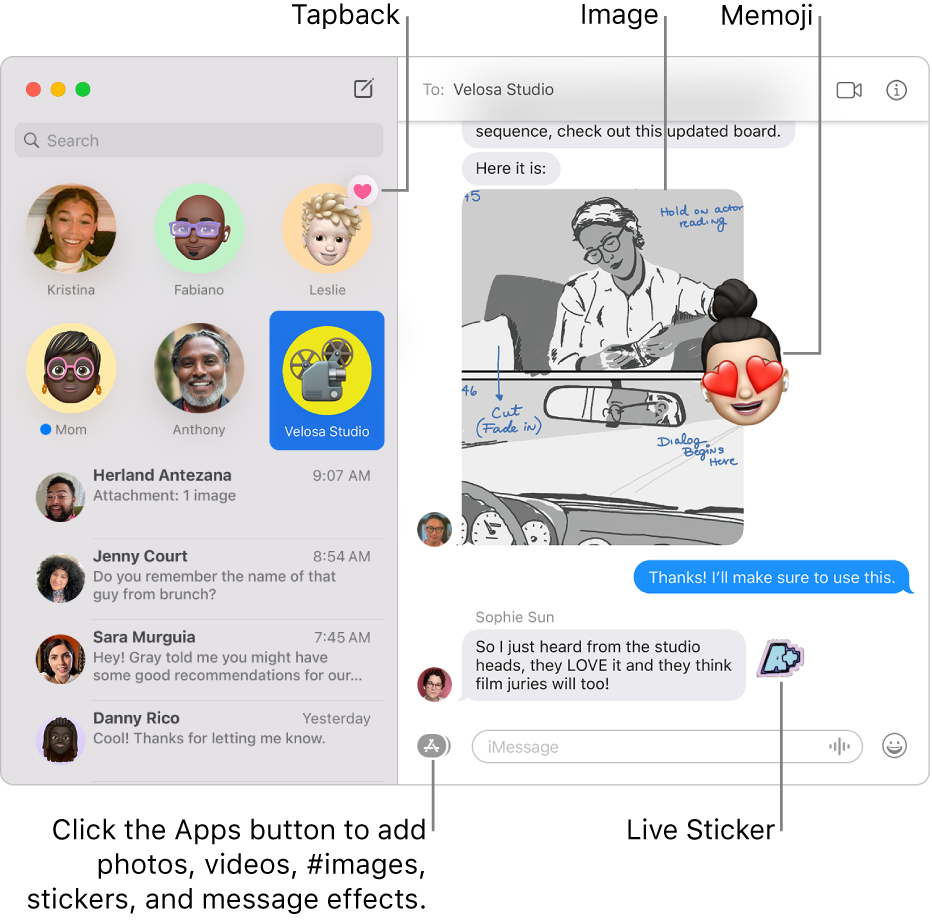
 on your Mac, click the Compose button
  to start a new message (or use the Touch Bar).
 or from people you’ve previously sent messages to.
You can also click the Add button  to the right of the To field. Click a contact in the list, then click the email address or phone number.
Note: If you’re restricted to sending and receiving messages with only certain people, an hourglass icon  appears next to those people you can’t send messages to.
3.Enter your message in the field at the bottom of the window. You can use typing suggestions, if available.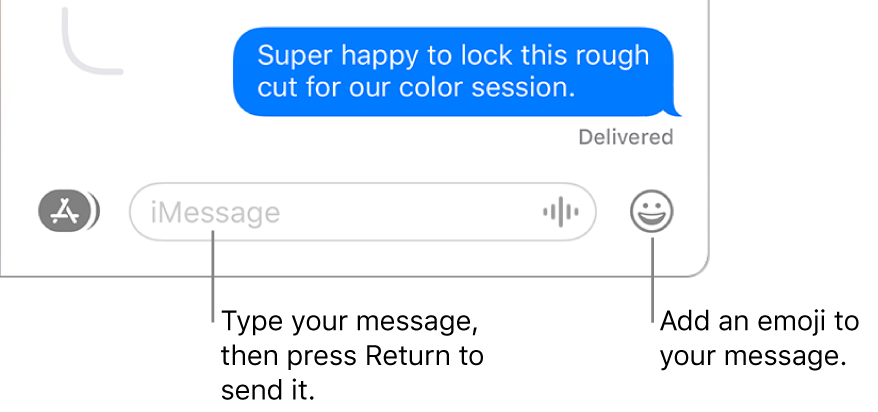
Siri: Say something like: “Message Mom that I’ll be late.” Learn how to use Siri.
4.Press Return on your keyboard or click the Send button to send the message."
Additional details can be found here: Send a message on Mac
If the issue persists, can you provide a few more details? What happens when you attempt to share via iMessage?
Cheers!
link to a PowerPoint on a iMessage

