Sound reduction in Transparency mode

How can I turn off loud sound reduction in transparency mode on my AirPod Pro II's?

When I am having a conversation with someone outdoors and the wind blows, my Airpod Pro II's reduce the sound by a lot for a few seconds. This means that I can't hear the person that I am talking to and I must ask them to repeat an entire sentence. Please help as this is quite annoying and I can't figure it out.

iPhone 13 Pro

Posted on Oct 24, 2023 2:48 PM

Reply

Similar questions

3 replies

Oct 25, 2023 12:35 PM in response to Darstev

Hi Darstev,


This resource has steps on how to switch between noise control modes: Switch between noise control modes

1. Wear one or both AirPods, and make sure they’re connected to your device.
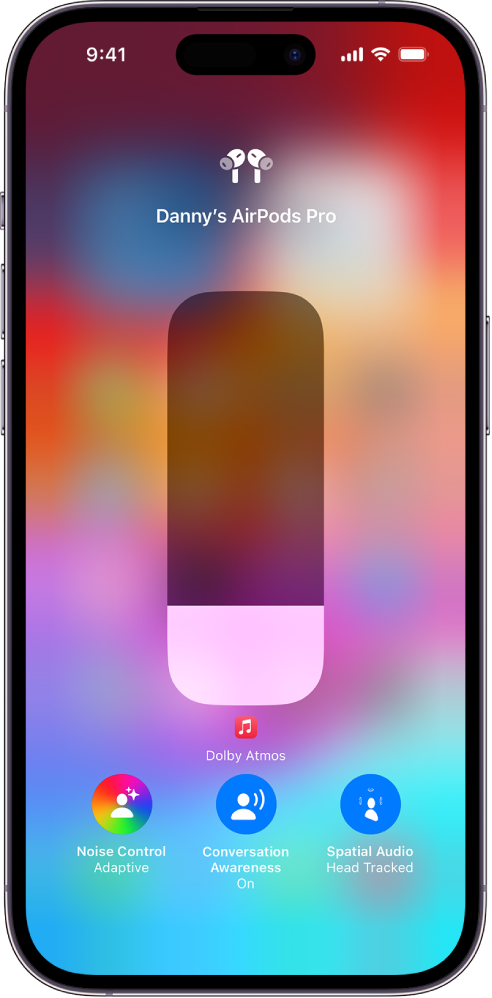
2. Open Control Center, then touch and hold the volume control.
3. Tap the Noise Control button at the bottom left, then choose a noise control mode.
The volume screen in Control Center showing the volume level for AirPods Max. Below the volume indicator, the noise cancellation options are showing. The options from left to right are Noise Cancellation, Off, and Transparency.

You can customize which sounds come through when you use Transparency mode. Here's how: Customize Transparency mode for AirPods Pro (all generations)


If needed, there's additional information here: AirPods User Guide


Regards.

Oct 25, 2023 5:15 PM in response to Darstev

Darstev, Since the previous troubleshooting steps did not resolve your issue, we recommend that you contact Apple Support directly so that they can work with you to find a solution. You can reach them by clicking here: Apple Support or calling the most local number in your region: Contact Apple for support and service. Thank you for participating in the Apple Support Communities. Cheers!

Oct 25, 2023 5:07 PM in response to MVegas21

Thank you MVegas 21 for your quick reply.


Perhaps I should have included more descriptive information.

I use Conversation Boost, in Transparency Mode. I have tried various settings in Ambient Noise reduction.

I am fairly fluent in all of the sound settings (and have tried everything whether it made sense or not).

In case it is important, you should know that I entered a recent Audiogram to correct for some hearing loss.


In a nutshell, if you put in your Earpods, NO MATTER WHAT YOUR SETTINGS ARE, and blow a car horn while speaking to someone, your Airpods will squelch ALL SOUNDS for a couple of seconds.

This is probably to avoid ear damage.


How do I turn this 'Feature" off?

This thread has been closed by the system or the community team. You may vote for any posts you find helpful, or search the Community for additional answers.

Sound reduction in Transparency mode

Welcome to Apple Support Community
A forum where Apple customers help each other with their products. Get started with your Apple Account.