
Settings on Apple Watch
In trying to set complications on my Apple watch, the watch screen flipped upside down. How do I restore it to the proper orientation?
Apple Watch SE
In trying to set complications on my Apple watch, the watch screen flipped upside down. How do I restore it to the proper orientation?
Apple Watch SE
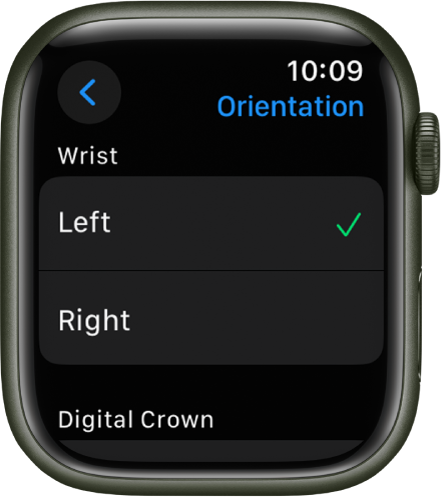
Double check that you have the orientation set correctly as shown below:
 on your Apple Watch.
You can also open the Apple Watch app on your iPhone, tap My Watch, then go to General > Watch Orientation.
Axel F.
Double check that you have the orientation set correctly as shown below:
on your Apple Watch.You can also open the Apple Watch app on your iPhone, tap My Watch, then go to General > Watch Orientation.
Axel F.
Settings on Apple Watch
