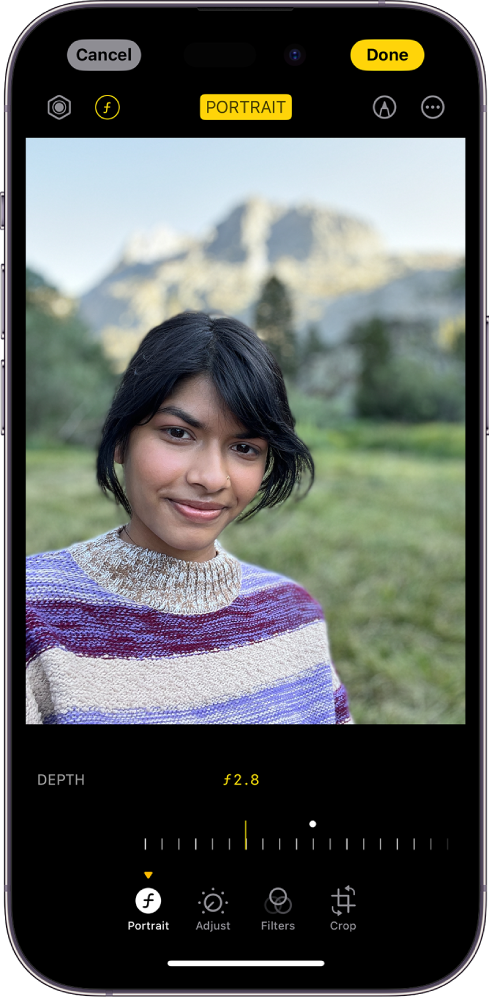
FWIW—I realize this is an older thread, but I am having identical and frustrating issues. I am currently using an iPhone 15 Pro and on the phone all the portrait features work fine, but I AirDropped them to my computer, imported them into photos, and even though they are labeled as Portraits and categorized as such, none of the Portrait editing options show up. When I scroll back to find pictures that I took in 2021 with my iPhone 11 Pro however, all of those portrait photos are acting normally on the Mac and the editing functions appear.
On the phone, under the Photo setting the compatibility type was set to Automatic, which imported HEIC content. I tried another AirDrop after I switched it to use Original Resolution which still transferred as HEIC, but still no success.
Then, for the non-working HEIC photos that I imported into the Mac, I used Photos and Exported them to my Desktop as JPEG’s at Full Size/Original Resolution and re-imported them back into Photos. Now THOSE JPEGs show the Portrait edit features, although the Light option is dimmed. Plus the files went from (1 example) 1.1MB HEIC’s to 9.1MB JPEG’s which is a monstrous amount of data change. Really bizarre stuff…
BTW, the older 2021 Portraits from my 11 Pro are in both HEIC and JPEG formats, and they have all Portrait editing features including the Light option.
FINAL “IT WORKED” P.S.—-I then put the phone Photo setting back to Automatic, deleted all the problematic photos from the Mac Photos app, quit and restarted the app. Plugged the phone directly into the Mac, opened Photos on Mac, imported them once again……..and now they are working correctly and are small HEIC files! When I chose Edit it actually showed a large, rapidly-filling “pie-filling” icon which took about 2 seconds and then all the Portrait editing features popped up (except Lighting). So strange….maybe Intel vs. Apple Silicon? I’m using a 2.9Mhz I9 processor on a 2018 MacBook Pro. In any case, for my system it appears that AirDrop is not the way to transfer Portraits; the phone needs to be plugged in which is just silly.





 , then drag
  to choose a lighting effect.