Good morning everyone.
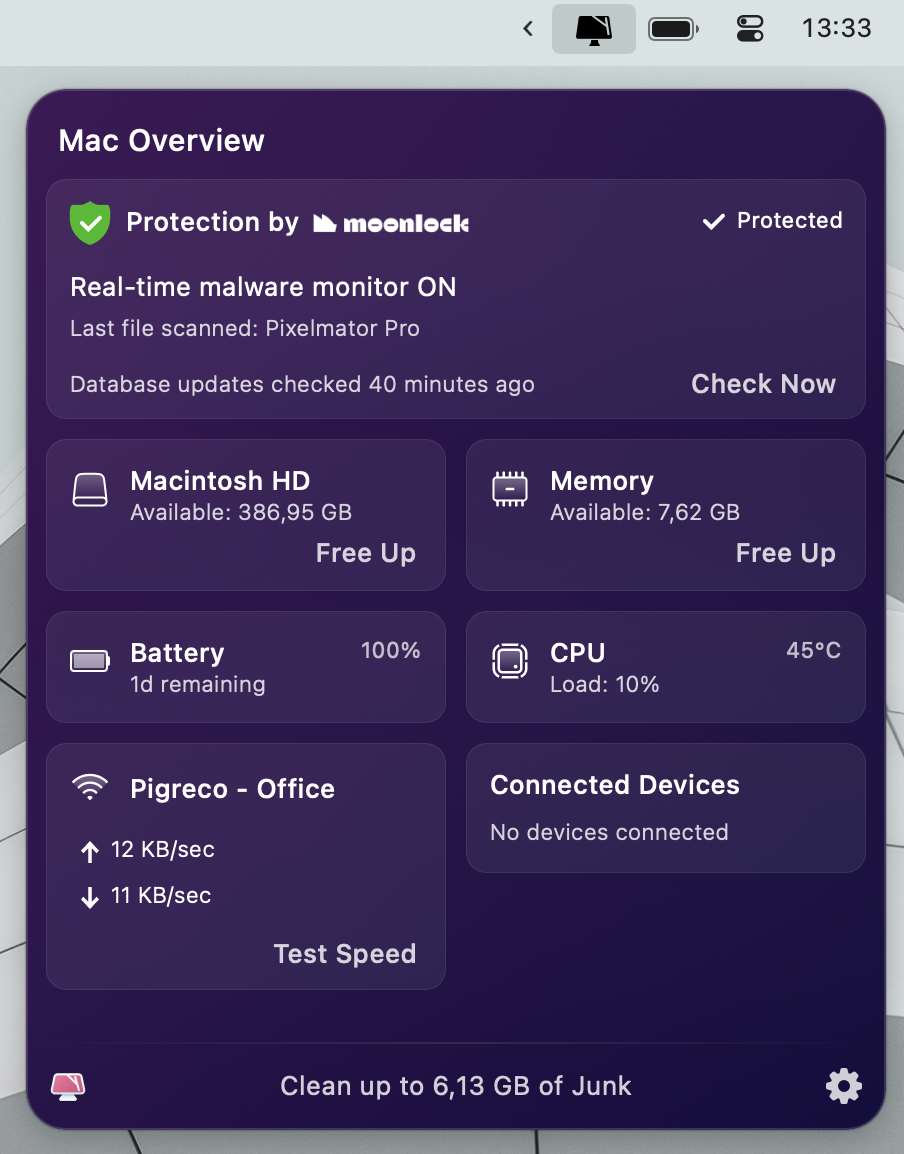
I hope these suggestions can help you optimize battery life, and I have reached 24 hours of autonomy (see attached screenshots) while connected to Wi-Fi.
By working on battery optimization (which is very important to me, more so than performance), I have achieved consumption between 3.5 and 5 watts. What did I do?
- Activated power saving mode whenever I’m not plugged into a power outlet
- Installed Al Dente Pro to increase battery lifespan and monitor instant consumption. Specifically, I set the maximum charge to 75%, enabled sailing mode from 50%, and disabled charging when the battery exceeds 35°C to increase battery duration. I charge the Mac to 100% only if I know I will be out for work and won’t have a power outlet at hand
- Used Activity Monitor to identify what consumed the most
- Removed all energy-hungry applications like Google Drive and Chrome. The only one I can’t eliminate is Edge; Safari is unbearable
- Activated Edge’s power saving mode
- In Edge, I only installed the strictly necessary extensions: Wappalyzer (the one that consumes the most), 1Password, AdBlock, Awesome Screen Recorder
- Avoided installing applications that required Rosetta (make sure in Activity Monitor, under the Kind column, everything is "Apple")
- Disabled Siri
- Replaced Spotlight with Raycast
- Kept screen brightness between 40% and 75%
- Background applications: CleanMyMac, Bartender, AlDentePro, Yoink, 1Password, Mosaic, Raycast
- Static wallpaper and screensaver
My usage is that of an executive dealing with sales and business plan creation: typically, I have thirty Edge tabs open and make extensive use of Google Sheets and Google Docs (I don’t use Microsoft or Apple’s office suites), ChatGPT, Midjourney, and other corporate web apps. Occasionally, I engage in video editing, photo editing, and web programming as needed. Nothing extraordinary.
Notes:
- Using Safari (without having Edge installed), I can achieve up to 28 hours of autonomy, but since I can't use it well, I preferred to give up a few hours of battery life and install Edge
- For those using CleanMyMac, it's possible to further reduce battery usage by disabling malware protection, notifications, and any periodic scans to disable the "CleanMyMac X HealthMonitor" process. I haven’t done this myself
- Unfortunately, very few apps are compatible with "App Nap"; currently, no process on my system supports it, which is quite annoying
- iCloud and various synchronizations with Apple services remain active, along with Geolocation, Find My, Private Relay, Advanced Data Protection, File Vault, AirDrop
My Mac:
- Model Name: MacBook Pro
- Model Identifier: Mac15,6
- Model Number: MRX33T/A
- Chip: Apple M3 Pro
- Total Number of Cores: 11 (5 performance and 6 efficiency)
- Memory: 18 GB
- macOS Sonoma 14.5
I hope this has been helpful.