
Ultra watch Concerns
Why wont my apple ultra watch turn on after swimming
Why wont my apple ultra watch turn on after swimming
Follow the steps listed in How to use Water Lock and eject water from your Apple Watch.
How to turn off Water Lock and eject water
With Water Lock turned on, press and hold* the Digital Crown on the side of your Apple Watch until the display says Unlocked. A series of tones plays to clear any water that remains in the speaker, and then you can use your display as usual.
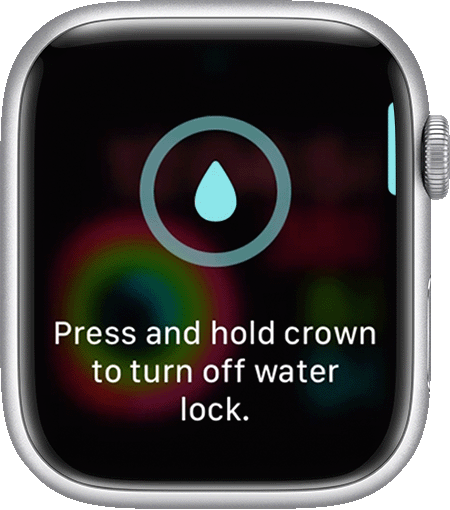 * If your Apple Watch has watchOS 8 or earlier, rotate the Digital Crown instead of pressing it.
If those steps are not working, try to Restart Apple Watch.
If a restart doesn't help be sure to
Contact Apple Support
Need more help? Save time by starting your support request online and we'll connect you to an expert.
Ultra watch Concerns
