
How to remove Apple Pencil?
I broke my I pencil, I need to, delete it
[Re-Titled by Moderator]
I broke my I pencil, I need to, delete it
[Re-Titled by Moderator]
From iPad settings:
Settings > Bluetooth > [My Devices] Apple Pencil - tap the blue ℹ️ icon - then tap Forget This Device
From iPad settings:
Settings > Bluetooth > [My Devices] Apple Pencil - tap the blue ℹ️ icon - then tap Forget This Device
If you can't pair Apple Pencil with your iPad
Learn what to do if you can't pair your Apple Pencil.
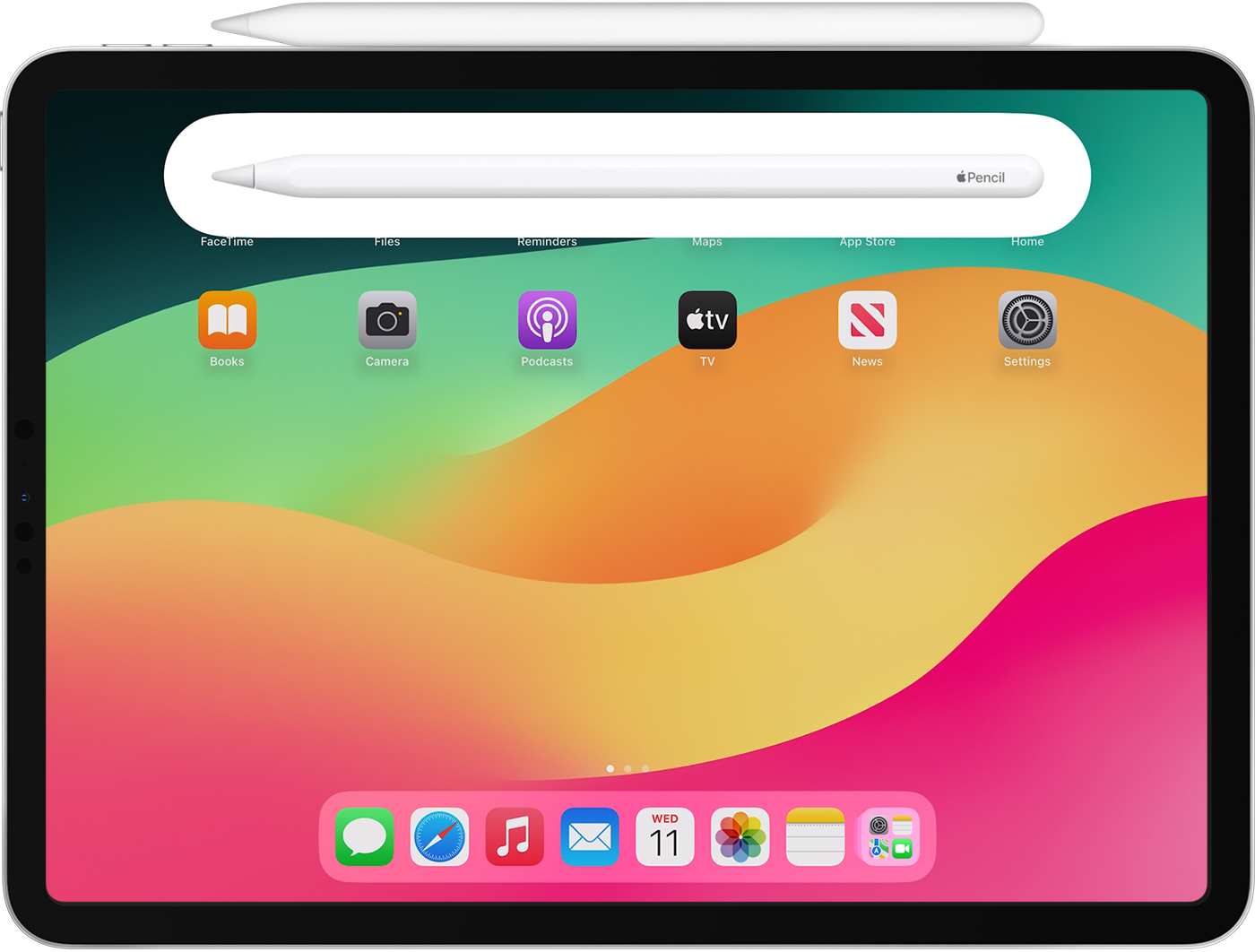 Before you begin
If you're pairing Apple Pencil (1st Generation) with iPad (10th generation), make sure that you have the required USB-C to Apple Pencil Adapter and a compatible cable, such as the USB-C Charge Cable.
Pair your Apple Pencil
If your Apple Pencil won't pair with your iPad
 . Then tap Forget this Device.
Learn more
Delete it from where?
You can just get a new Apple Pencil and pair it with your iPad.
How to remove Apple Pencil?


