
How to update iOS 17 on iPhone 14
How to update my phone to iOS 17
iPhone 14, iOS 17
How to update my phone to iOS 17
iPhone 14, iOS 17
Hello~ Click on below…
Update your iPhone or iPad - Apple Support
If you are have issues…
If your iPhone or iPad won't update - Apple Support
Post back if you need more assistance.
~Katana-San~
Hello~ Click on below…
Update your iPhone or iPad - Apple Support
If you are have issues…
If your iPhone or iPad won't update - Apple Support
Post back if you need more assistance.
~Katana-San~
Hello! These are the steps:
1. Go to Settings > General > Software Update
2. Press "Update Now"
Hope this helps!!
Viona
Watch the video to learn how to update your iPhone to the latest version of iOS.
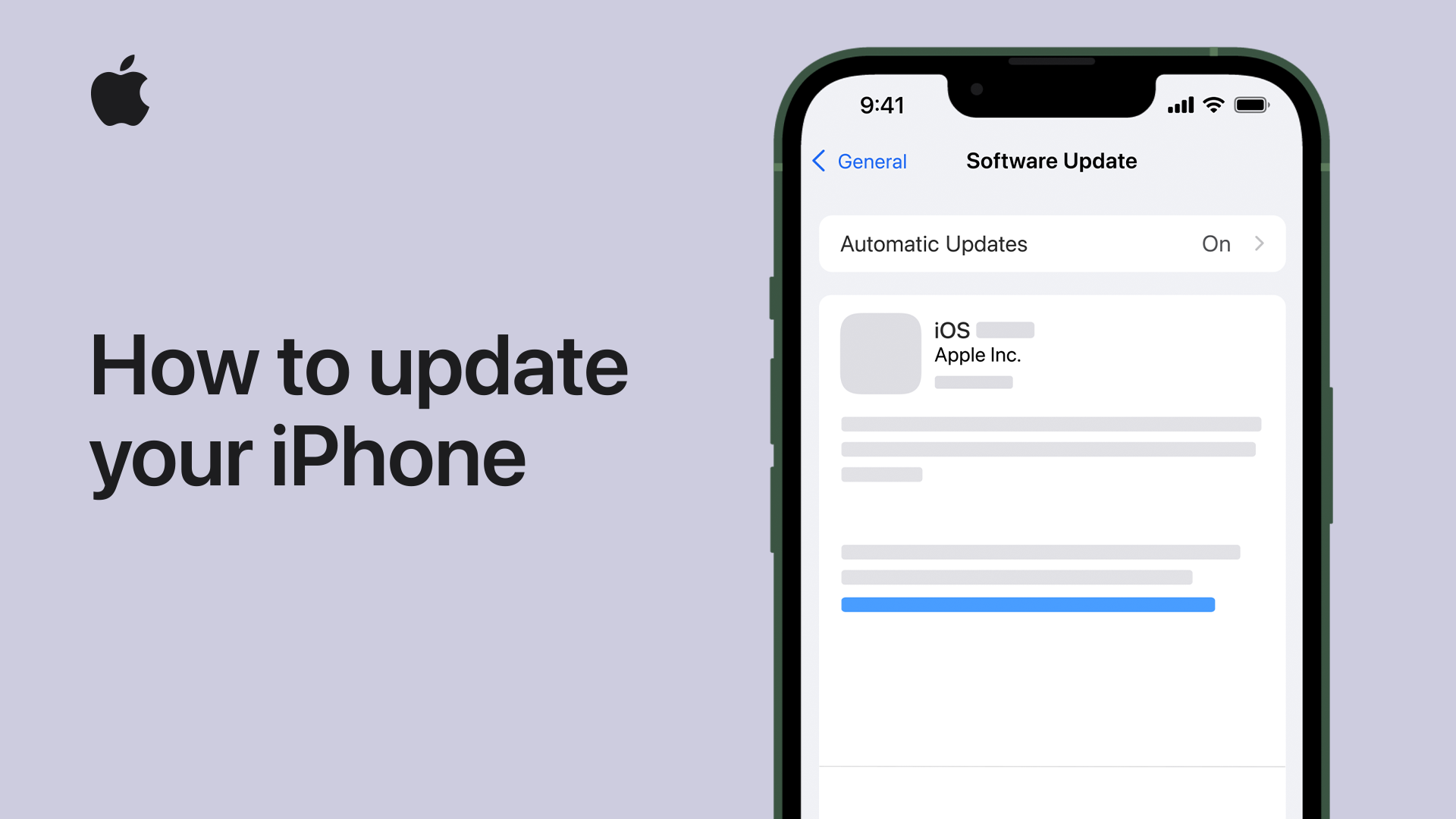
Click ▶︎ Learn more about updating.
Need more help?
Click ▶︎ iPhone User Guide. 📖
Good luck! 👋🏼😉
How to update iOS 17 on iPhone 14


