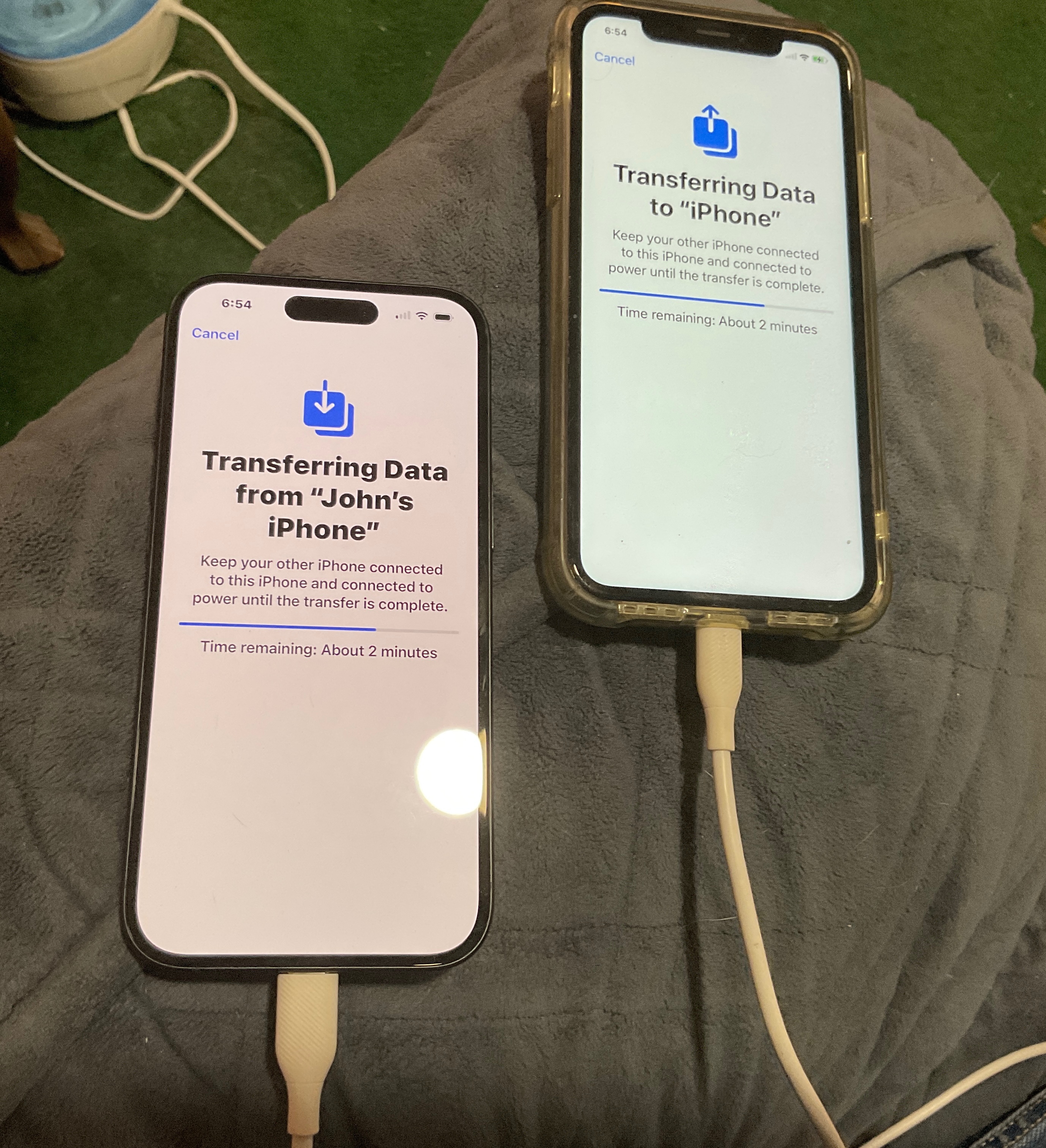
An update after 24 hours: This may save time for others. I waited overnight to see what else iCloud would sync over to the new phone. Nothing. And all backup/sync settings are on. A check of my new phone revealed that while that clock was spinning away for hours, things were getting moved. But transferring tens of thousands of gigs via Bluetooth is like draining a swimming pool through a funnel. Had I known then what I know now, I would have let the phones keep syncing, even though it would have probably taken 10-20 hours. Lesson learned. So I looked into rerunning Quick Start and it can only be done when resetting the phone! Oh well. But before I reset the new phone I upgraded it to ios 18 to eliminate that complication during migration. That took about 45 minutes. I then reset the new iPhone and selected the option to KEEP the eSIM configuration. I also did the phone sync with a cable rather than via Bluetooth. Let me tell you, this is the only way to go! It took 5 minutes to migrate all data and apps to the new phone. WiFi would have been great too, but Quick Start does not let you configure WiFi before it starts migrating data.
It’s an unfortunate coincidence that iOS 18 came out just at this point in time, so that any new phone migration also involves an upgrade along with moving apps/data, which just takes a really long time. I should mention that I’m not any type of iPhone geek, but I am a retired IT professional. It was a pain for me, so I don’t know how regular people deal with this stuff.