It seems like Apple and RBA has actually removed this and is putting the controller in the hands of merchant and they can choose which network to use Visa/Mastercard or eftpos SAV. In my experience if you buy something lower than $20 it’s cheaper to use Visa/Mastercard as the surcharge is a percentage around 1.5% and with SAV it’s a fixed surcharge maybe 20-50 cents. Who know what the merchant will chose but RBA recommends to use the lowest cost to route network to do the payment. In conclusion this is now in the hands of the merchant who can pick what ever they want that benefits them.
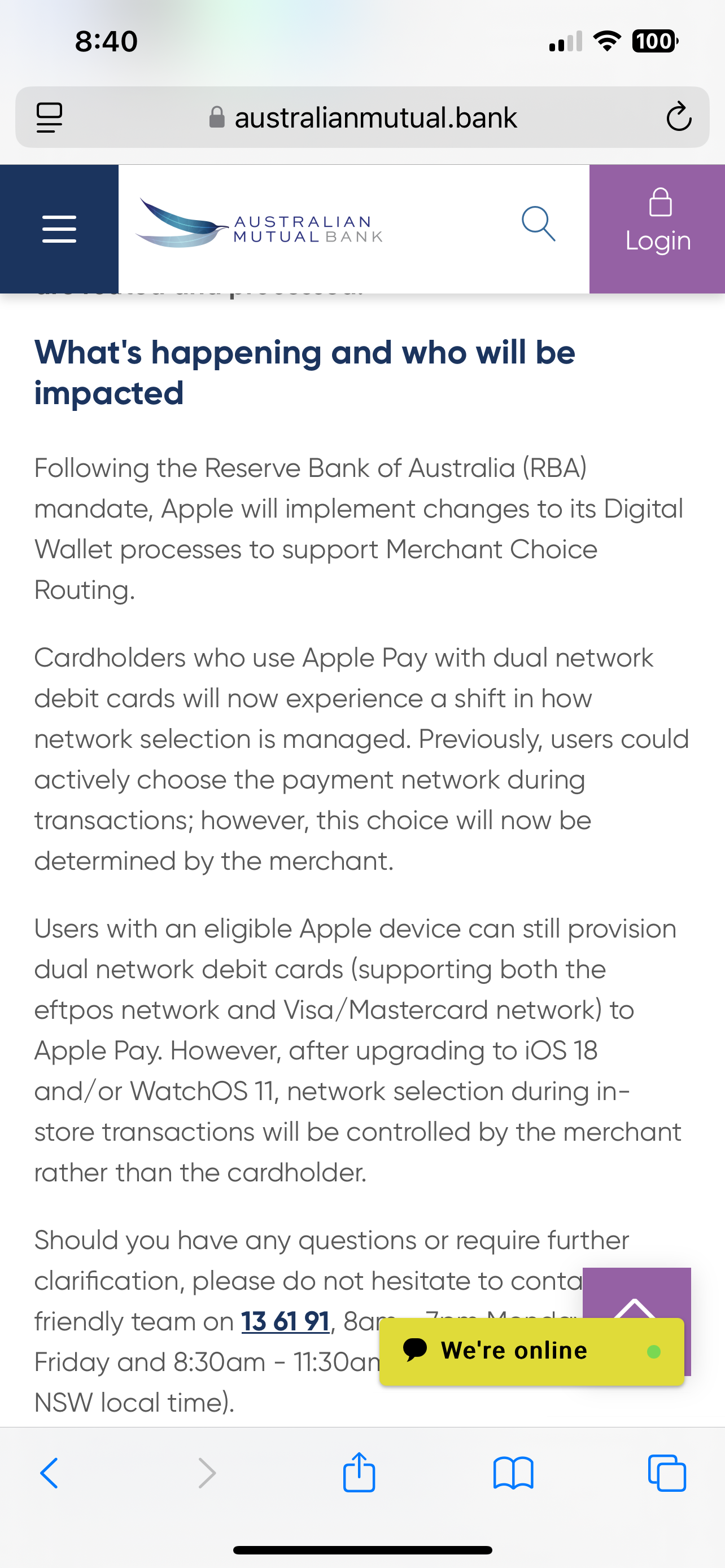
from Australia mutual bank
“What's happening and who will be impacted
Following the Reserve Bank of Australia (RBA) mandate, Apple will implement changes to its Digital Wallet processes to support Merchant Choice Routing.
Cardholders who use Apple Pay with dual network debit cards will now experience a shift in how network selection is managed. Previously, users could actively choose the payment network during transactions; however, this choice will now be determined by the merchant.
Users with an eligible Apple device can still provision dual network debit cards (supporting both the eftpos network and Visa/Mastercard network) to Apple Pay. However, after upgrading to iOS 18 and/or WatchOS 11, network selection during in-store transactions will be controlled by the merchant rather than the cardholder.
Should you have any questions or require further clarification, please do not hesitate to contact our friendly team on 13 61 91, 8am - 7pm Monday to Friday and 8:30am - 11:30am on Saturday (Sydney NSW local time).
Frequently asked questions
My dual network debit card in Apple Pay has changed, I no longer have the option to select the payment network (Visa/Mastercard and Eftpos)?
Yes, the user experience has changed, merchants will now select the network in which they wish to route transactions. You can still use Apple Pay the same way you always have by double clicking the side button and authenticating with Touch ID, Face ID or passcode.
How can I check if my dual network debit card in Apple Pay supports both Visa or Mastercard and eftpos payment networks?
You can determine whether your dual network debit card supports both networks by;
On iPhone
- Open the Wallet app.
- Tap on your card.
- Tap the More button
- Tap Card Number.
Within the Card Number section, if you see Mastercard or Visa and eftpos network, then the card is a dual network debit card.
On Apple Watch
- Open the Wallet app.
- Select the dual network debit card
- Tap ‘Card Details’
After following the above steps, if you see eftpos and an international debit network (Mastercard or Visa), then the card is a dual network debit card.
What is the minimum system requirements for merchant choice routing via Apple Pay?
Newly provisioned dual network debit cards on iPhone running iOS 18 or above and on Apple Watch running WatchOS 11 or above”
https://australianmutual.bank/news-blog/articles/changes-to-dual-network-debit-cards-for-apple-pay/
Use dual-network debit cards with Apple Pay in Australia - Apple Support




