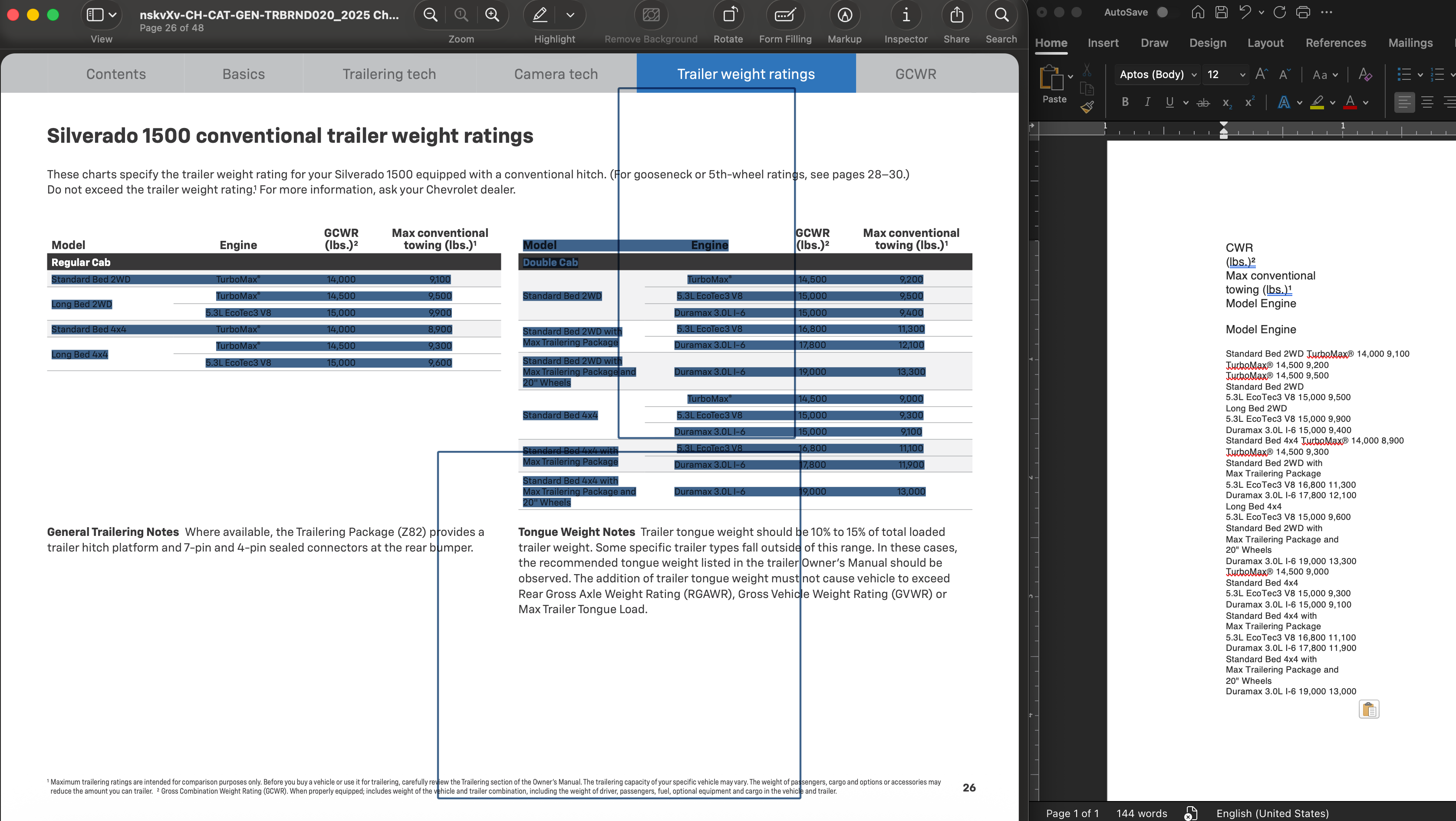
There's definitely something odd with Preview, specifically the blue boxes that show up. The ability to select text in Preview has always depended on the way the PDF is generated. For some pdfs it works well, others less so. I do seem to get better text selection than you, but it ignores the table break and there are still the extraneous boxes. Paste into Word on the right.
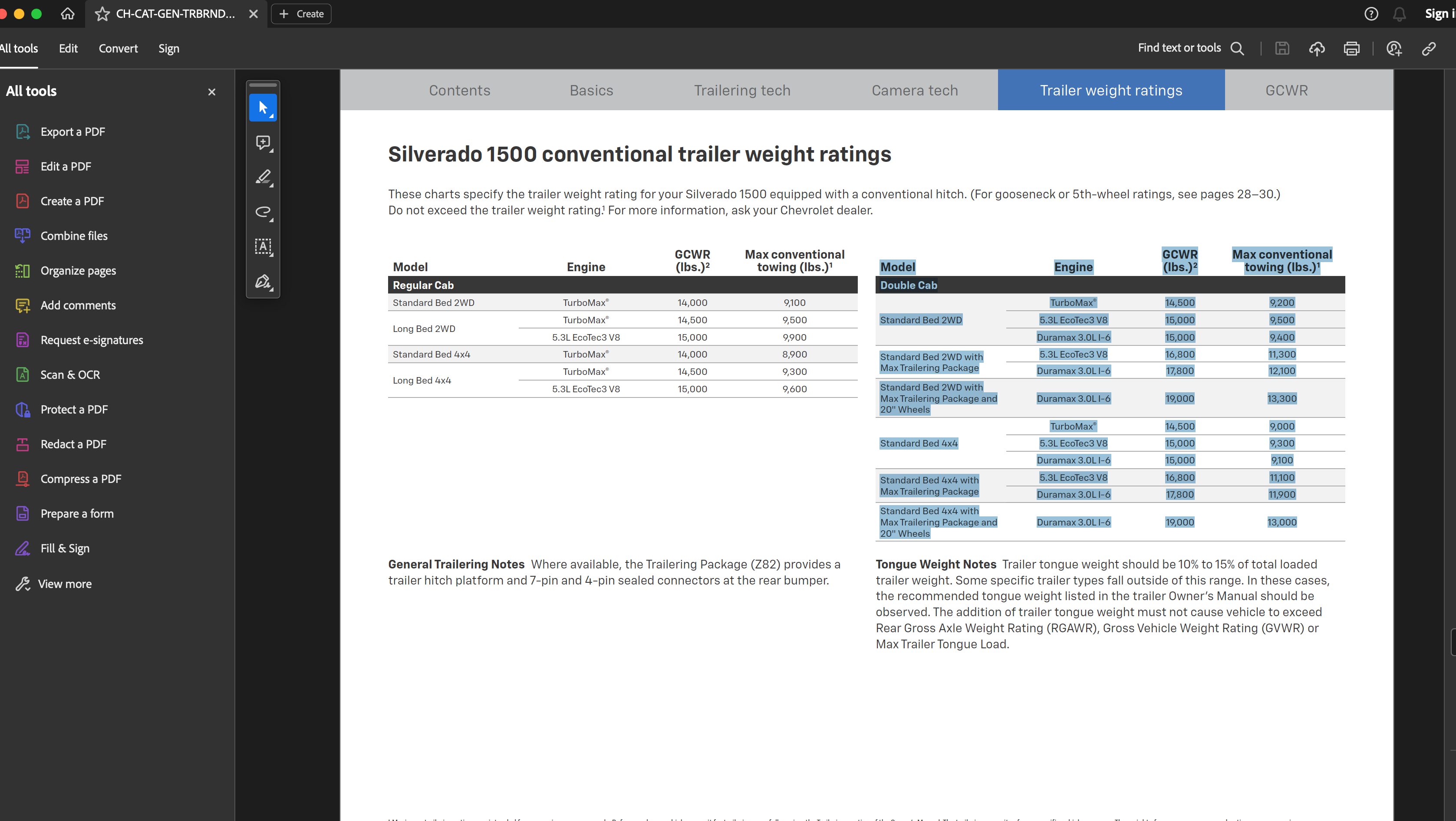
If Preview is problematic, you can try Adobe Acrobat Reader (in this case perhaps because the Chevy pdf was made with Acrobat Distiller from Adobe InDesign, though it was done on a Mac). For the pdf you linked, it properly selects the right table (and the paste into Word reflected that, with just the right table though the column breaks were ignored).
[Edited by Moderator]




