Brian Williams2 wrote:
I want to turn on AutoLogin for my XT Mac, (M2 Mac mini, macOS 26.1, single user/account).
FileVault is currently on. I want to turn it OFF so that I can enable auto login (post power failures and OS updates, etc).
Attempts to turn off FileVault> response from Mac: FileVault can't be turned on because Automatic login is enabled (which it is not).
This Mac is confused as to the true status of these two functions.
In my case auto login is NOT enabled, which is what I want to do, but it won't enable because FileVault is on.
I see a suggestion of a Terminal command (sudo fdesetup disable). I can try that but I'd prefer to find a less drastic approach. Perhaps I have missed something.
I would never recommend Automatic log-in in todays macOS environment.
macOS Tahoe install by default flipped on the FileVault— yes.
Are you saying from the >System Settings>FileVault this is where you get the kickback???
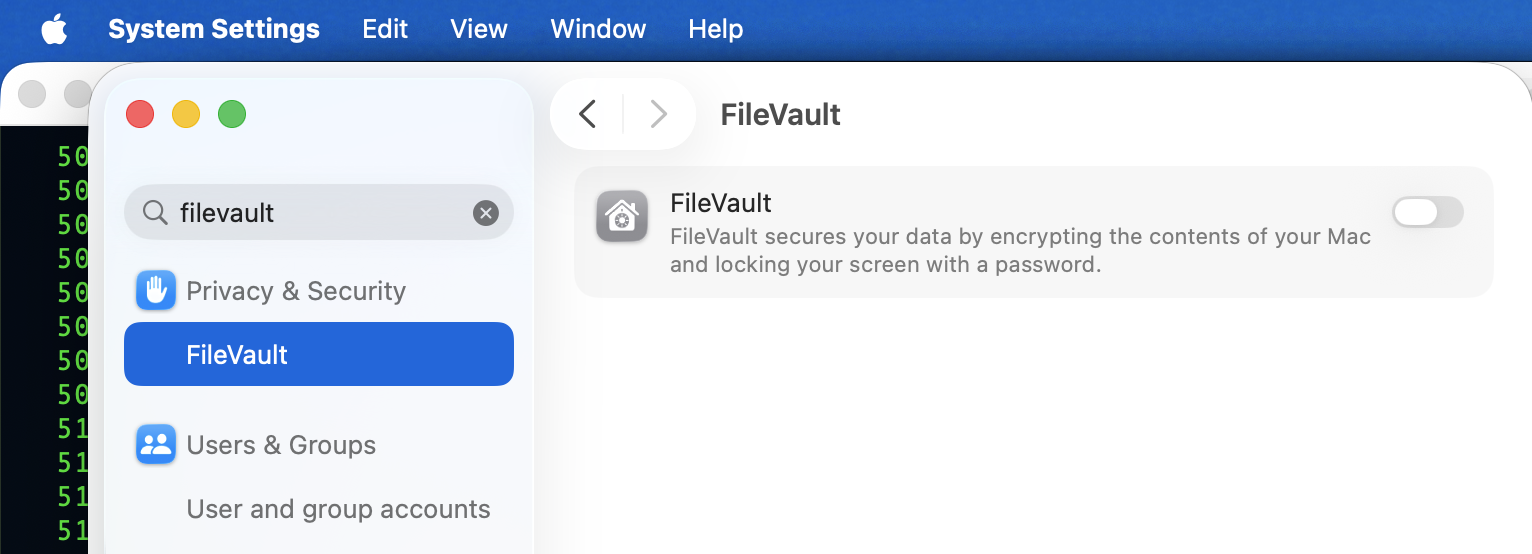
—Not sure if I am remembering correctly for this issue— try turning off Find MY and compare your results or turning it on if it is off(?)
—Also I might suspect if you set up a Firmware password you may have to disable that, if you still have an issue(?)
How to turn off a firmware password: Set a firmware password on your Mac - Apple Support
I see now: Apple Silicon Macs do not have a firmware password option
Verify FileVault status from Terminal.app copy and paste:
fdesetup status
The alternative if you want to disable FileVault :
sudo fdesetup disable
(note: your psswd will not echo on screen, type it in anyway, use the enter\return key to proceed.)
what I see—






