Finder backup via symlink failed; iPhone storage full after attempted iphone backup
Hey all — trying to figure out if these issues are related or just bad timing.
Context: My Mac doesn’t have enough free space for a local iPhone backup, so I moved the Finder/iTunes backup location to an external drive using a symlink.
Symlink confirms:
~/Library/Application Support/MobileSync/Backup -> /Volumes/Backup Plus/iPhoneBackup/Backup
What happened:
- Started a Finder backup. After a couple hours it failed with a message like the backup couldn’t complete because the iPhone “would be disconnected.” I suspect sleep/idle/USB power management.
- Shortly after that, my iPhone started saying storage full. WhatsApp won’t open anymore (complains about storage). Before this I consistently had ~100GB free.
- When I connect to Finder and hit Sync, I now get: “The iPhone … cannot be synced because not enough free space is available.” One time it got to a “diagnostics file” step then stopped; after that it only shows the space error.
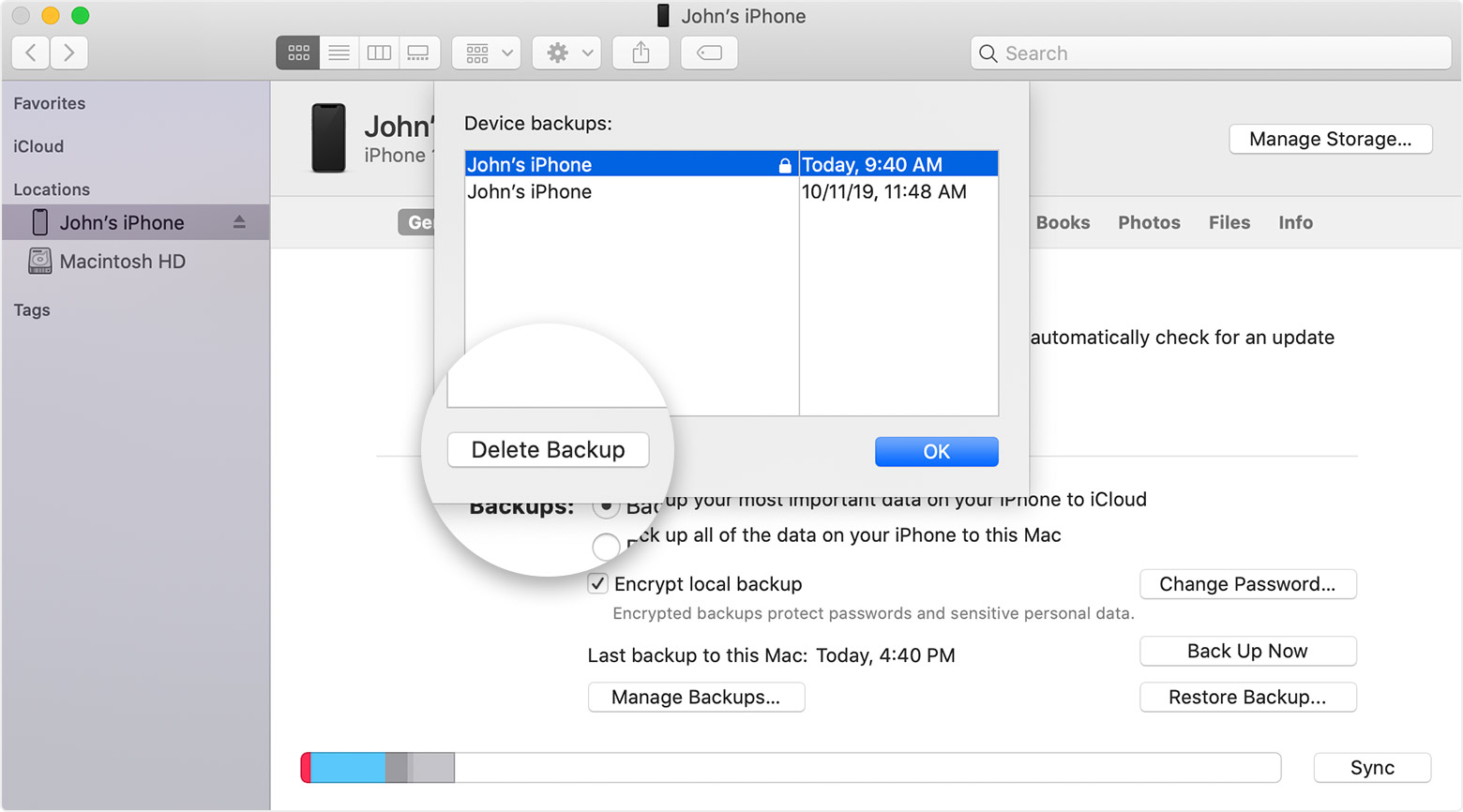
- Finder → Manage Backups… shows nothing (no backups listed).
- External drive format is exFAT (mentioning in case it matters for Mac-side backup reliability).
Questions:
- Could the failed backup / symlink / external drive setup have caused the iPhone itself to run out of storage? Or is this more likely “System Data” / caches / iOS update / WhatsApp media blowing up at the same time?
- What’s the safest, fastest way to free enough space to make the iPhone usable again (and get WhatsApp opening), ideally without risky reinstall/restore steps?
- For the Mac side: is exFAT a bad idea for the iPhone backup target (via symlink)? If so, what’s the recommended format/setup for a reliable Finder local backup to an external drive?
Any “do this first / avoid this” advice appreciated.
iPhone 13, iOS 18