
iPhone disabled connect to iTunes
i have connected my phone to the computer and nothing. phone still reads disabled connect to iTunes. frustrated!!!!!!!!!!!!!!!!!!!!!!!!!
[Re-Titled by Host]
iPhone 4
i have connected my phone to the computer and nothing. phone still reads disabled connect to iTunes. frustrated!!!!!!!!!!!!!!!!!!!!!!!!!
[Re-Titled by Host]
iPhone 4
This will erase the device and its passcode.
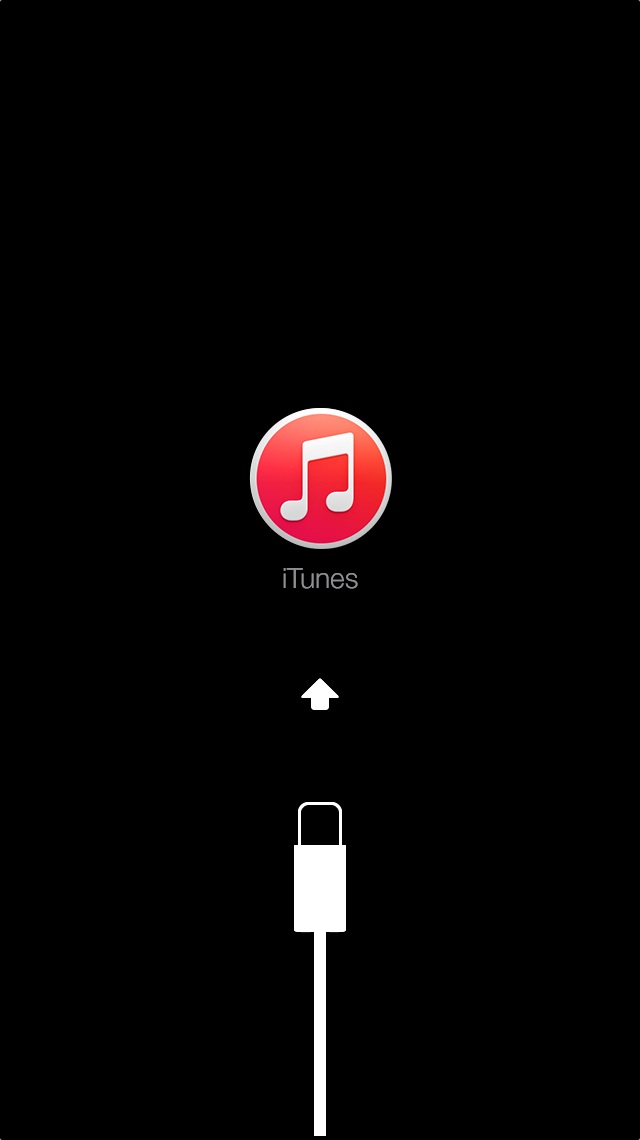
If your device doesn't go into recovery mode, try steps 1–4 again.
🙂--this works
iphone is disabled connect to itunes
jo jo
how do i get phone unlocked i have usb connexted to phone and a hotel computer
my son disable my iPhone i need help
I'm trying to unlock my other iPhone 7 it reads iPhone is disabled connect to iTunes so when I plug it in to the computer it still reads the same thing
what next
My iPhone 6 is saying iPhone Disabled Connect to iTunes.
Before this i have never connected to iTunes and now i just have Contacts back up on iCloud.
My kids tried several attempts and it came into this situation. I definitely remember password.
Please help me else i will be loosing lot of my data which is very important to my work.
OMG. THANK YOU SO MUCH! U ARE THE BEST. 🙂🙂
Will I lose my pictures if I do it ur way??
😟😢😕😠but mine has been disabled for a day and like 3 hours and im really not happy i have tried almost everthing i have reset it 4 times ansi dont no what else to do
🙂 thank you. i followed your step and it works for my iphone
yes
Thanks for the tips, managed to login my phone without delete any data!!
I have no idea what you just said there...
iPhone disabled connect to iTunes

