
iPhone disabled connect to iTunes
i have connected my phone to the computer and nothing. phone still reads disabled connect to iTunes. frustrated!!!!!!!!!!!!!!!!!!!!!!!!!
[Re-Titled by Host]
iPhone 4
i have connected my phone to the computer and nothing. phone still reads disabled connect to iTunes. frustrated!!!!!!!!!!!!!!!!!!!!!!!!!
[Re-Titled by Host]
iPhone 4
This will erase the device and its passcode.
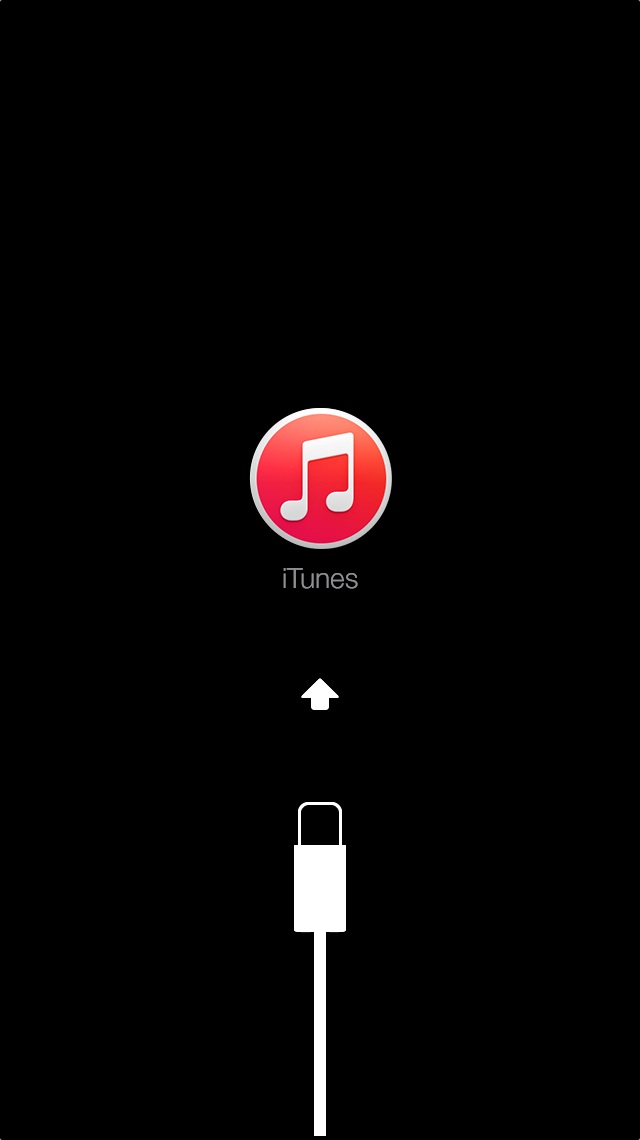
If your device doesn't go into recovery mode, try steps 1–4 again.
i figured it out!!!! i went to the file tab went down to devices and my iphone was on there and i hit transfer purchases and it let me put ,my passcode on my phone finally i was freaking out about having to restore my phone too they need to fix this problem immediately if i had to swipe my phone clean i was going to call them and not be nice but yeah i hope it works for you too
So I recently fixed my iPhone 5c (broken screen) after 6 months but I forgot my password and I was given the suggestion to update my phone through iTunes but when it did it asked for my password I put the wrong password and it's been in a black "iphone disabled connect to iTunes" screen I have done that and the"hold the power and home button for 20 seconds" after it can't restore because for some reason iTunes doesn't have permission to the phone and I have no way to give permission because it's always on the disabled screen. Help!
I am having the same issue as Mayom. I went to itunes and it did not even register my phone, I went and tried to reboot itunes and nothing. Finally I went through and did the update drivers way, only for itunes to literally say It can not do anything until I put in my pass code, which I can't do until I connect to itunes. getting really ticked off.
im having the same problem but i thought that my old passcode was dumb so me being the DUMB *** i decided to change it 2 the 6 number password and of course i suck at passwords and passcodes (recently) and now im having this problem but i have a pass code on my phone so its disabled and wont connect to iTunes at all and i need my phone for tomorrow (i mean if i get lost or something i can answer a call or call somebody on emergency) but i need it soon hellllllppppp!!!!!
hi
my iphone is disabled and says connect to itunes.
my iphone was not updated to the latest software nniether is my itunes on windows.
so when i connect to itunes (which i have never done before) it only gives me option to restore and update,and when i do it after some time my phone exits recovery mode and starts up. what to do please help me😟
i believe someone/something has hacked my phone. went on line and found out I was right !!! can anyone Diagnostic and usage information may include details about hardware and operating system specifications, performance statistics, and data about how you use your devices and applications
df, did it start as a device pass code issue? Is the phone detected by iTunes? Did any particular events precede the situation you are describing?
Thanks a lot. I would have restored if I didnt see your suggestion. Saved a lot of time.
But I dont know why my phone was disabled. I didnt enter a wrong password or something.
me to if you find out how can you please tell me
well my doughter locked my iphone disabled connect to itunes, so i can not able to restart the iphone please help me for the connecting to the itunes
thanks
attakakar
I followed the steps. I get connect to iTunes screen but iTunes in my PC does not recognize iPhone.
read the prior posts. You question has been answered.
how do you connect to itunes with a windows/ hisense compter?
brad805, YOU ARE A LIFESAVER! The home button and power button thing works!!! Thank you so much! 🙂
iphone is disabled i need fixted
iPhone disabled connect to iTunes




