1) at first, you must download and install Xcode 5
https://developer.apple.com/Xcode/
2) download and install foomatic-RIP. this is packed to DMG and ready to install automatically with "1 click" (you dont need to do make, make install et.c. from sources)
http://www.openprinting.org/download/printdriver/macosx/foomatic-rip-4.0.6.230.d mg
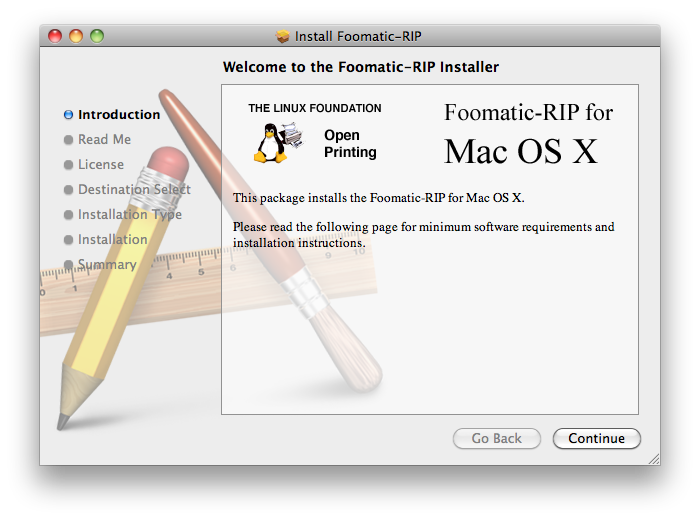
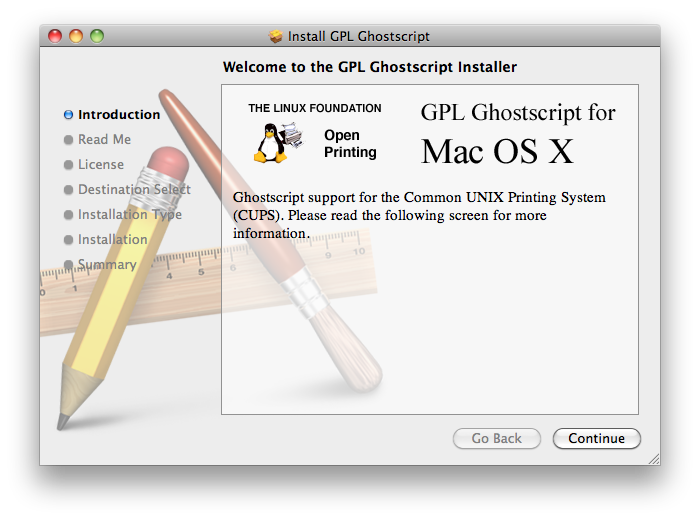
3) download and install GHOSTSCRIP. this is packed to DMG too and ready to install by "one click", don't need to compile =)
http://www.openprinting.org/download/printdriver/macosx/gplgs-8.71.dmg
4) download and install foo2zjs. full manual here: http://foo2zjs.rkkda.com/INSTALL
4.1) open terminal (spotlight: terminal) and Download+Unpack:
$ wget -O foo2zjs.tar.gz http://foo2zjs.rkkda.com/foo2zjs.tar.gz
$ tar zxf foo2zjs.tar.gz
$ cd foo2zjs
4.1) Compile:
$ make
4.2) Get extra files from the web, such as .ICM profiles (for color correction) and firmware. Select the model number for your printer:
$ ./getweb 1215 # Get HP Color LaserJet CP1215 .ICM files
5) Install driver, foomatic XML files, PPD files, and extra files:
$ sudo make install
(here the xcode finds a few warnings but no errors and still compiles successfully!)
5.1) (!!Optional!! I Use a cp1215, connecting to wifi-router and i was not need to install hotplug)
Install hotplug (for HP LJ 1000/1005/1018/1020/P100[5678]/P1505):
$ sudo make install-hotplug
# make install-hotplug
Unplug and re-plug the USB printer
5.2) If you use CUPS to manage your printers, you must restart cupsd:
# make cups OR $ sudo make cups
after this steps, go to mac os system preferences and install printer !
6) type in terminal: (that's need to resolution settings for printer via web-interface)
$ cupsctl WebInterface=yes
7) now you can manage your CP1215, don't forget to turn color printing to ON
http://localhost:631
(administration -> printers -> set default options:
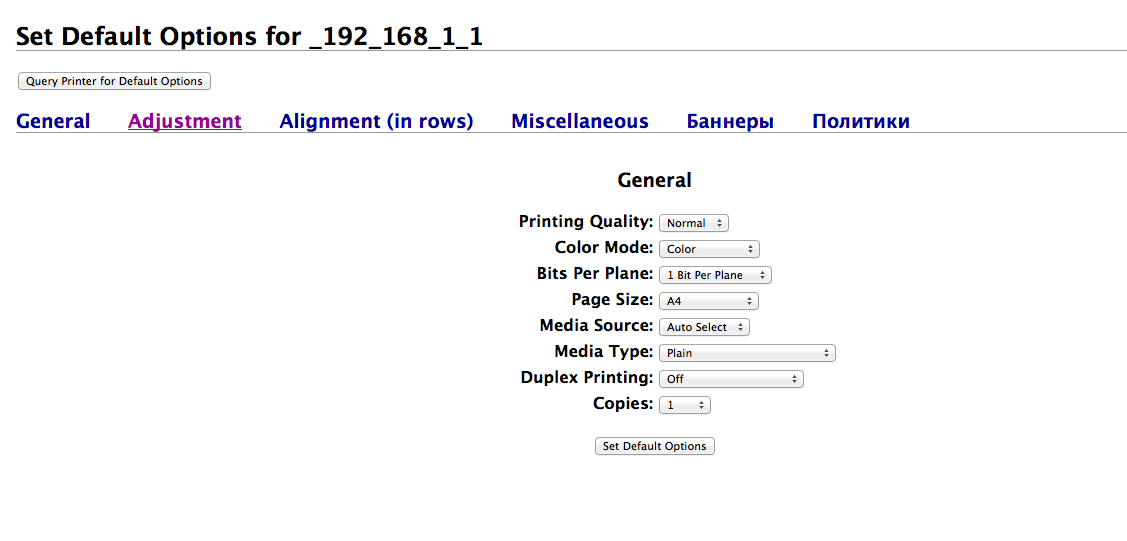
PS im from russia, thats how it's look in russian Mac os:

Message was edited by: gcat000


