Support for HP Color Laserjet CP1215

I'm trying to find out how I can get an HP Color Laserjet CP1215 to work under the OS X Mavericks and what drivers are compatible with the Printer. I cannot find the Mac Driver on the HP site or anywhere. If someone has got it to work it would be appreciated to know how.


Regards


Tony

Posted on Nov 4, 2013 1:54 PM

Reply
15 replies

Mar 1, 2014 11:15 AM in response to apatamba

1) at first, you must download and install Xcode 5

https://developer.apple.com/Xcode/

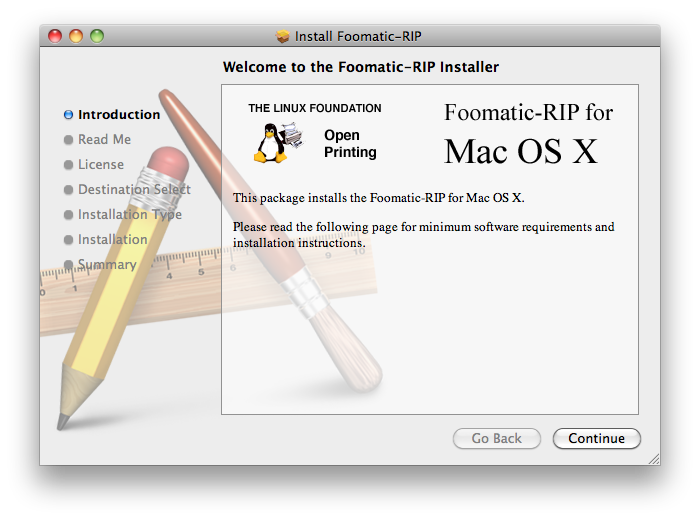
2) download and install foomatic-RIP. this is packed to DMG and ready to install automatically with "1 click" (you dont need to do make, make install et.c. from sources)

http://www.openprinting.org/download/printdriver/macosx/foomatic-rip-4.0.6.230.d mg
User uploaded file

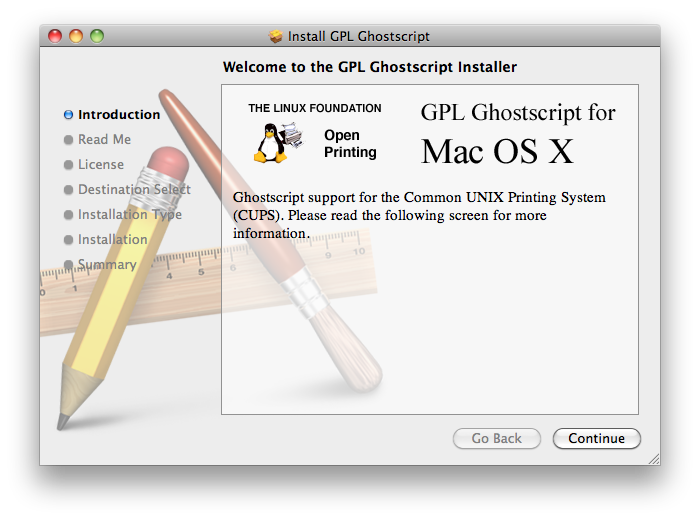
3) download and install GHOSTSCRIP. this is packed to DMG too and ready to install by "one click", don't need to compile =)

http://www.openprinting.org/download/printdriver/macosx/gplgs-8.71.dmg
User uploaded file

4) download and install foo2zjs. full manual here: http://foo2zjs.rkkda.com/INSTALL

4.1) open terminal (spotlight: terminal) and Download+Unpack:

$ wget -O foo2zjs.tar.gz http://foo2zjs.rkkda.com/foo2zjs.tar.gz

$ tar zxf foo2zjs.tar.gz

$ cd foo2zjs


4.1) Compile:

$ make

4.2) Get extra files from the web, such as .ICM profiles (for color correction) and firmware. Select the model number for your printer:

$ ./getweb 1215 # Get HP Color LaserJet CP1215 .ICM files


5) Install driver, foomatic XML files, PPD files, and extra files:

$ sudo make install

(here the xcode finds a few warnings but no errors and still compiles successfully!)


5.1) (!!Optional!! I Use a cp1215, connecting to wifi-router and i was not need to install hotplug)

Install hotplug (for HP LJ 1000/1005/1018/1020/P100[5678]/P1505):

$ sudo make install-hotplug

# make install-hotplug


Unplug and re-plug the USB printer


5.2) If you use CUPS to manage your printers, you must restart cupsd:

# make cups OR $ sudo make cups


after this steps, go to mac os system preferences and install printer !


6) type in terminal: (that's need to resolution settings for printer via web-interface)

$ cupsctl WebInterface=yes

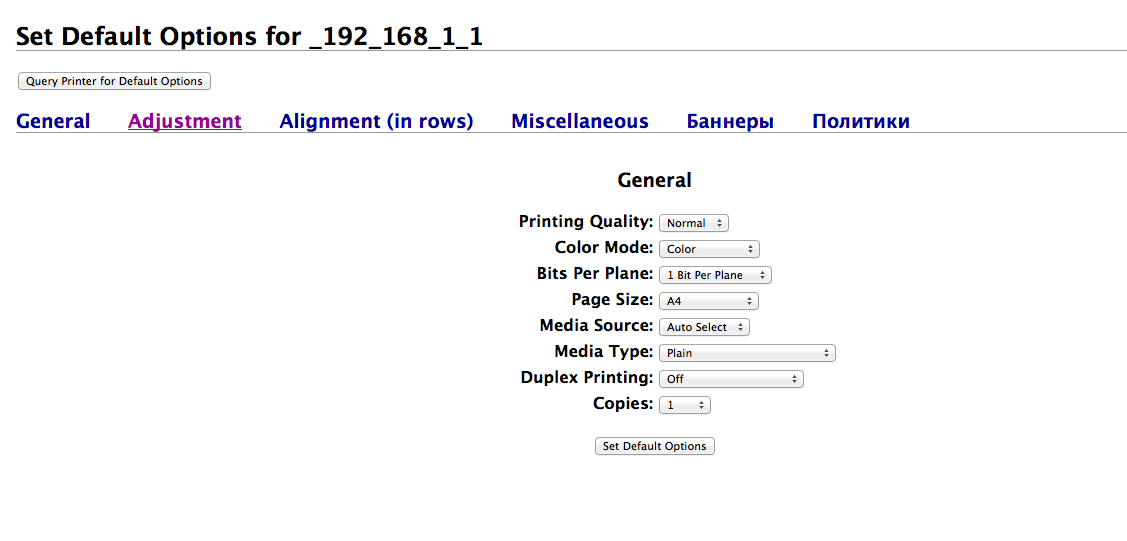
7) now you can manage your CP1215, don't forget to turn color printing to ON

http://localhost:631

(administration -> printers -> set default options:
User uploaded file


PS im from russia, thats how it's look in russian Mac os:

User uploaded file


Message was edited by: gcat000

Nov 4, 2013 3:40 PM in response to Tony Rossiter

According to HP there is no OS X support for this model. This is what they say;


"We have received inquiries about Macintosh support for the HP LaserJet 1018, LaserJet 1018s, LaserJet 1020, LaserJet 1020 Plus, LaserJet CP1215, and LaserJet CP1217 printers. We are sorry to inform you that there is no Macintosh support available for your HP product."


This is the URL for that information;


http://h10025.www1.hp.com/ewfrf/wc/document?docname=c01973413&tmp_task=prodinfoC ategory&cc=us&dlc=en&lc=en&product=3422476

May 8, 2014 2:29 PM in response to gcat000

No problem, thanks anyway :-)

Actually, I always liked HP, especially on the Mac, where you don't have to install HP's messed up software (they couldn't write a good program if their life depended on it) but can use all the tools built into OSX. But then I've never considered getting a Laser Printer or any of the reeeally big machines for myself. I'm more if an Officejet All-in-One kinda guy, and those are great.

I suspect HP lost a bet and had to let Lexmark produce the cp1210 series...


Anyways, I'll try my best and will report back on wether it worked out.

Cheers to y'all!

May 8, 2014 2:49 PM in response to r.breiner

HP CP1215 is a clone of Canon LBP5050 color laser printer. same catridges, easy to refill with toner, big resource for home using (drum stands 3-4 cartridge refills). but difference between CP1215 and LBP5050:

1) CP1215 has no Mac driver

2) CP 1215 has no normal hand feed for (photo/glossy/density paper)

3) you cant choose a proper quality of paper when you're printing.when I needed to print a photo on heavy paper, and I had to use windows computer for proper printing.


but:

1) LBP5050 has a macos x driver

2) lbp5050 has a normal hand feed for a non-standart paper (photo-glossy-letter etc)


and those printers has a same, easy-to-refill cartridge

conclusion: CP1215 mustdie, lbp5050 rulezz =) for home using and macos

This thread has been closed by the system or the community team. You may vote for any posts you find helpful, or search the Community for additional answers.

Support for HP Color Laserjet CP1215

Welcome to Apple Support Community
A forum where Apple customers help each other with their products. Get started with your Apple Account.

