I'm using Yosemite 10.10.3 and also couldn't change the tags back to the way they were. But... 🙂
I learned how to change the folder colour instead from "howtoisolve.com".
This is how it will appear when done:

I found this at http://www.howtoisolve.com/how-to-change-the-folder-color-in-mac-yosemite-maveri cks/
[Please note I have no affiliation with this site.]
Their English is broken and instructions are definitely confusing, so...
I've provided clarified instructions below this screenshot from their webpage:
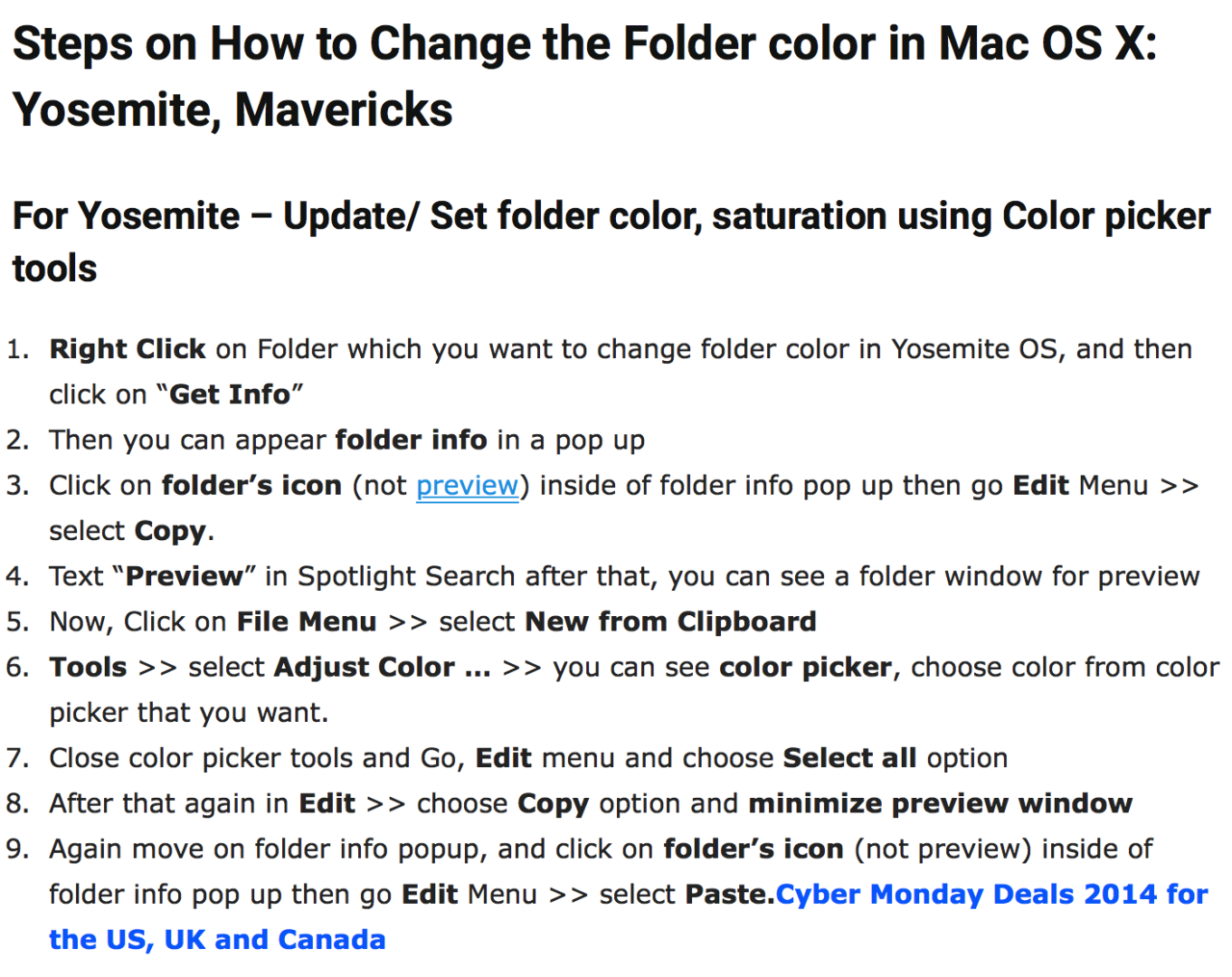
MY RENDITION:
1. In Finder, Right Click the folder which u want to change colour >> Get Info
2. This opens up the "Folder Info" window.
3. Click on the folder icon at the top-left, (NOT the one under "Preview"). Then Finder's Edit Menu >> select Copy
4. Open your Preview App
5. Click File >> New From Clipboard
6. Select Tools >> Adjust Colour and then use "sliders" to create your colour of choice.
7. Once content, select Preview's Edit Menu >> Copy
8. Go back to Info Window >> Left Click the same, blue folder icon at the top-left
9. Finally, then Finder >> Edit >> Paste and you're done.
10. I didn't really need this step, but to round 'er off... ENJOY!
If you plan to use the same colour for a different folder, you could always Duplicate and Rename it.
PS- If someone figures out how to use "preset" colours in Preview, please do share!

