Why is there an echo when talking on the IPhone?
Why does the IPhone echo when you are speaking to someone on the other end of the line.
IPhone 6
Capacity 11.8G
Version 9.21(13D15)
iPhone 6, iOS 9.2.1
Why does the IPhone echo when you are speaking to someone on the other end of the line.
IPhone 6
Capacity 11.8G
Version 9.21(13D15)
iPhone 6, iOS 9.2.1
Hello there, RRRobert.
It sounds like you are having issues with an echo during phone conversations on your iPhone 6. The following Knowledge Base article offers up some great recommendations for troubleshooting:
If you can‘t hear a person on a call or voicemail or if the sound isn‘t clear on your iPhone
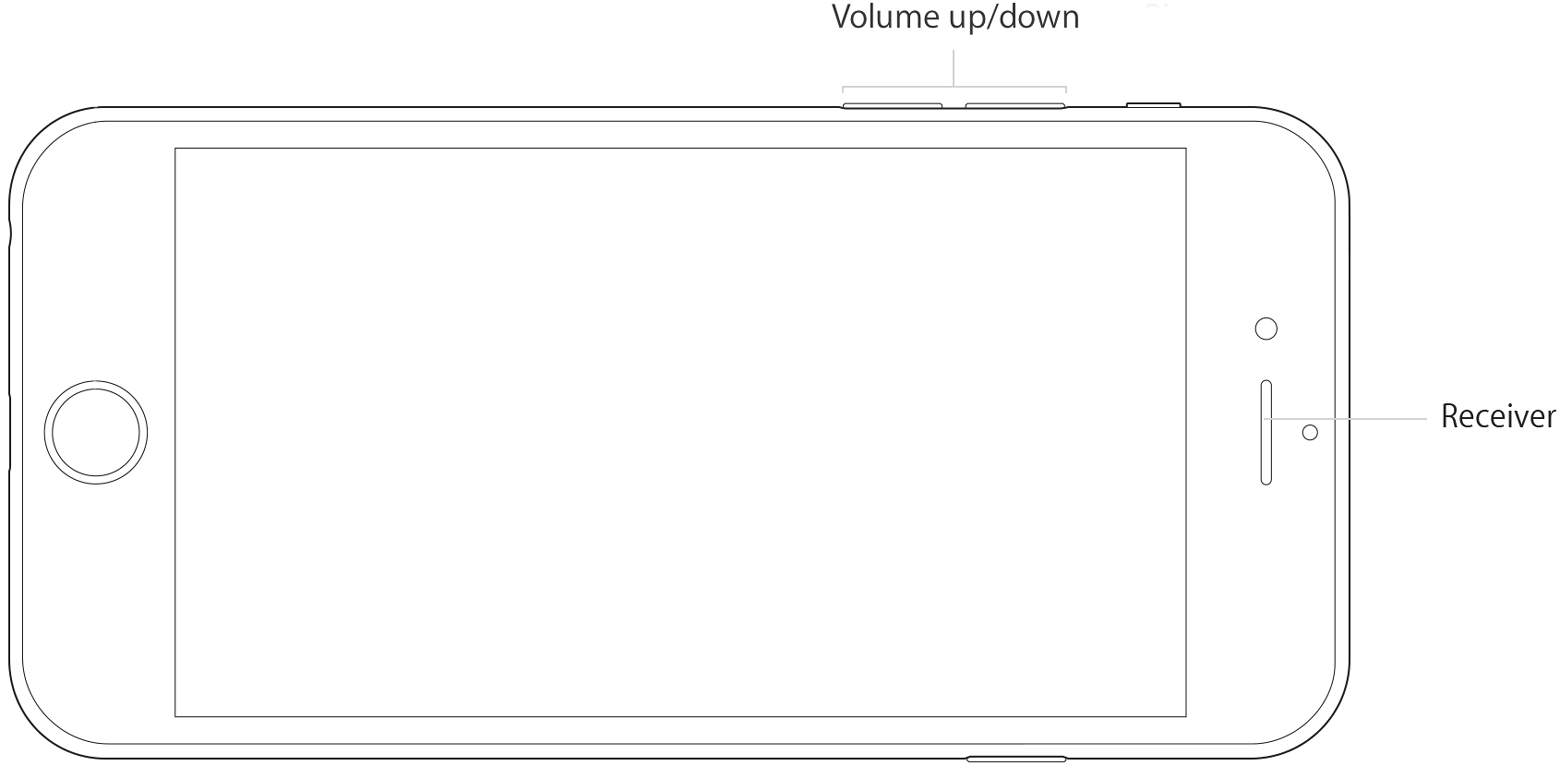
iPhone Volume and Receiver
Turn up the volume
While you're on a call, adjust the volume with the volume buttons. Make sure that you can see the volume indicator on the screen when you press the volume buttons.
Check the connections
If your iPhone is connected to a headset, you won't be able to hear through the iPhone receiver or using speakerphone. Follow these steps, testing after each.
- Make sure that you don't have anything plugged in to the headphone jack or the dock connector.
- Go to Settings > Bluetooth and turn off Bluetooth.
Clear the receiver
The iPhone receiver won't work properly if it's blocked or dirty. Follow these steps, testing after each:
- Make sure nothing is blocking the receiver, such as a case or film.
If you have a new iPhone, remove the plastic film on the front and back of the device.- Check the receiver opening to see if it's blocked or dirty. If necessary, clean the receiver opening with a clean, small, dry, soft-bristled brush.
- While you're on a call, turn on speakerphone. If you still can't hear, then your network or reception could be the issue. Try calling again later or from a different location.

Check the receiver
Follow these steps to see if the issue is with your receiver or your network:
- Open the Voice Memos app and record a short audio clip.
- Tap
in the upper-right corner of your screen to switch playback between the speaker and receiver.
- Tap
to play the voice memo through the receiver on your device.
- If you hear the voice memo and it sounds normal (without distortion, crackling, or static), there might be an issue with your carrier network or voicemail system. If you still hear no sound or poor quality sound, contact Apple Support.
Restart and update
- Restart your iPhone and test again.
- If there's still no sound or poor sound quality, update to the latest version of iOS.
Get more help
If you've tried these steps and there's still no sound or poor sound quality from your iPhone, contact Apple Support.
Thanks for being a part of Apple Support Communities.
Kind Regards.
Why is there an echo when talking on the IPhone?