Hello afaraque,
Thanks for using Apple Support Communities.
I understand from your post that you're trying to import photos from your iPhone to your Mac, and you're not seeing any of the photos to import. Photos recognizes the photos that you've already imported and are stored in the Photos library, in order to avoid importing duplicates. Have you either imported these photos before or do you use My PhotoStream or iCloud Photo Library? Each of these would import the photo into your library. If not, then I'd like you to see if your photos appear in another application, Image Capture.
You can also use Image Capture to copy images from your camera to your Mac.
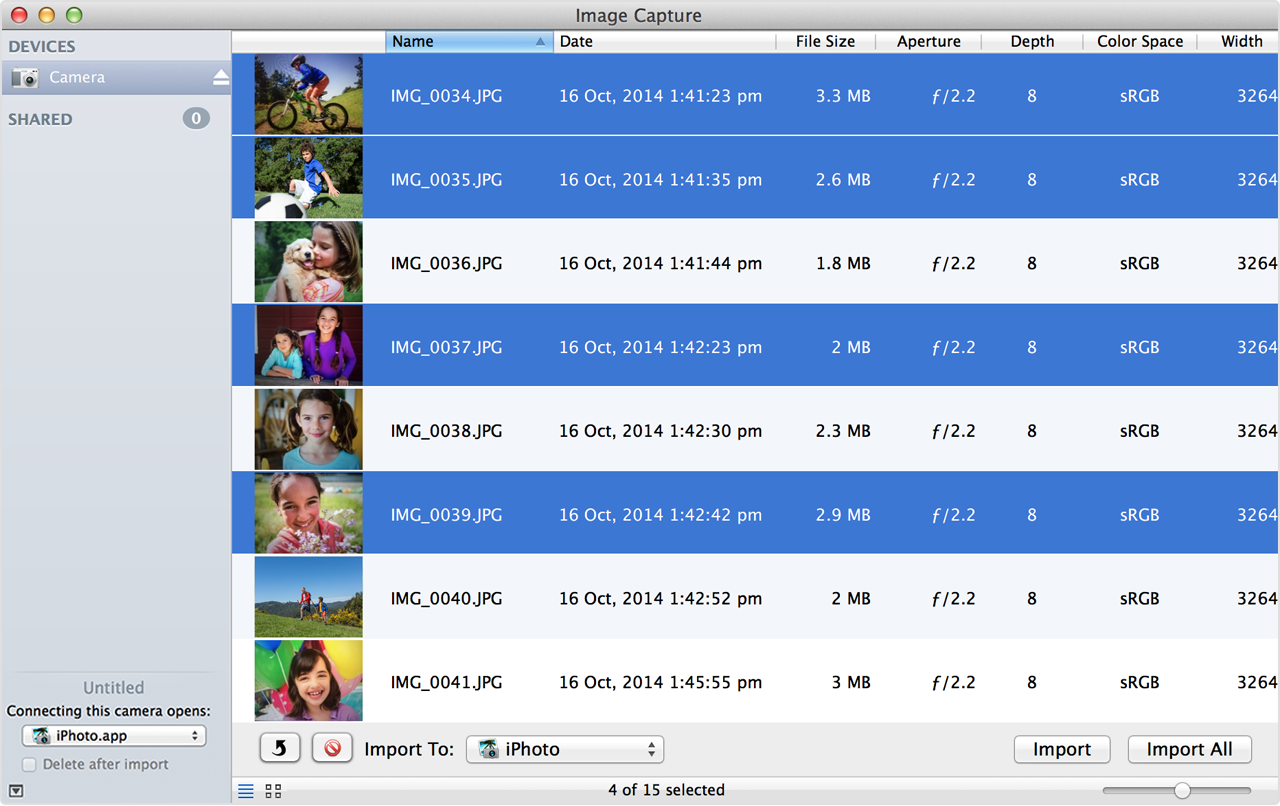
Image Capture is included in the Applications folder in OS X. Use these steps to import your images using Image Capture:
Image Capture: Transfer images and other items from your device
Using a camera with your Mac
Take care.


