(I added a brief reply above but I thought I would add a detailed response here:
I am a power-user of MP3 audio books and audio cd's, so these instructions relate to specifically this type of playlist.
(At the bottom is a simple instruction for creating a "+" empty compilation playlist.)
I'm on a mac running Yosemite and using ITunes 12.5 2.35.
* * * * * * * * * * *
To create a playlist of a CD or multiple track MP3 audio book:
First, add the the tracks/songs into ITunes.
In "Library",
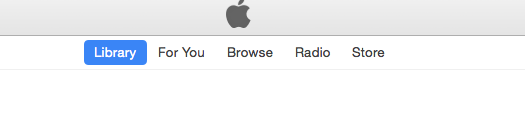
in the "Music" category.
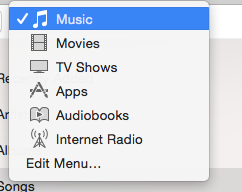
(You can substitute other categories here such as movies, tv shows, audio books etc.)
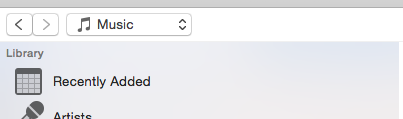
In "Songs"*, highlight the new tracks
(you are not limited to "songs" - you can do it from the other categories such as "recently added" but you will need to click on the album)
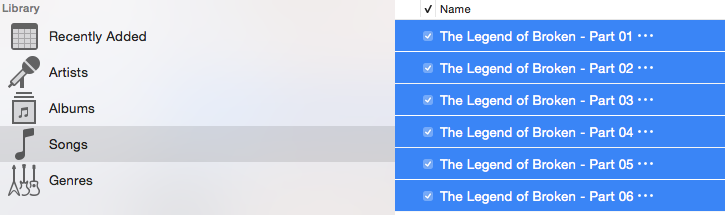
Right below Library>Genres in the Sidebar, I right-clicked on the tiny, tiny, tiny "Music Playlists".

I selected on "New Playlist from Selection" and it created a new playlist.
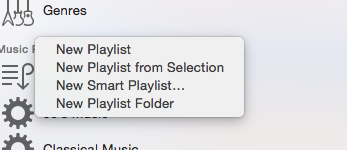
With the artist and book title highlighted in the playlist to make changes. No need to type all the info in.

@ @ @ @ @ @ @ @'
To create a simple, empty playlist for compilations, series etc.,
1. Choose a category from the drop-down menu at the top (mine is edited):
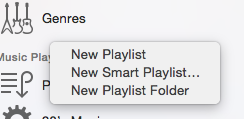
2. right-click ".... playlists"