Printer not visible on MAC OS X 10.11.6
Hello everyone,
My Mac don't detect my printer, it's by USB and it's power on but I don't see anything.
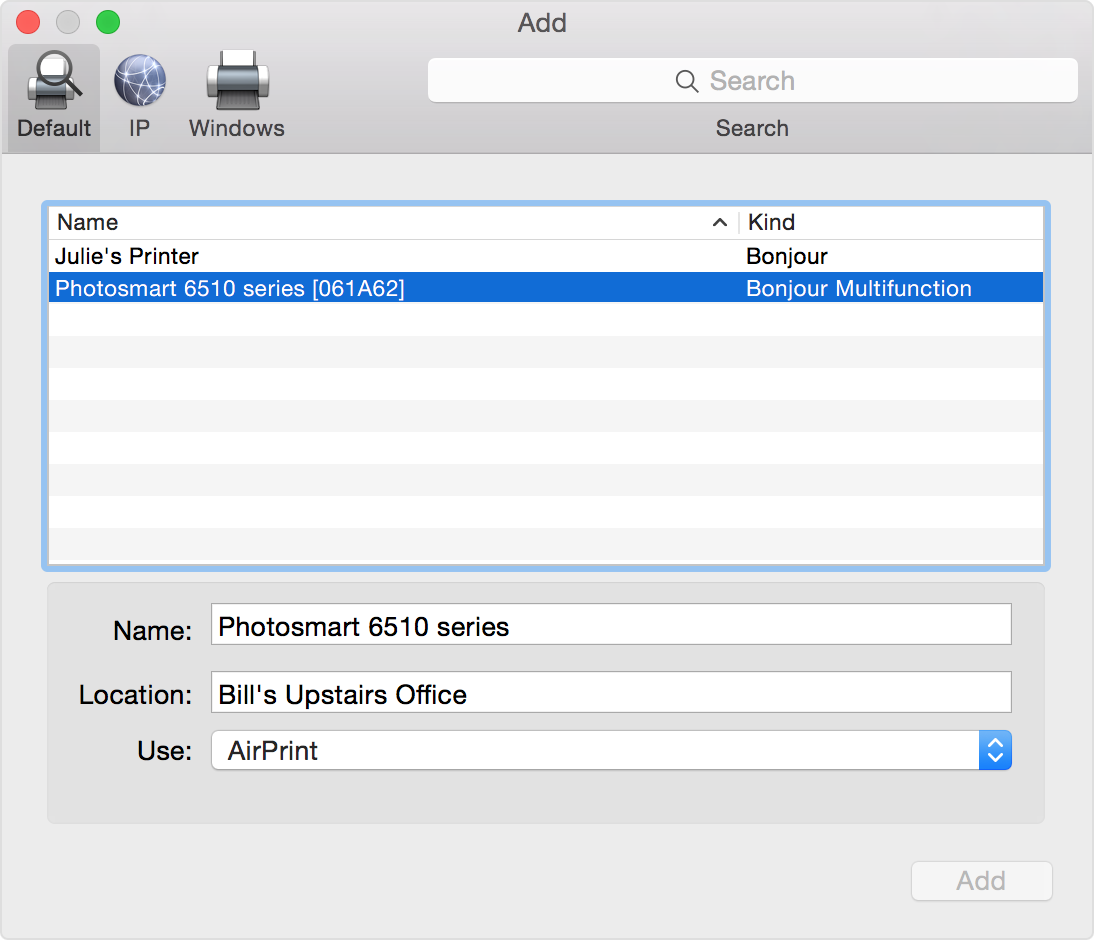
I tried to install the driver by the samsung website but that don't work. I went to "System Preference" then "Printer and scanners" Puis dans "Préférences Sytème" but there is absolutely no printer here. So I go to the "+" button but nothing here too. I tried to configure manually in this area but nothing is working.
Do you have ideas or do you know how can my mac will be able to detect it and add it to my printers ?
Thank you very much.
MacBook Pro (Retina, 15-inch, Mid 2015), OS X El Capitan (10.11.6), Printer Samsung Xpress SL-M2022Impr