
How Can I unlock an iPhone backup if I forgot the password
Unlock iPhone backup
Hello,
This is taken from Apples Website:
"There is no way to recover your information or turn off Encrypt Backup if you lose or forget the password."
Heres the article:
If you are trying to restore a iPhone from a backup and it's asking for a password then it is encrypted. If you don't remember setting it up someone must have enabled it.
Here's how to check:
Check to see if iTunes is already set up to encrypt your backups
If iTunes is set up to encrypt your backups, the Encrypt backup option has a check mark in the Summary pane when you connect your device to iTunes.
You can also see whether a specific iTunes backup is encrypted:
 next to the backup. If you see , the backup is encrypted.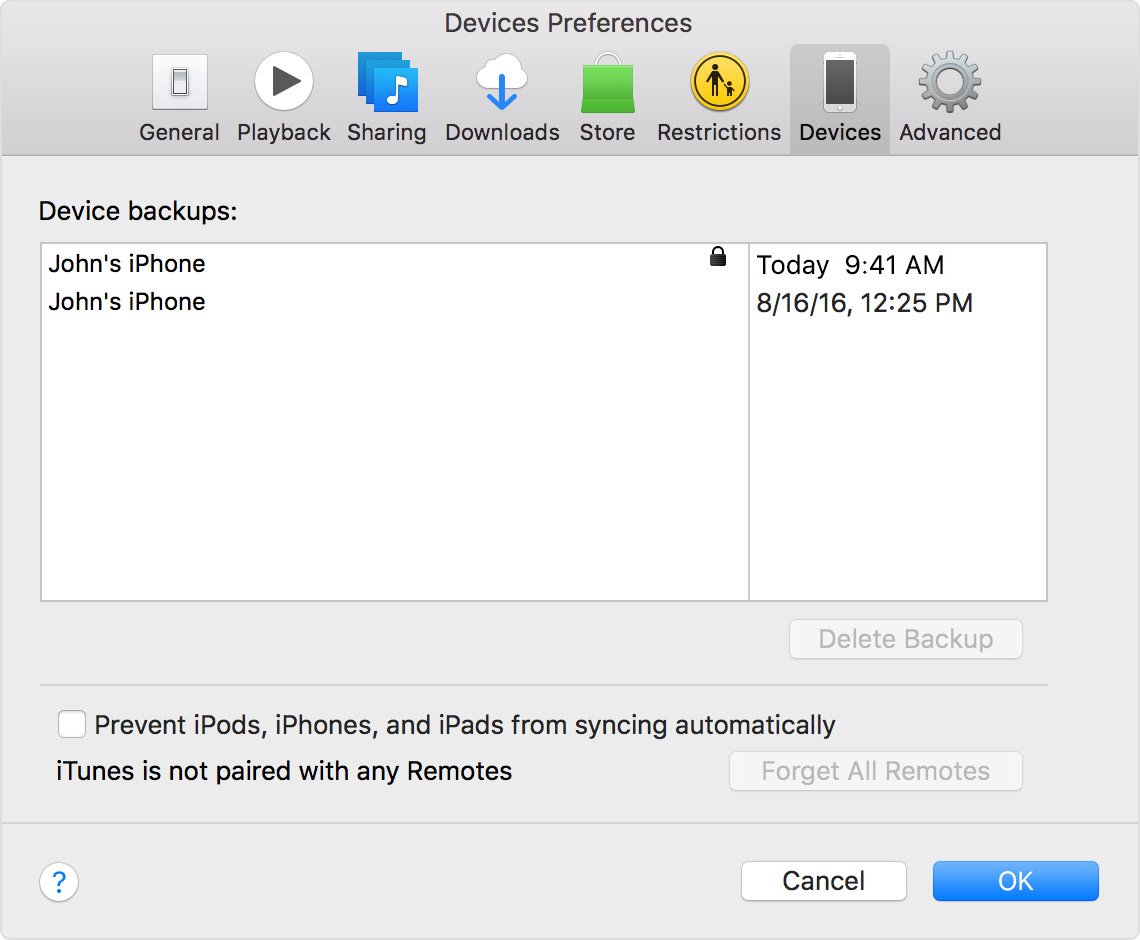
Okay from what you are telling me it sounds like your old iPhone backup is encrypted.
Is yout new iPhone at the setup screen? Is it factory reseted?
Check these steps:
If you can’t remember the password for your encrypted backup
You can't use an encrypted backup without its password.
When you try to use a backup, you might see a message that says, "The password you entered to unlock your backup was incorrect." If so, one of these things happened in the past:
If you don't have your password, here's what to do:
Also take a look at this article:
Yes you are corect. Apple can't reset the password either. You can use an iCloud backup if you have one. Or you can use an older unencrypted iTunes backup if you have one.
Here's the steps for iCloud:
Restore your device from an iCloud backup
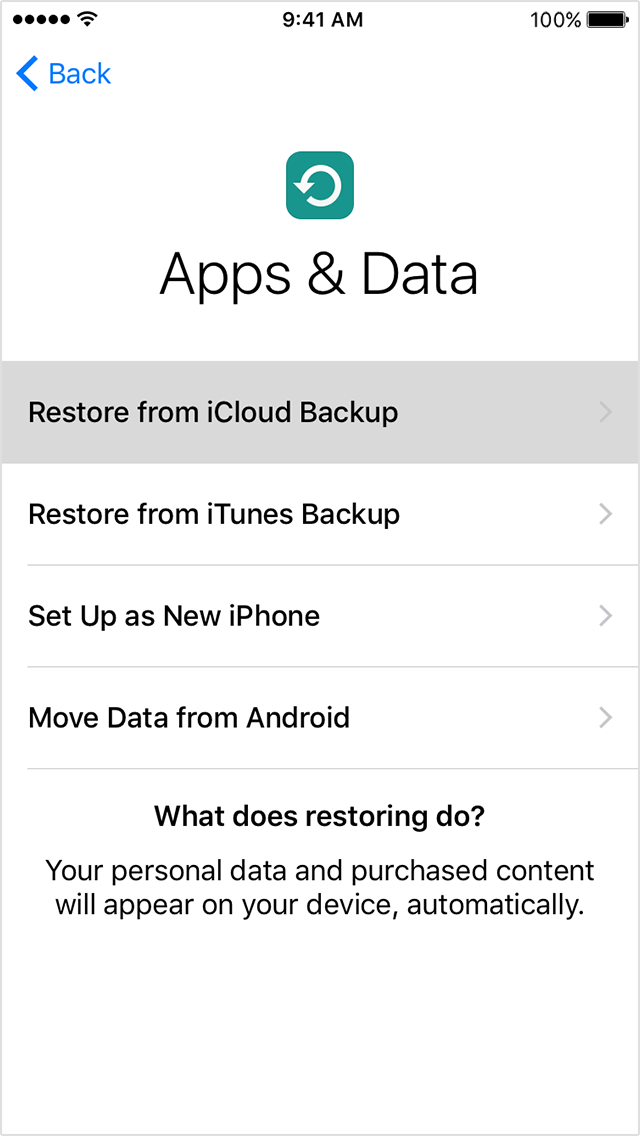
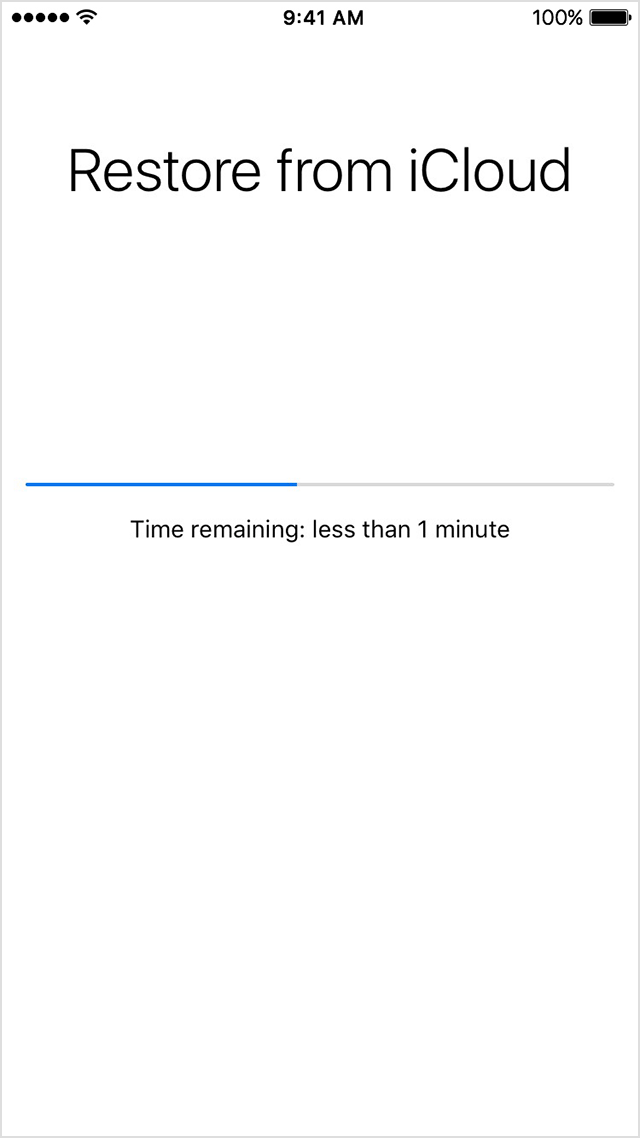
Get help with restoring from your iCloud backup.
Taken from:
Restore your iPhone, iPad, or iPod touch from a backup - Apple Support
I made a reply, then thought better of it, but I couldn't find a way to delete my reply!
"Aside from the fact that your post incomprehensible"
You're not doing that great yourself.
Perhaps I should have left my incomprehensible message as "This reply intentionally left blank" ?
KK
Blank Message since I can't delete
Aside from the fact that your post incomprehensible, what does it have to do with the subject of this thread?
At least that would have made sense...
But I don't remember I did encrypt or any passwor
Hello
I've lost my iphone 6
and then erase it by find my iphone
when i bought a new iPhone
and I try to retrieve data from the back up from itunes ask me for password
So u mean if i don't the password I lose everything don't you ?
The apple can't send me e-mail or call to reset the password !!!
How Can I unlock an iPhone backup if I forgot the password

