
How to move icons in iphone 6s
Hi
How can i move icons in iphone 6s ?
Hi
How can i move icons in iphone 6s ?
Hello,
Welcome to Apple Support Communities!
You can organize the apps on the Home screen, put them in folders, and move them to other pages, or screens. You can also reorder your pages.
Organize your apps
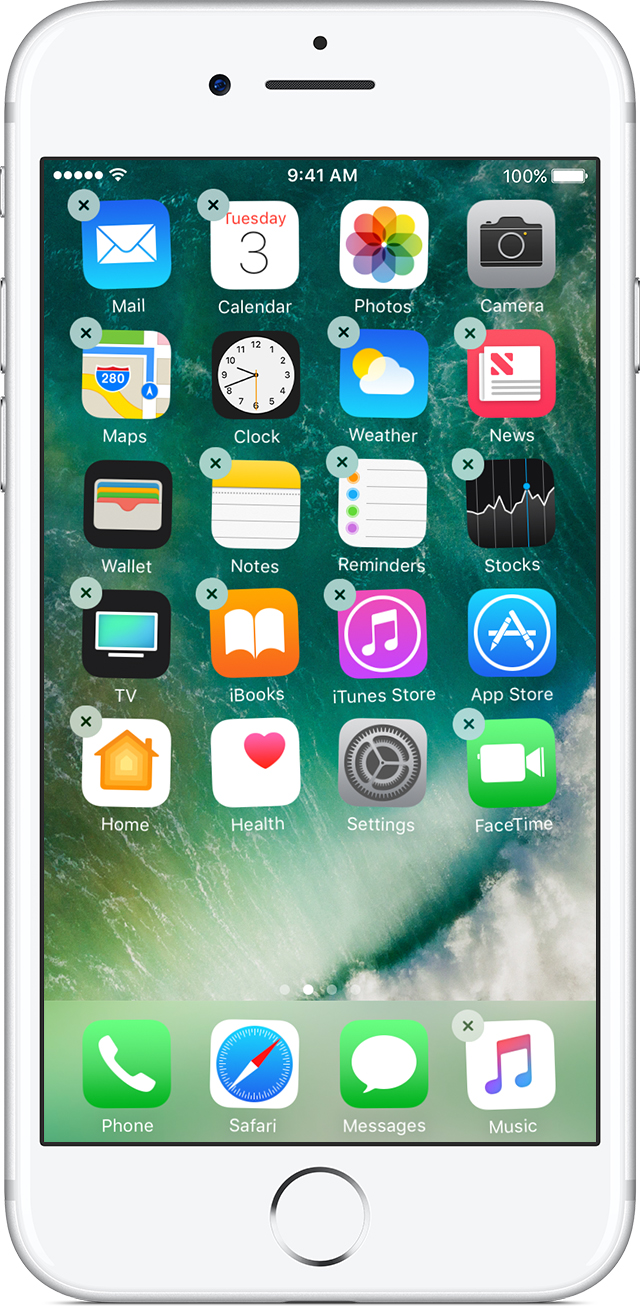
Touch and hold any app on the screen until they all jiggle.*
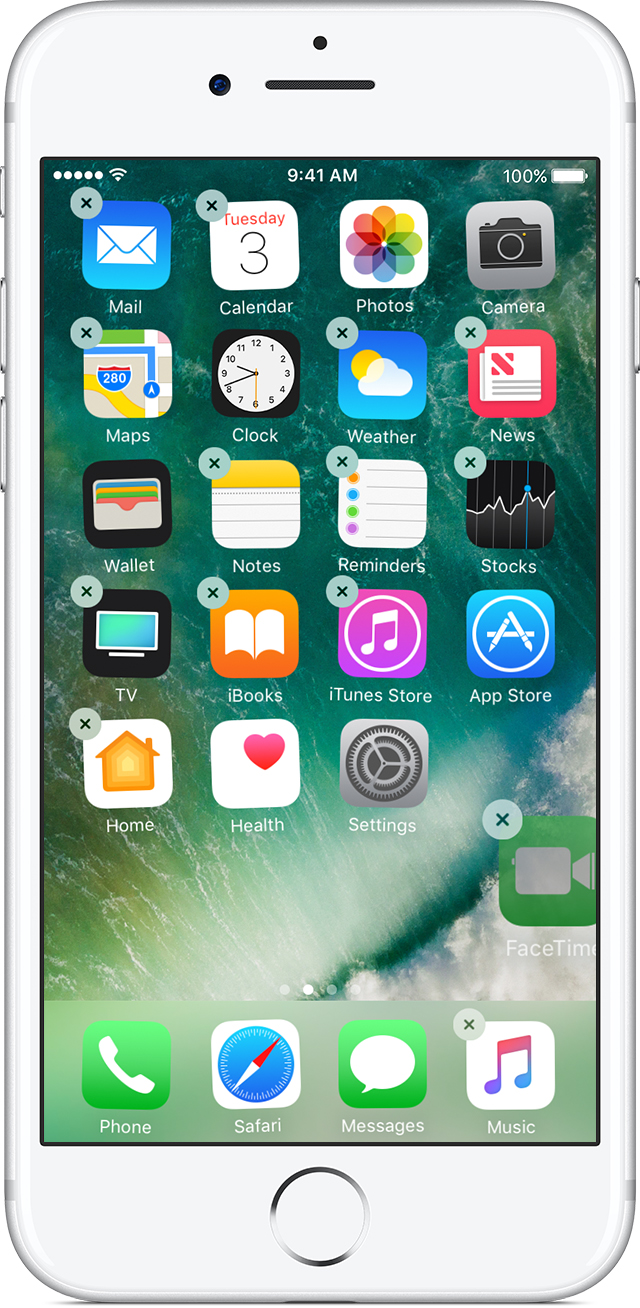
Now you can drag any app to another spot, including the Dock at the bottom of the screen.
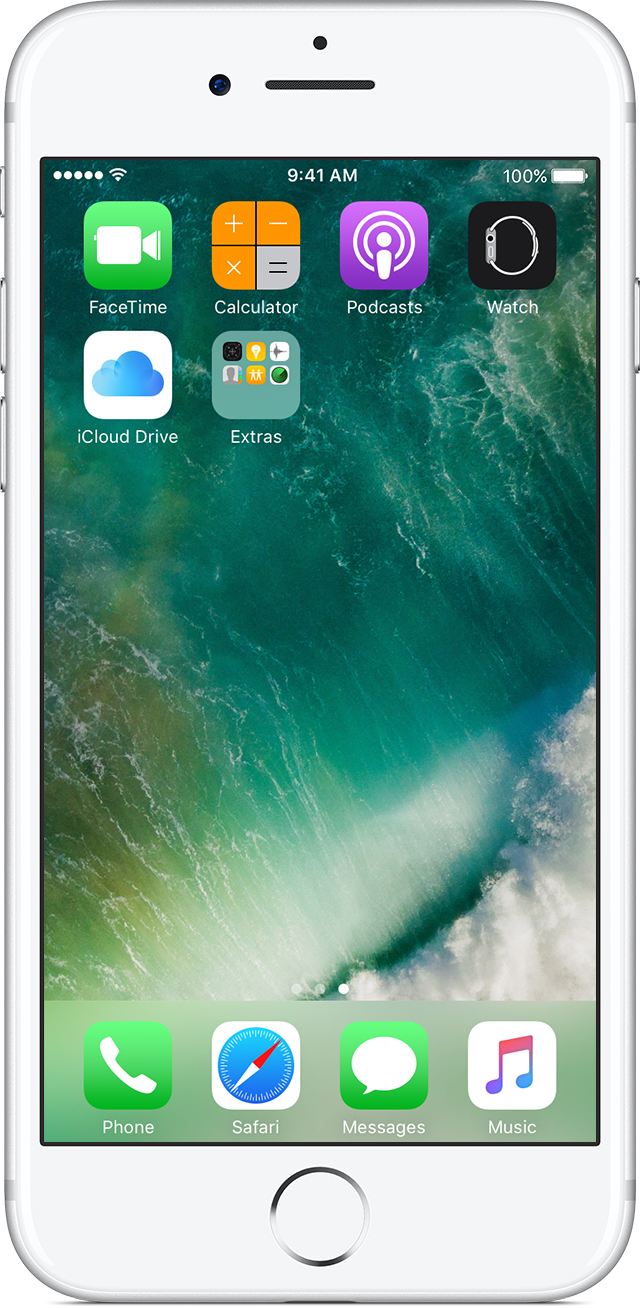
Press the Home button to save your new arrangement.
If you press firmly, then instead of jiggling, you might see Quick Actions for the app. Tap outside of the Quick Actions list and then touch and hold lightly on the app to try again.
How to move apps and create folders on your iPhone, iPad, or iPod touch - Apple Support
-TechGEEEK
I am unable to move my FaceTime icon from one screen to another. When I tap it it opens. If I touch it and hold it it will juggle but it won't move. Any ideas how to get it back where it belongs? Thank you
tap and hold on an icon until they all start jiggling.
Dont press down too hard else you'll invike 3D deel touch, just place your finger gently on the screen on the icon and hold it there.
Once they start jiggling, drag the icon you want to move. You can also drag it across screen pages.
touch and hold on the app or folder.
don't push on the screen.
How to move icons in iphone 6s


