Can’t send handwritten messages

Hello! I just purchased the iPhone SE a few weeks ago and I can’t do handwritten messages, even when I turn my phone sideways. All of my friends can do it, even the ones with earlier phones. I am going to have a B.F. :(

I even tried updating to iOS 11

Posted on Sep 26, 2017 3:21 AM

Reply
1 reply

Sep 26, 2017 4:42 PM in response to Jaymiie123

Hi Jaymiie123,

I understand that you're having some issues sending handwritten messages, and I'm happy to provide some help for this.

Once you turn your iPhone sideways, make sure that you've tapped the right button to start handwriting your message:

Use message effects with iMessage on your iPhone, iPad, and iPod touch - Apple Support


User uploaded file

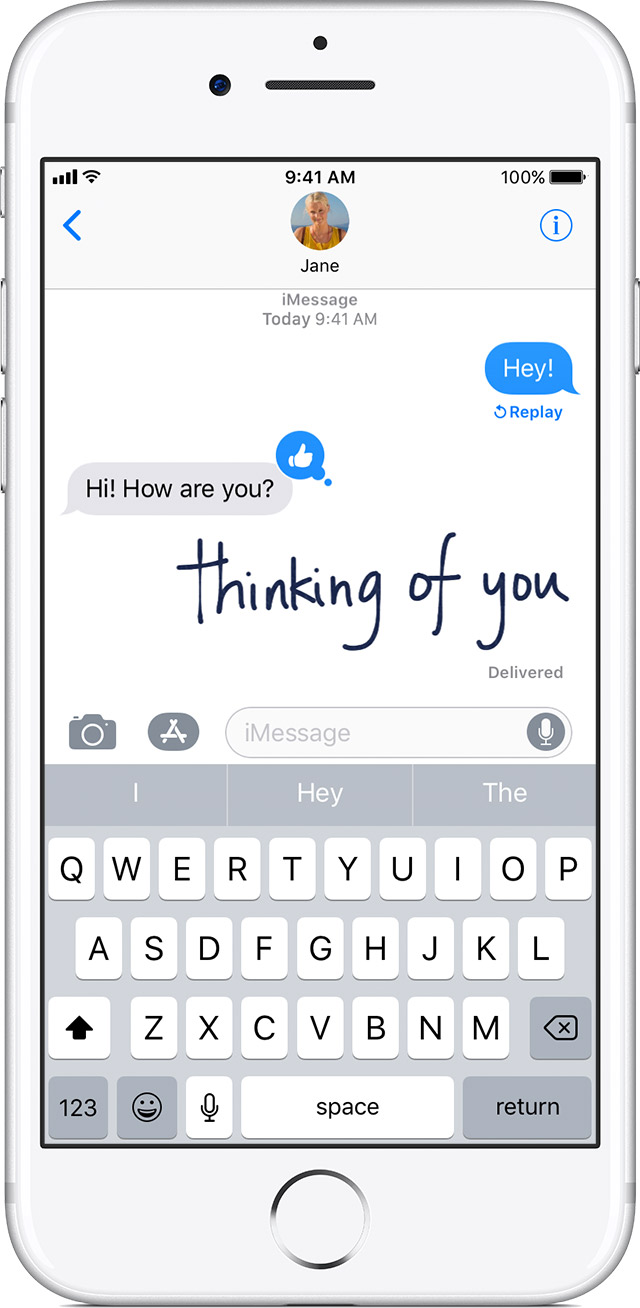
Send a handwritten message

You can personalize your messages by adding a note in your own handwriting. Your friends and family will see the message animate, as if it were being written in front of them. To send a handwritten note, follow these steps:

  1. Open Messages.
  2. Tap User uploaded file and enter a contact or go to an existing conversation.
  3. If you have an iPhone, turn it sideways. If you have an iPad, tap User uploaded file on the keyboard.
  4. Write your message or select one of the options at the bottom of the screen.
  5. If you need to start over, tap Undo or Clear. When you're finished, tap Done. Then tap User uploaded file to send.

You need iOS 10 to send and receive an animated handwritten message. If you have iOS 9 or earlier, you'll receive a still image.


Thanks for using the Apple Support Communities. Cheers!

This thread has been closed by the system or the community team. You may vote for any posts you find helpful, or search the Community for additional answers.

Can’t send handwritten messages

Welcome to Apple Support Community
A forum where Apple customers help each other with their products. Get started with your Apple Account.