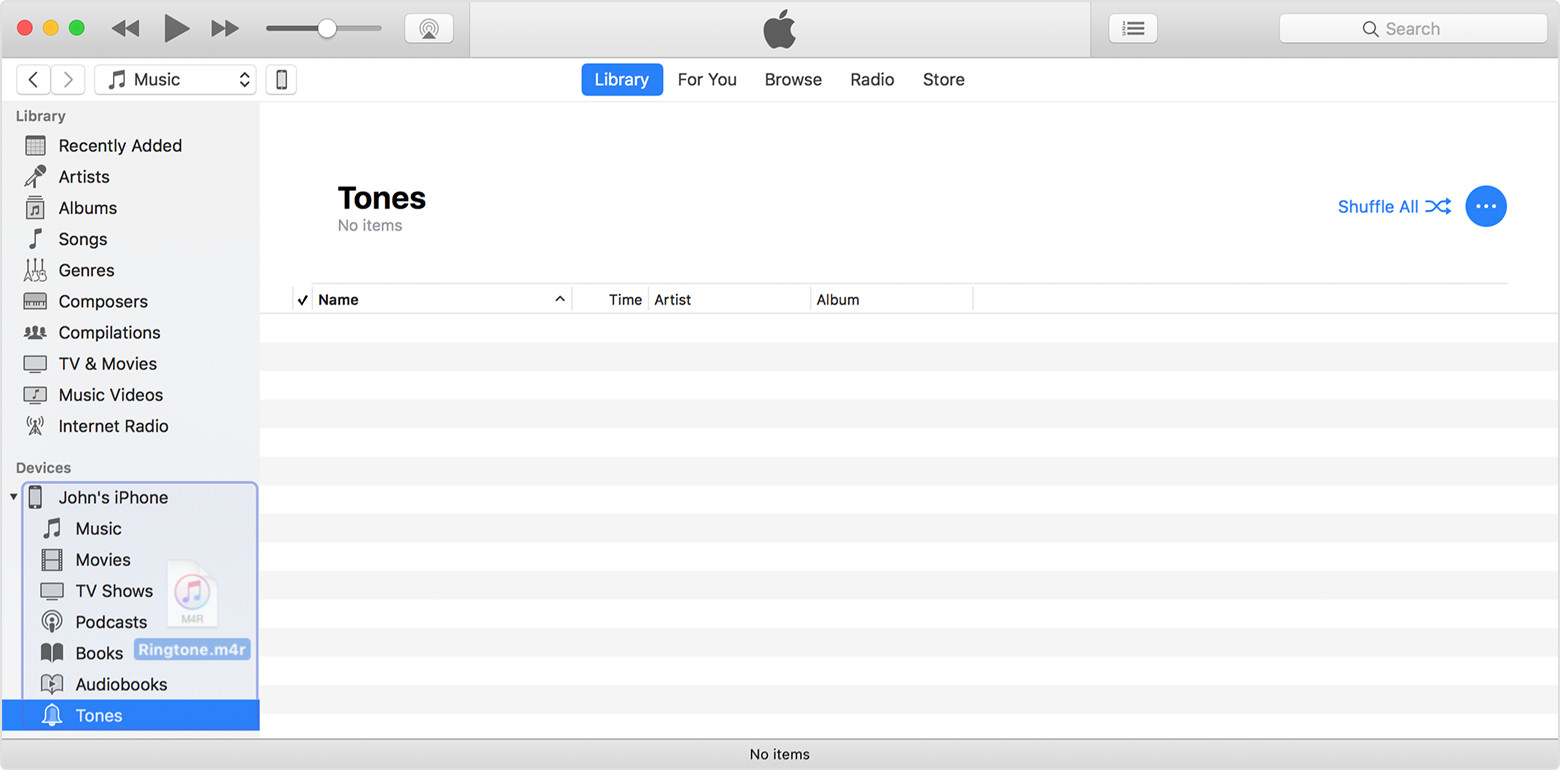
At iTunes-I am not able to see Apps list ,which are installed at my iPhone when I connect it to MAC
Objective: I have a IPA file which I want to install in my iPhone 6s through MAC
To get the objective done, I followed below steps:
A. Opened my email, I download the ipa file at MAC desktop
B. I have connected the iPhone 6s through USB plug with the MAC machine
C. I found iPhone 6s detected by MAC and the images from iPhone device opened automatically.
D. I then clicked on iTune and found the mobile icon at top left side at iTune and also see the iPhone 6 s at Device list under the Left panel.
E. I then click on Sync button.
F. I also click on File at iTunes and select the option Device > "Transfer Purchases"
G. I then click on Apps and found it's blank. No APP displayed with is installed at my iPhone.
H. I then drag and drop the IPA which I have download at Apps section under iTunes for the iPhone 6s
Expected: the Apps will be installed
Actual: Nothing Happend
I also tried by click on ipa and open with iTunes and I also expect it will install the app in iPhone 6s. Nothing happened. It's just blank like white note pad. I am not getting what should I do /follow to install the app at iPhone 6s.
Please help me.
iPhone 6s, iOS 11.0.2, iTunes is v12.6 at MAC and iOS v11