Hello KFahy90,
Thanks for asking the Apple Support Communities for help with Notifications. I am happy to check this out with you.
This help article talks about Notifications in iOS 11 and states:
Use notifications on your iPhone, iPad, and iPod touch - Apple Support
In iOS 11, you can see all of your notifications on the Lock screen and quickly access them no matter what screen you’re on. Just swipe down from the top of any screen to interact with your notifications:
Please check the article as there are animated pictures that show you examples. If you are unable to find your notifications in the screen as shown in the article, please let us know.
If you need more assistance with this, please let us know what device this is being experienced on and which iOS version is currently running. The next troubleshooting steps may be different depending which device and iOS version you are needing help with. Also, if you can describe the circumstances you are seeing might help. How do you know a notification is happening? How do you notice it is missing? Is your iPhone synced with an Apple Watch or anything else? I ask because notifications are occur differently when your iPhone is synced with an Apple Watch. This article talks about this and states: Notifications on your Apple Watch - Apple Support
We'll send notifications to the device that you're using, so you can see them as soon as possible.
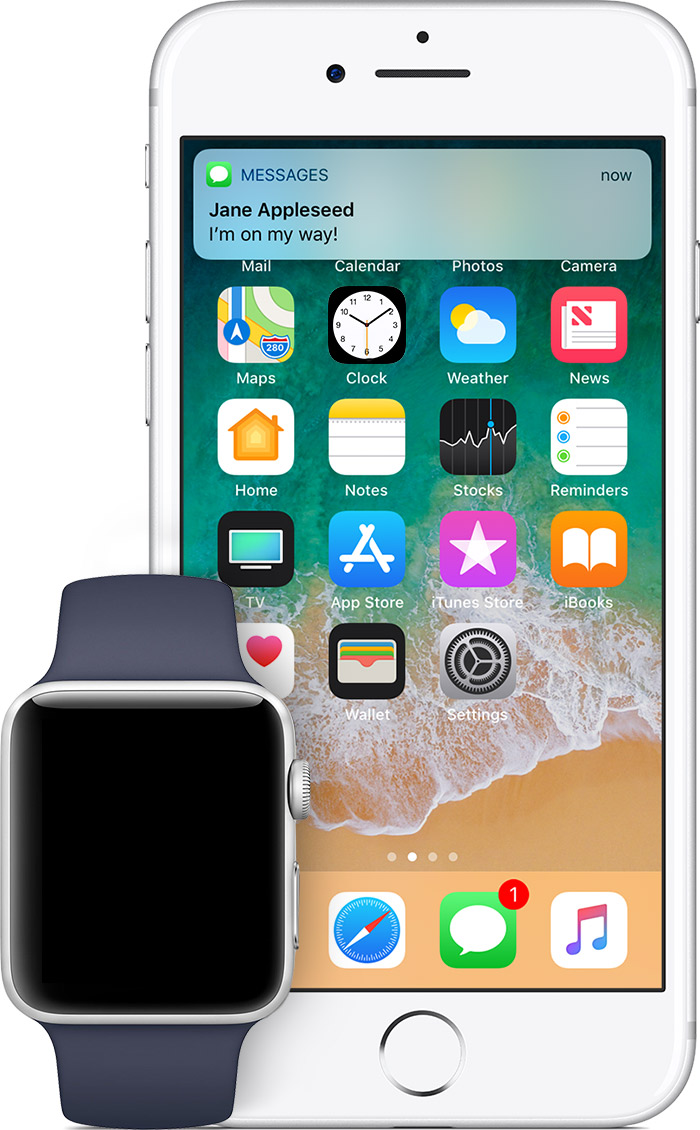
If your iPhone is unlocked, you'll get notifications on your iPhone, instead of your Apple Watch.
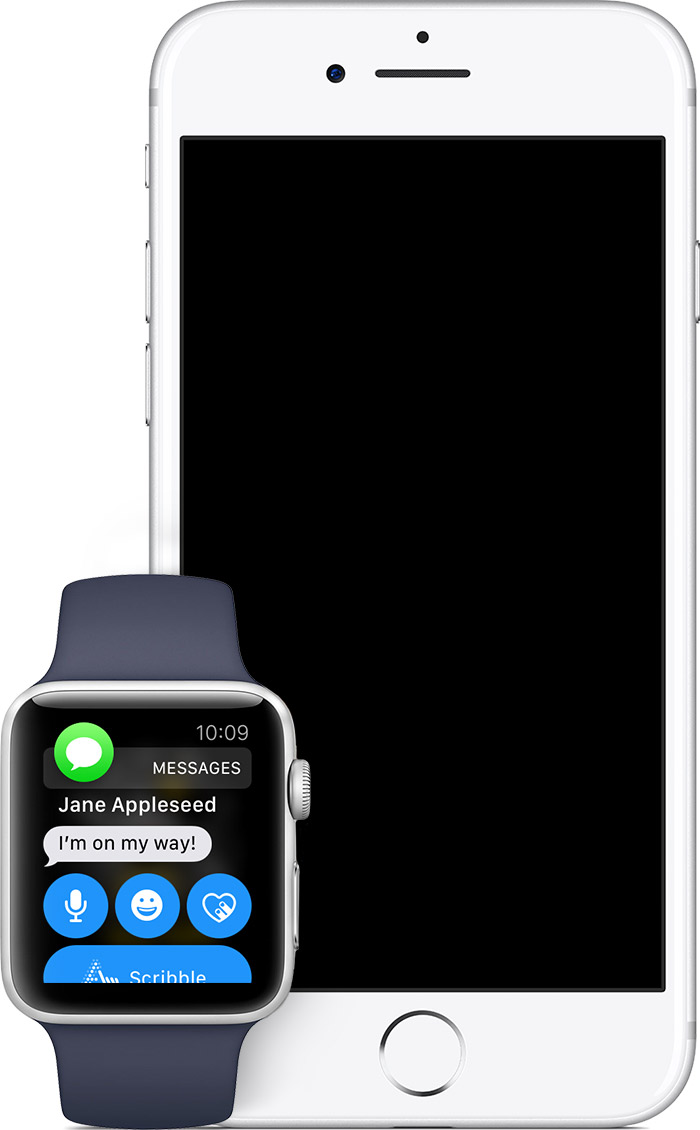
If your iPhone is locked or asleep, you'll get notifications on your Apple Watch, unless your Apple Watch is locked with your passcode.
Thanks and have a wonderful day.


