Hi MOALFAROOQ,
Thanks for using the Apple Support Communities. If you are having issues pairing your Apple Pencil with your iPad Pro, you may find the information and troubleshooting steps outlined in the following article helpful. In particular, this section may be relevant:
- Restart your iPad, then try to pair again.
- Go to Settings > Bluetooth and make sure that Bluetooth is turned on.
- On the same screen, look under My Devices for your Apple Pencil. If you see it, tap
 . Then tap Forget this Device.
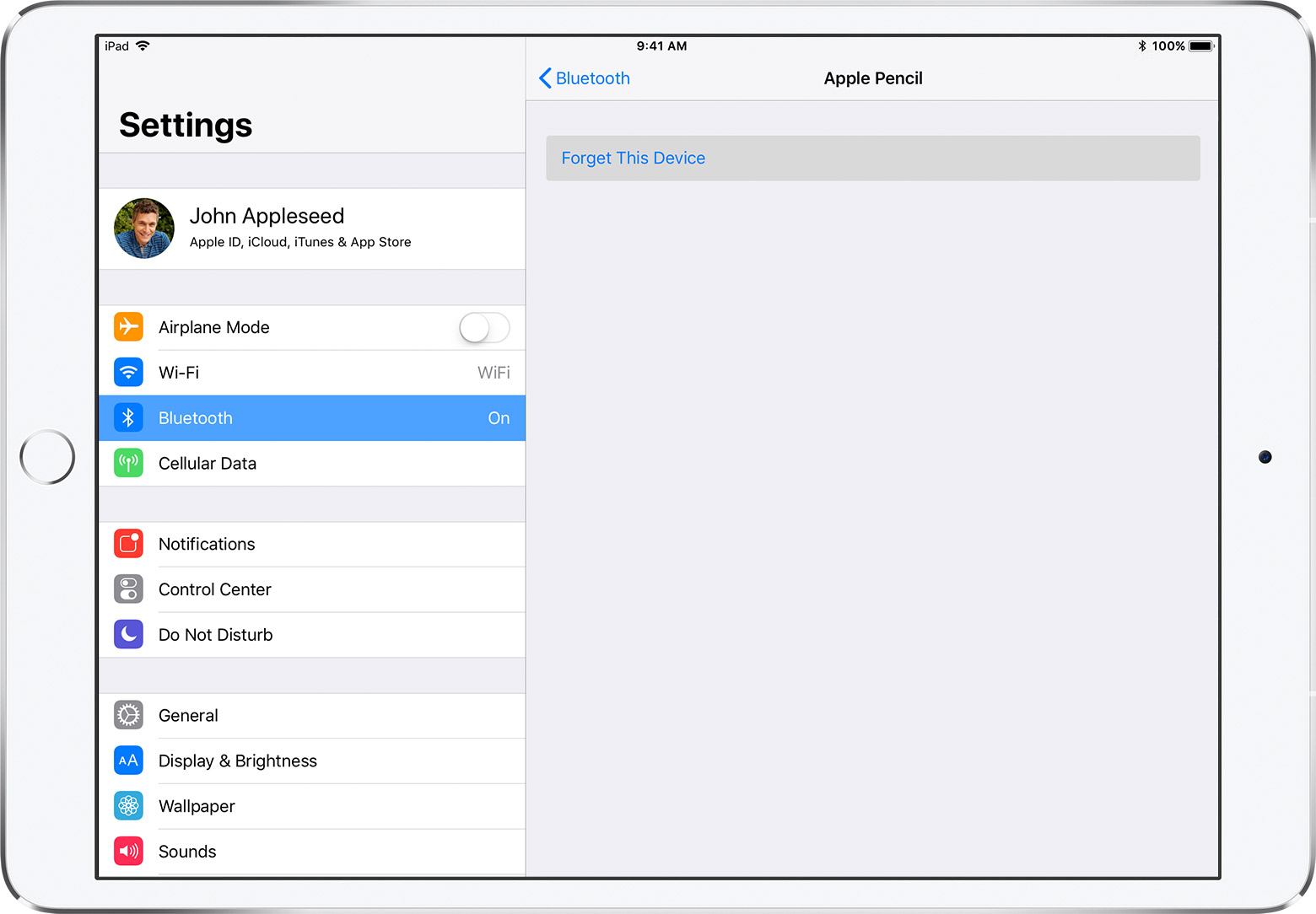
- Plug your Apple Pencil into your iPad and tap the Pair button when it appears after a few seconds.
- If you don't see the Pair button, wait for one minute while your Apple Pencil charges. Then unplug your Apple Pencil, plug it back in, and wait until you see the Pair button.
- If you still don’t see the Pair button, contact Apple Support.
Use Apple Pencil with iPad Pro and iPad (6th generation) - Apple Support
Regards.


