
How do i get to the apple tv screen?
Hi i am trying to use the remote app for apple tv and u don’t know hiw to find the settings screen
Hi i am trying to use the remote app for apple tv and u don’t know hiw to find the settings screen
Set up the Apple TV Remote app
3. Connect your iOS device to the same (Wi-Fi) network as your Apple TV.
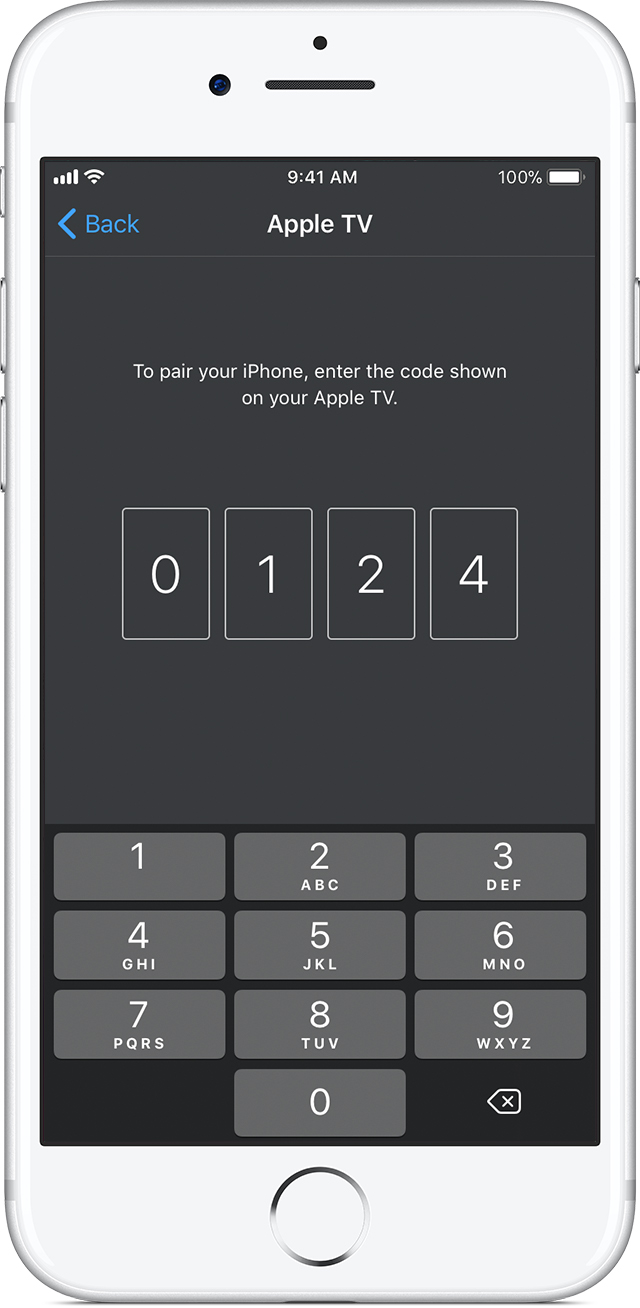
4. Open the Apple TV Remote app on your iOS device, tap Add Apple TV, then tap your Apple TV. Don't see it?
5. On Apple TV 4K or Apple TV (4th generation), wait for a four-digit code to appear on your television. Enter this code on the pairing screen that appears on your iOS device. If the code doesn’t appear and you can control your Apple TV, your iOS device is already paired and you can start using the app.
How do i get to the apple tv screen?
