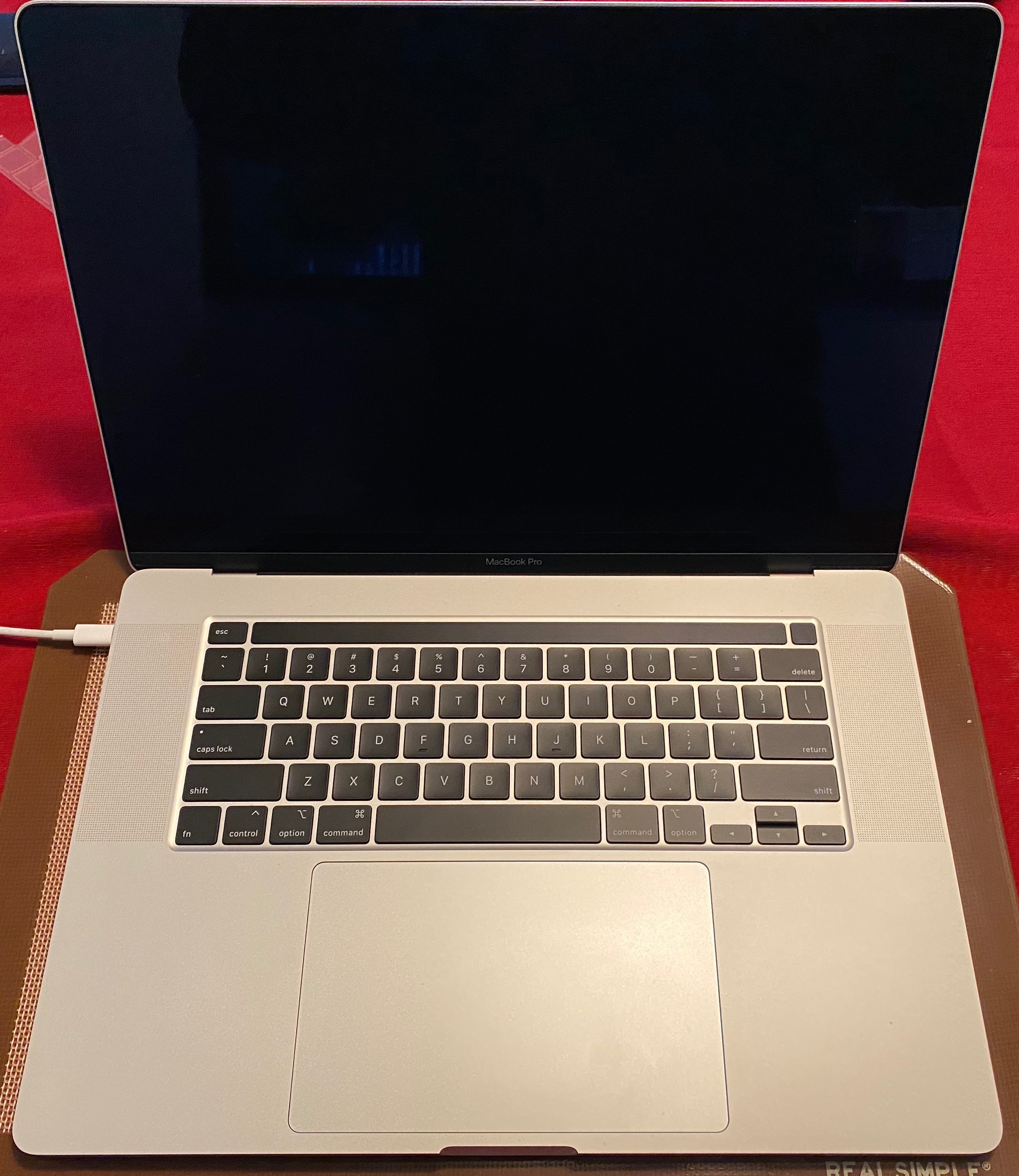
Crackling sound on MacBook Pro 2018

I have the new MacBook Pro 2018 15' I've had it for almost two moths now. I'm sure some user are familiar with the crackling sound from the speakers on their new MacBook Pro. Even apple has addressed this with the macOS High Sierra 10.13. 6 supplemental Update 2.


However, even after updating I still have a crackling sound or a random sounds every time my speakers gets on 44 100 Hz. I can easily fix it with selecting 48 000 Hz, but I still find it shocking that the MacBook 2018 can't use 44 100 Hz... I don't want my Mac on service either atm, simply cause I still believe Apple has a fix for it. I've already replaced my MacBook Pro 2018 15' model once so I don't believe it will help if I try again. (I got it replaced for the same problem). The only reason this is bothering me is simple cause I work with sound, music to be exact.


So I'm just curious if people still have a problem with their MacBook's using 44 100 Hz? or if its just mine.

MacBook Pro (15-inch, 2018), macOS High Sierra (10.13.6)

Posted on Oct 9, 2018 3:18 PM

Reply
53 replies

Jan 15, 2019 10:46 AM in response to PeterScu

I have just finished a call with tech support representative and we agreed to run some tests... I will try to do more testing because I don't use macbook pro all day everyday . I have also bought it to use for making music as I am a music producer.

what type of crackling you have , PeterScu? I've connected my audio interface today and got a strange cut offs/popups during vocal recording in Cubase so I will have to run more of these tests too.

But as for crackling I'm gonna investigate it and help Apple tech support to learn about the issue. feels like they have a great tech support

Nov 16, 2018 12:48 PM in response to Alias98

Hi Alias98.

You are not alone with this crackling issue. I have the laptop over 1 week only and found the noise in the 4th day even if I have the latest updates for High Sierra. Didn't go for Mojave yet. Some say Mojave will fix it, but I couldn't really find users that previously wrote about their sound problem on these conversations, to come back and tell us if they fixed it or not, and how. Also the others that are saying they are in touch with Apple, they don't come back with anything official or 100% fix.

In the meantime, could you please tell us beginners into Mac, how/where do you change the sound sampling from 44 khz to 48khz?

Thanks

Dec 5, 2018 7:50 AM in response to BriSeeley

My 15" MacBook Pro running on Mojave 10.14.1, purchased in August, just started with the crackling speakers issue yesterday and I wasn't playing music. I noticed it from the "notification" tone. 🤔 I restarted my laptop and it sounded fine until this morning. Now I see that others are experiencing the same problem.


I don't have time to replace/repair my MacBook right now.😭 Please reply if yours start acting up again, BriSeeley? Would appreciate any help or guidance from others.


Thanks much!

This thread has been closed by the system or the community team. You may vote for any posts you find helpful, or search the Community for additional answers.

Crackling sound on MacBook Pro 2018

Welcome to Apple Support Community
A forum where Apple customers help each other with their products. Get started with your Apple Account.