Hello Mishl10,
Thanks for that info and choosing the Apple Support Communities. Based on what you stated, it seems you are having issues with the sound of videos when playing on your new iPhone XS. To help with your situation, please follow the steps from this Apple resource on your issue:
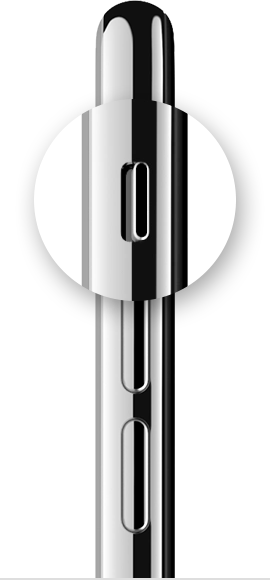
If your device has a Ring/Silent switch, move the switch forward—toward the device's display—so that orange isn't showing.
Open Settings > Do Not Disturb and check that Do Not Disturb is off. If you're using an iPad, you can also swipe down from the top-right corner to view Control Center and make sure the mute button and Do Not Disturb button aren't enabled.
Open an app that has music or sound effects, then adjust the volume with your volume buttons or the slider in Control Center.
If you can hear sound through the headphones but not through your device's speakers, unplug the headphones and clear dust or debris from the headset port on your device.
To make sure that your device isn't sending audio to a Bluetooth accessory, go to Settings > Bluetooth and turn off Bluetooth.
Turn off your device, then turn it back on. Check the sound again. If you still don't hear any sound, contact Apple Support.
If you hear no sound or distorted sound from your iPhone, iPad, or iPod touch speaker
Cheers!


