
Frozen iphone xr
My iphone xr is frozen and wont let me turn the device off or let me get on any app. Its saying im on facetime with someone but im not
iPhone XR, iOS 12
My iphone xr is frozen and wont let me turn the device off or let me get on any app. Its saying im on facetime with someone but im not
iPhone XR, iOS 12
Try this link-->If your iPhone, iPad, or iPod touch won't turn on or is frozen - Apple Support
If that fails to resolve the problem it needs hardware service. Make an appointment-->Genius Bar Reservation and Apple Support Options - Apple
Try this link-->If your iPhone, iPad, or iPod touch won't turn on or is frozen - Apple Support
If that fails to resolve the problem it needs hardware service. Make an appointment-->Genius Bar Reservation and Apple Support Options - Apple
If your iPhone, iPad, or iPod touch won't turn on or is frozen
If your device has a frozen screen, doesn't respond when you touch it, or becomes stuck when you turn it on, learn what to do.
If your screen is black or frozen
If your screen is black or frozen, you might need to force restart your device. A force restart won't erase the content on your device. You can force restart your device even if the screen is black or the buttons aren't responding. Follow these steps:

If your device still won't turn on or start up
Plug in your device and let it charge for up to one hour.
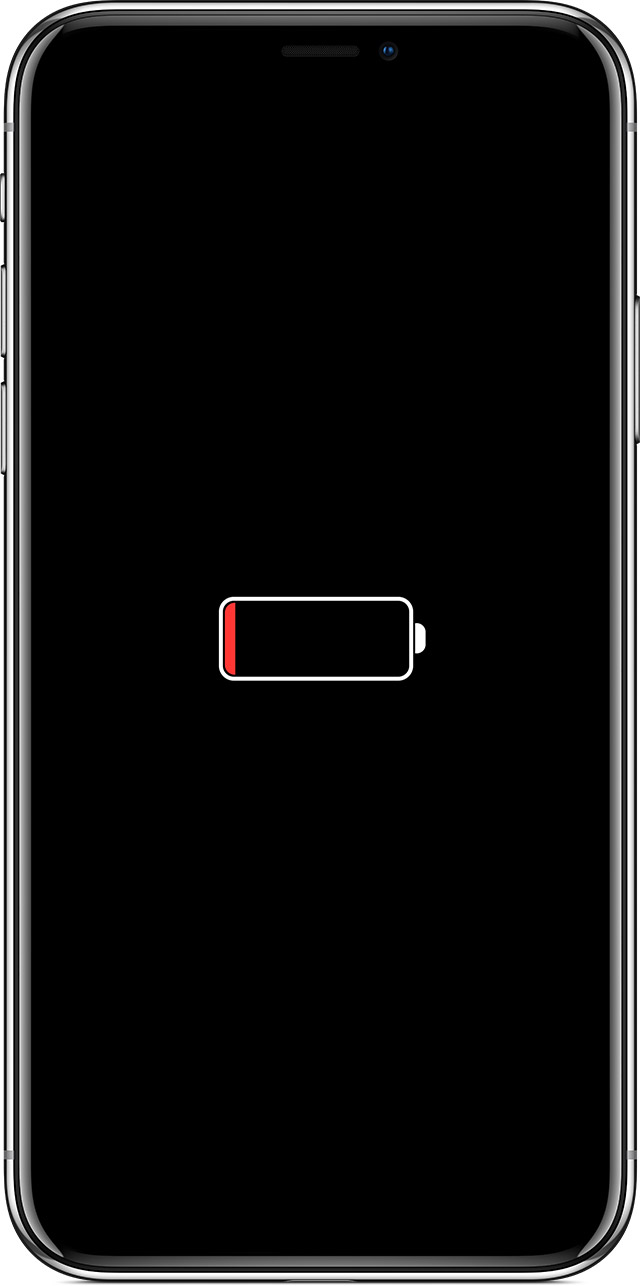
After a few minutes, you should see the charging screen.
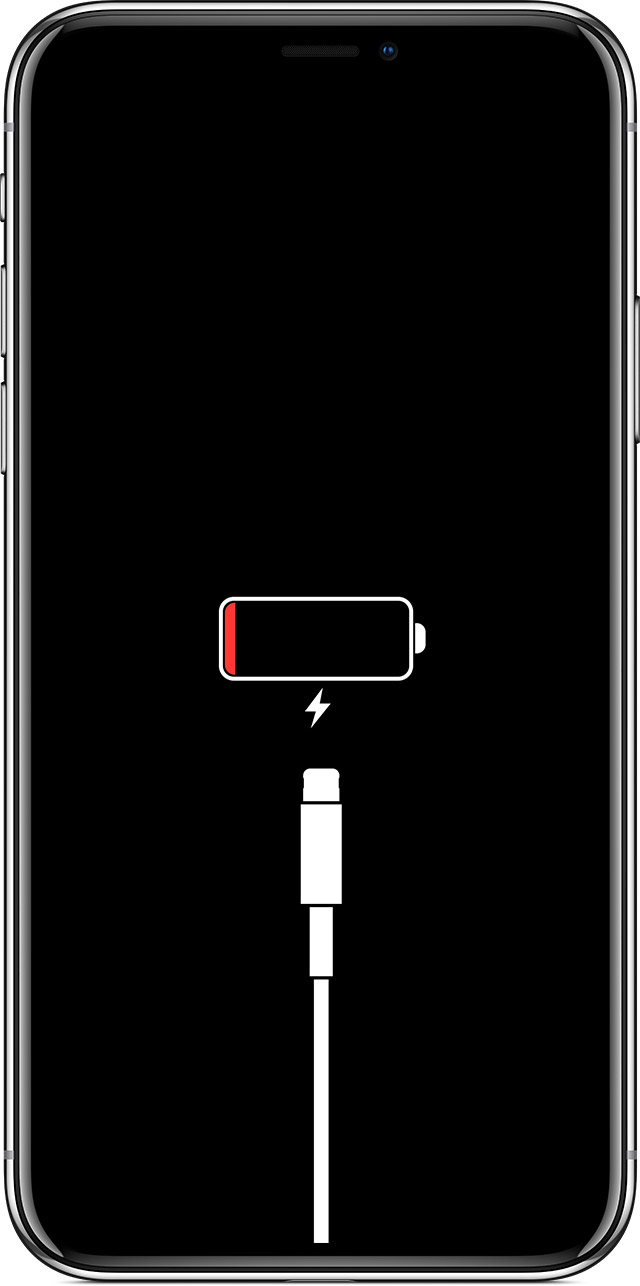
If you don't see the charging screen within an hour, or you see the connect to power screen, check the jack, USB cable, and power adapter. Make sure that everything is plugged in firmly, free of debris, and not damaged. You might want to try a different USB cable or power adapter.
If your device still doesn't turn on, see what to do next.
If your device turns on but gets stuck during start up
If you see the Apple logo or a red or blue screen during startup, try these steps:
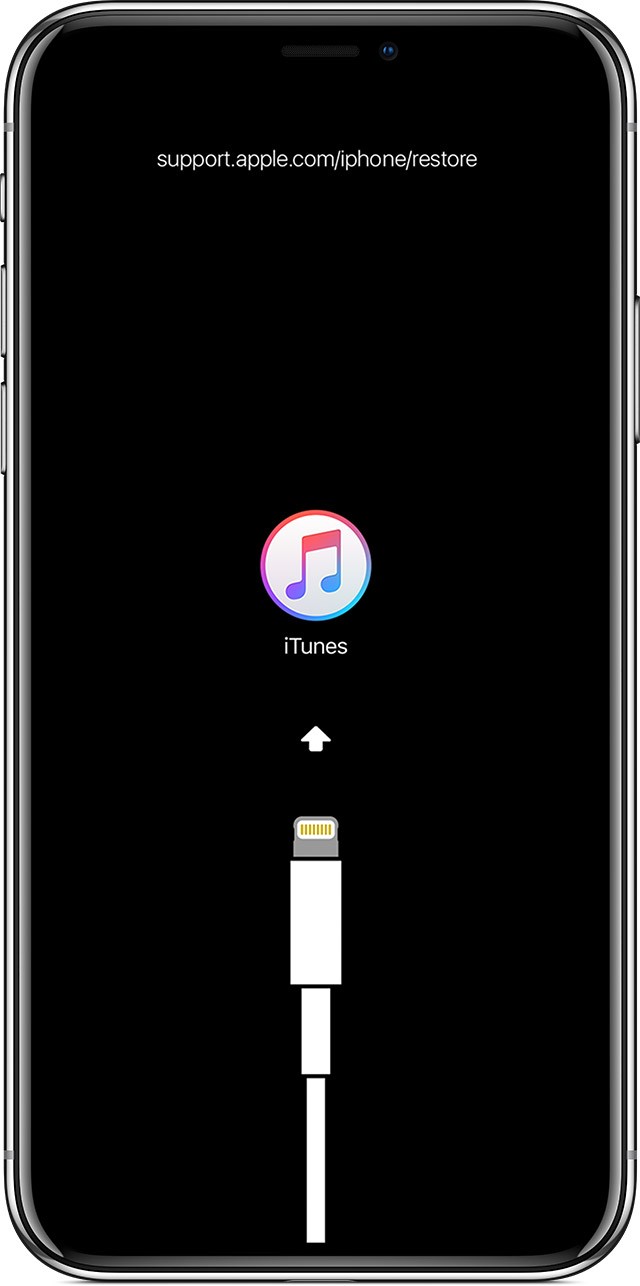
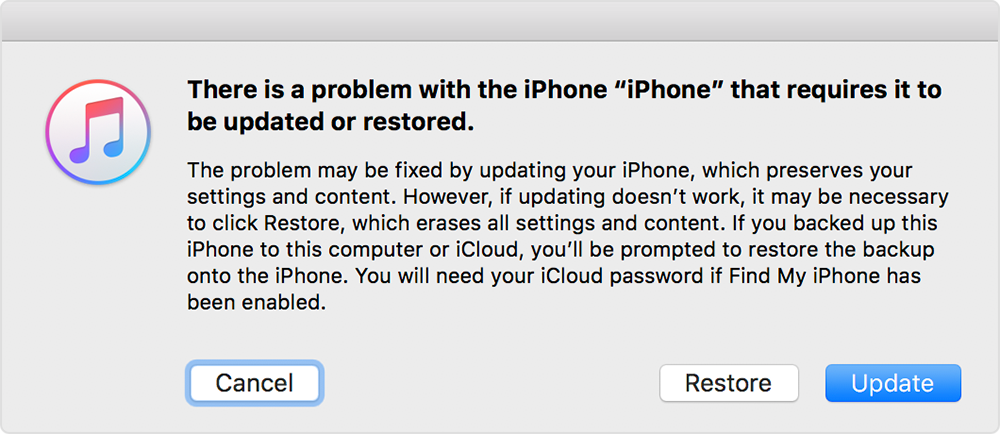
iTunes will download the software for your device. If it takes more than 15 minutes, your device will exit recovery mode and you'll need to repeat steps 2 and 3.
If your iPhone, iPad, or iPod touch won't turn on or is frozen - Apple ...
My phone don’t turn on I have an accident with it yesterday
Frozen iphone xr

