I am on Mojave 10.14.5 too. I do not use any Microsoft applications, but from what I have perused online, the Insert menu : Advanced Symbol panel functionality in Office365 applications may be too limiting on the Mac.
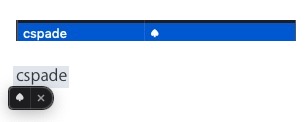
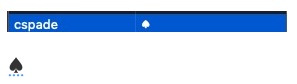
If the last item on the Office365 application's Edit menu is Emoji & Symbols, then use that menu item, or its keyboard shortcut to launch the character viewer, where you can enter the suit search term. When you double-click any of the centrally located card suit symbols, they will be directly inserted into your current Office365 document at the current insertion beam location.
If Word supports an Edit menu : Substitutions : √ Text Replacement feature, then you can also associate unique keywords with replacement text, which in this case could be the card suit characters. Look at System Preferences : Keyboard : Text panel. When typing a Replace term, it will automatically insert the With term in your text, or it may float the replacement item ready to insert.