
Issues with my iPhone XS
Is anyone experiencing freezing, dropped calls or over heating with their device?
iPhone XS, iOS 12
Is anyone experiencing freezing, dropped calls or over heating with their device?
iPhone XS, iOS 12
If your iPhone, iPad, or iPod touch won't turn on or is frozen
If your device has a frozen screen, doesn't respond when you touch it, or becomes stuck when you turn it on, learn what to do.
If your screen is black or frozen
If your screen is black or frozen, you might need to force restart your device. A force restart won't erase the content on your device. You can force restart your device even if the screen is black or the buttons aren't responding. Follow these steps:

If your device still won't turn on or start up
Plug in your device and let it charge for up to one hour.
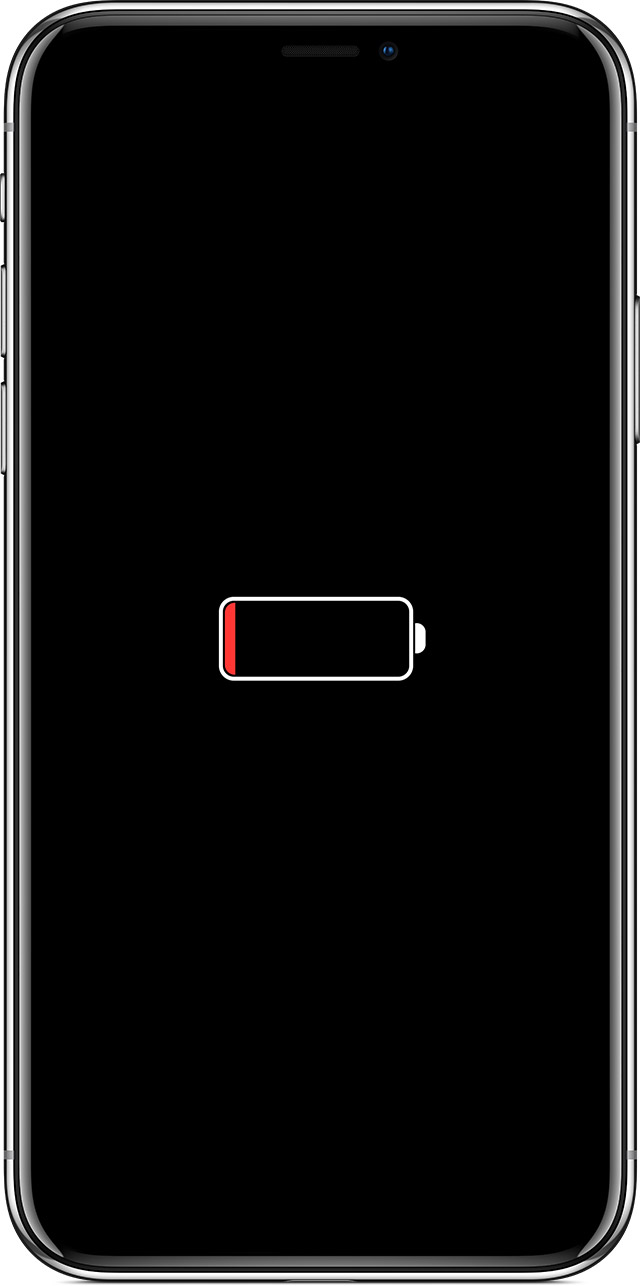
After a few minutes, you should see the charging screen.
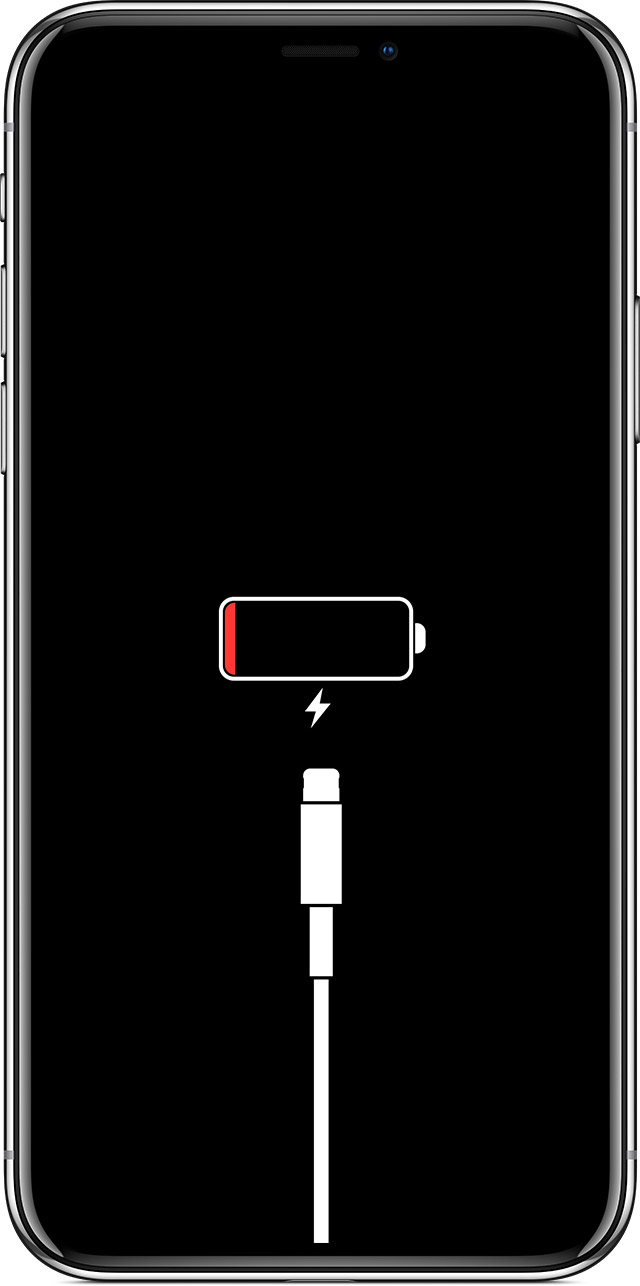
If your device still doesn't turn on, see what to do next.
If your device turns on but gets stuck during start up
If you see the Apple logo or a red or blue screen during startup, try these steps:
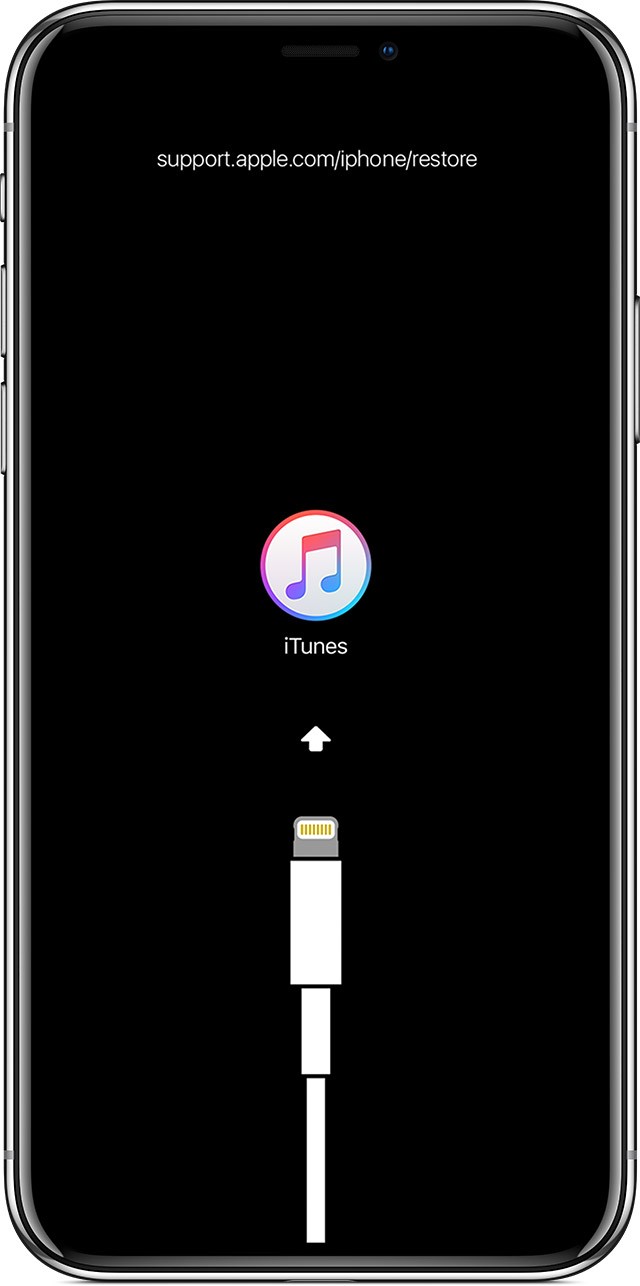
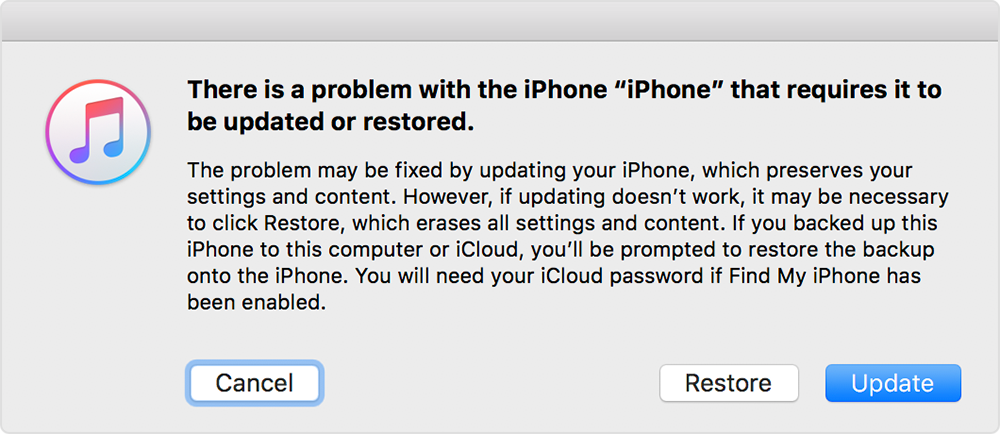
iTunes will download the software for your device. If it takes more than 15 minutes, your device will exit recovery mode and you'll need to repeat steps 2 and 3.
If your iPhone, iPad, or iPod touch won't turn on or is frozen - Apple ...
If your iPhone, iPad, or iPod touch won't turn on or is frozen
If your device has a frozen screen, doesn't respond when you touch it, or becomes stuck when you turn it on, learn what to do.
If your screen is black or frozen
If your screen is black or frozen, you might need to force restart your device. A force restart won't erase the content on your device. You can force restart your device even if the screen is black or the buttons aren't responding. Follow these steps:
If your device still won't turn on or start up
Plug in your device and let it charge for up to one hour.
After a few minutes, you should see the charging screen.
If your device still doesn't turn on, see what to do next.
If your device turns on but gets stuck during start up
If you see the Apple logo or a red or blue screen during startup, try these steps:
iTunes will download the software for your device. If it takes more than 15 minutes, your device will exit recovery mode and you'll need to repeat steps 2 and 3.
If your iPhone, iPad, or iPod touch won't turn on or is frozen - Apple ...
Call Failed or Dropped Calls
In telecommunications, the dropped-call / Call-Failed rate (DCR) is the fraction of the telephone calls which, due to technical reasons, were cut off before the speaking parties had finished their conversational tone and before one of them had hung up (dropped calls or Call Failed). This fraction is usually measured as a percentage of all calls.
5 Reasons Your Phone Keeps Dropping Calls or encounter Call Failed.
Options Are...
Usually cheap phones demonstrate these behaviour because often they employ low-quality antennas that are vastly inferior to more expensive components, and at times battery quality impacts signal strength, too. And if you still encounter problems, calling your carrier's tech support line may offer clues as to reasons for your call failure or dropped calls.
Over heating?
take your device to an Apple Retail Store or Apple Authorized Service Provider, or contact Apple Support:
Apple Repair and Repair Status Check - Official Apple Support
https://support.apple.com/repair
Apple Authorized Service Provider
https://locate.apple.com › Home › Find Locations
Find Locations - Location Selector - Apple
https://locate.apple.com › Find Locations
Issues with my iPhone XS
