iOS 13: Touchscreen opens links on web pages at the slightest touch

Touchscreen has gotten too sensitive since iOS 13 update; opens links when scrolling on web pages at even the slightest touch. anyone else seeing this? I have an iphone 6S


[Re-Titled by Moderator]

iPhone 6s

Posted on Sep 26, 2019 10:34 AM

Reply
Question marked as Top-ranking reply

Posted on Oct 5, 2019 5:01 AM

Hey folks this is the OP, I’m going to close this thread even though as I write this (Oct 5, 2019), the problem still exists.


Here’s what we know:

  1. Certain apps, when used on iOS 13.x (up to and including 13.1.2) have very sensitive embedded links that respond at the slightest touch.
  2. These apps worked fine on iOS 12.x and earlier
  3. This is app-specific; Safari showing web pages seems fine, but the CNN and Fox News apps, for example, have this problem.
  4. This problem is on all iPhones including the new 11.
  5. iPadOS is just out so no idea if it’s a problem there also.


So, what to do?

  1. Comment in App Store. Both CNN and Fox News app are flooded with complaints about this. If you know of another app with this behavior leave a comment for the developer. We as users have to assume that the developers will tell Apple about this and get it resolved.
  2. Leave feedback for Apple. As this community is not a formal way to file feedback with Apple, you need to submit feedback here: https://www.apple.com/feedback/


Thanks everyone, fingers crossed this gets resolved soon!!

52 replies
Question marked as Top-ranking reply

Oct 5, 2019 5:01 AM in response to swf627

Hey folks this is the OP, I’m going to close this thread even though as I write this (Oct 5, 2019), the problem still exists.


Here’s what we know:

  1. Certain apps, when used on iOS 13.x (up to and including 13.1.2) have very sensitive embedded links that respond at the slightest touch.
  2. These apps worked fine on iOS 12.x and earlier
  3. This is app-specific; Safari showing web pages seems fine, but the CNN and Fox News apps, for example, have this problem.
  4. This problem is on all iPhones including the new 11.
  5. iPadOS is just out so no idea if it’s a problem there also.


So, what to do?

  1. Comment in App Store. Both CNN and Fox News app are flooded with complaints about this. If you know of another app with this behavior leave a comment for the developer. We as users have to assume that the developers will tell Apple about this and get it resolved.
  2. Leave feedback for Apple. As this community is not a formal way to file feedback with Apple, you need to submit feedback here: https://www.apple.com/feedback/


Thanks everyone, fingers crossed this gets resolved soon!!

Sep 28, 2019 2:33 PM in response to swf627

Hello and welcome to Apple Support Communities, swf627!


I understand your display has become sensitive and opens links up when you don't intend to. I'd be happy to provide information to help you troubleshoot this.


Use the steps in the following articles to adjust touch settings:

Get help with the display on your iPhone, iPad, or iPod touch

Use Touch Accommodations with your iPhone, iPad, or iPod touch


Thank you for using Apple Support Communities.

Enjoy your day!

Oct 5, 2019 7:36 PM in response to swf627

I too have this problem, and it happens on many apps. I do not believe that it is an app problem, I believe it is a systemic IOS13 issue. I also believe it is not that the screen is more sensitive, it is that in prior IOS versions the software waited until you lifted your finger (without moving your finger up or down) to open a link, signalling that you truly wanted to open the link instead of scroll. If the software sensed that you moved your finger up and down, even when you took your finger off the link it did not open it. This is a major IOS13 bug. I have written to apple about this.

Jan 18, 2020 9:06 PM in response to swf627

Hi swf627 and everyone,

I think this feature is a new feature in iOS 13 called 'Link Preview'. This feature helps in opening a link with a quick long touch to preview it and you can decide if you want to visit it or not. But it turns out that this feature is not helpful for everyone, so Apple has included an option of 'Hide Link Previews'.


So so this is the way to do it on iPhone and iPad,

For iPhone 📱

Search for something on Safari and open an image in Google images or open any web site with a link that directs you to another link.

Hold the link and let the preview pop up.

In the preview options, choose the last option that is 'Hide Previews'. That will turn the pop up into a link and it will do so for every other link.

Unfortunately, there is no setting yet in iOS 13.3 that can completely disable the link preview or change sensitivity of the touch, but we may see it it future updates.


For iPad

Search for something on safari and open an image on Google images or a link on a website that directs you to another link.
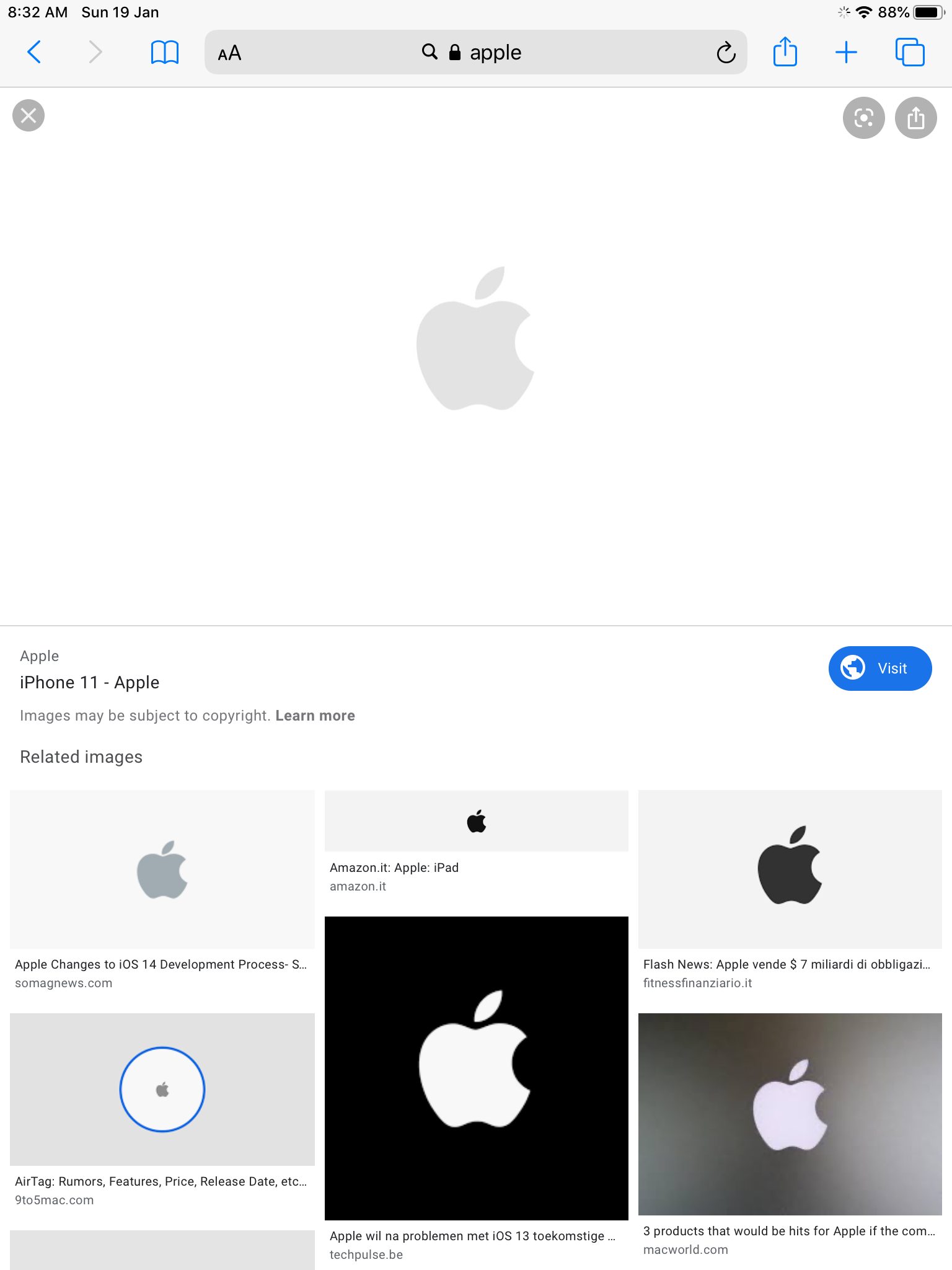
Now hold the link to open the preview
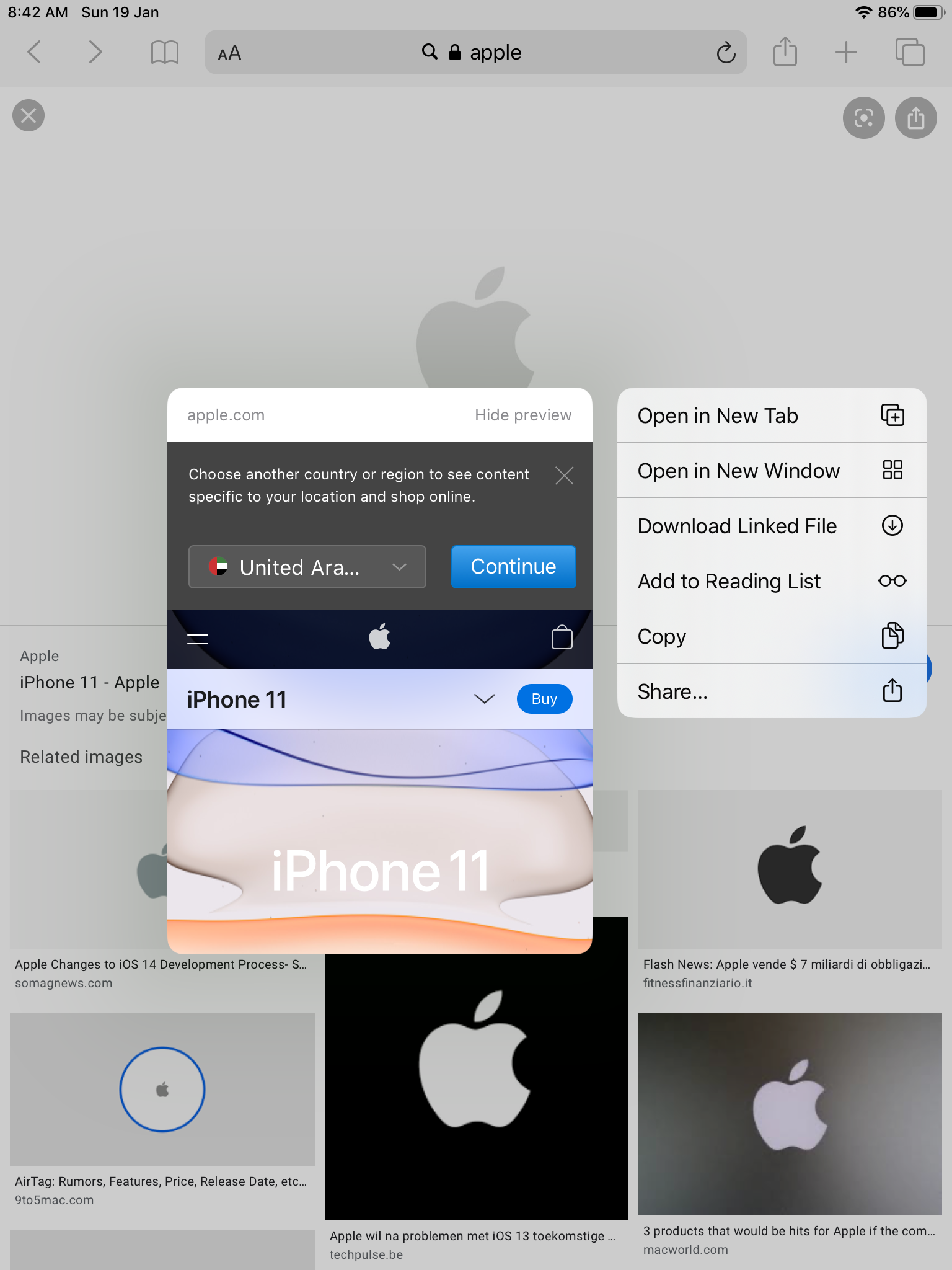
Now click the 'Hide Preview' button of the top right corner of the preview which will turn it into a link and the previews will be hidden for all the other links as well.
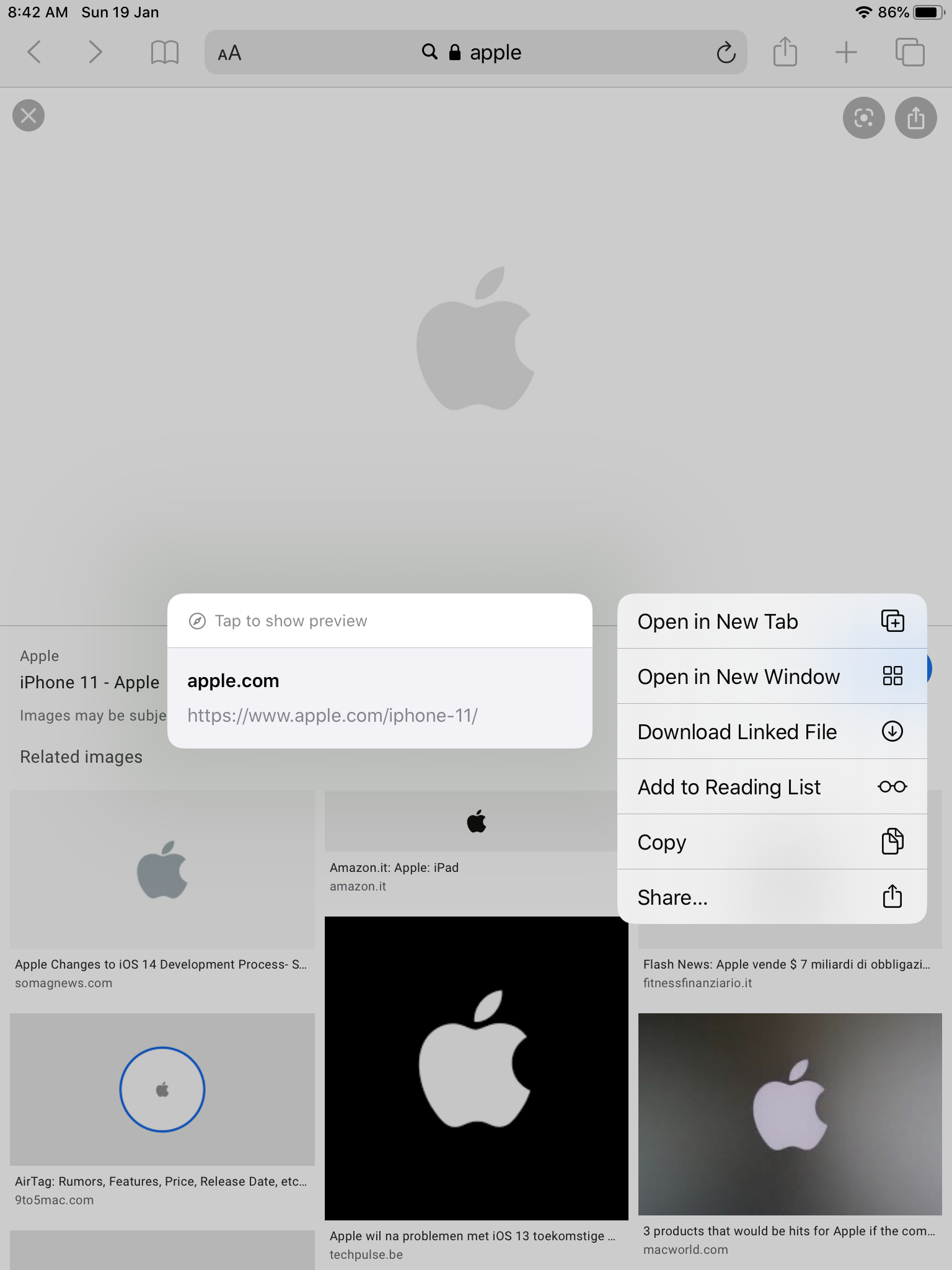

How to undo it?

Since this is not a permanent hiding feature, it can easily be undoable.

To undo it on iPhone 📱, the option of 'Show Preview' will be in the same position of the 'Hide Preview' button. So click on it and there you go! Now you can view previews for each link you wish to do so.

To undo it on iPad, the option of 'Tap to show preview' will be displayed on the top left corner of the preview.


And that is how you can Disable and Enable previews in iOS 13 iPhone and iPad.


Always ready to help,

Arnav



Oct 9, 2019 12:47 PM in response to pops58

NOTICE: I just received this from USA Today app team, which I have verified fixed this issue:


Subject: Thank You for your feedback!

Hello,


Thank you for using our app and providing your feedback.  We've made an update to the latest app version to address this issue thanks, in part, to your comment.


Kindly update the app to the latest version to make sure the fix is in place.  In order to access this version of the app, please load the full page app store listing for USA TODAY in order to verify you're upgrading to the 5.21.3 version of the app (you may get an older version from the search results page). We care about our readers, and we work very hard to build the best news experience for you.


Please email us at USATODAYmobile@USATODAY.com if you are still experiencing this issue.


Thank You


Regards,

Navya Y

Native App Team

This thread has been closed by the system or the community team. You may vote for any posts you find helpful, or search the Community for additional answers.

iOS 13: Touchscreen opens links on web pages at the slightest touch

Welcome to Apple Support Community
A forum where Apple customers help each other with their products. Get started with your Apple Account.

