
How do I keep my repeat on in Apple Music with ios 13?
Does anyone know how to keep the repeat on in Apple Music? I like to keep the shuffle and repeat on. When I pick a different album, the repeat doesn’t stay on.
iPhone XS
Does anyone know how to keep the repeat on in Apple Music? I like to keep the shuffle and repeat on. When I pick a different album, the repeat doesn’t stay on.
iPhone XS
https://support.apple.com/en-us/HT207230
To turn repeat on or off, ask Siri. Or use the controls in the Music app on your iPhone, iPad, iPod touch, Apple Watch, Mac, Android device, or in iTunes for Windows on your PC.
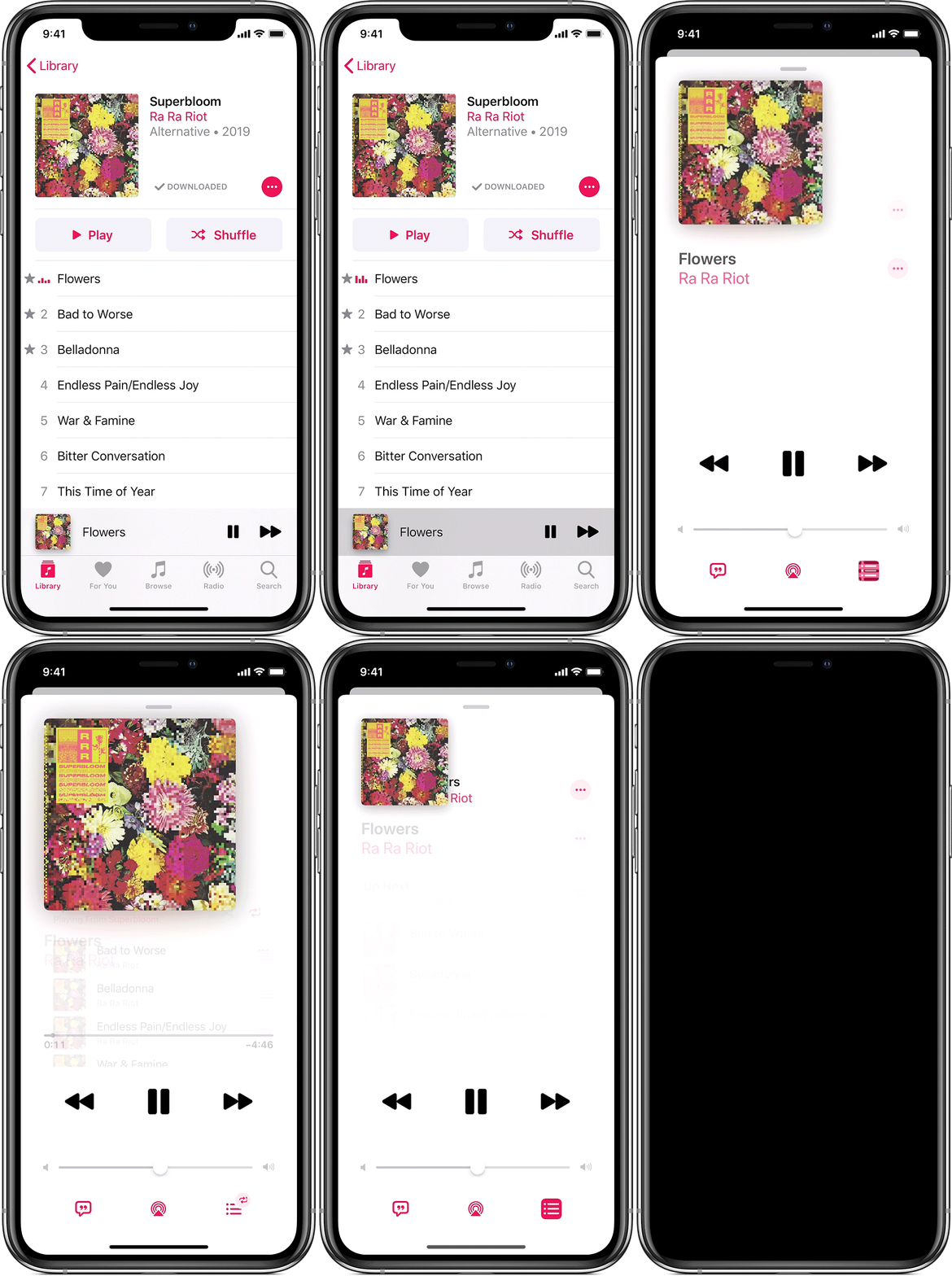
How to turn repeat on or off on your iPhone, iPad, iPod touch, or Android device
 .
. so it looks like
  . until you see
  . or until you see .
To check if repeat is turned on, open Now Playing and look for  or
or  .
.

https://support.apple.com/en-us/HT207230
To turn repeat on or off, ask Siri. Or use the controls in the Music app on your iPhone, iPad, iPod touch, Apple Watch, Mac, Android device, or in iTunes for Windows on your PC.
How to turn repeat on or off on your iPhone, iPad, iPod touch, or Android device
. so it looks like . until you see . or until you see .To check if repeat is turned on, open Now Playing and look for or .
That wasn't the question. In ios 13, unlike previous versions, "repeat" does not stay on. Before, I could just hit shuffle on a playlist or album and it would keep looping over and over again until I either turned it off or went in and did the reverse of the process you detailed to make it NOT repeat. There's no option, or at least no easily-located option, to have repeat default to always on, and there should be. It's unclear why they changed that because it was an awesome, convenient feature and they don't seem to have gained anything by changing it.
How do I keep my repeat on in Apple Music with ios 13?
